58
Playback/Erasing
Æ See the Basic Guide (p. 10)
To Cancel the Magnified Display
Press the zoom lever toward T. (You can also cancel it immediately
by pressing the MENU button or holding down the FUNC./SET
button for more than 1 sec.)
Magnifying Images
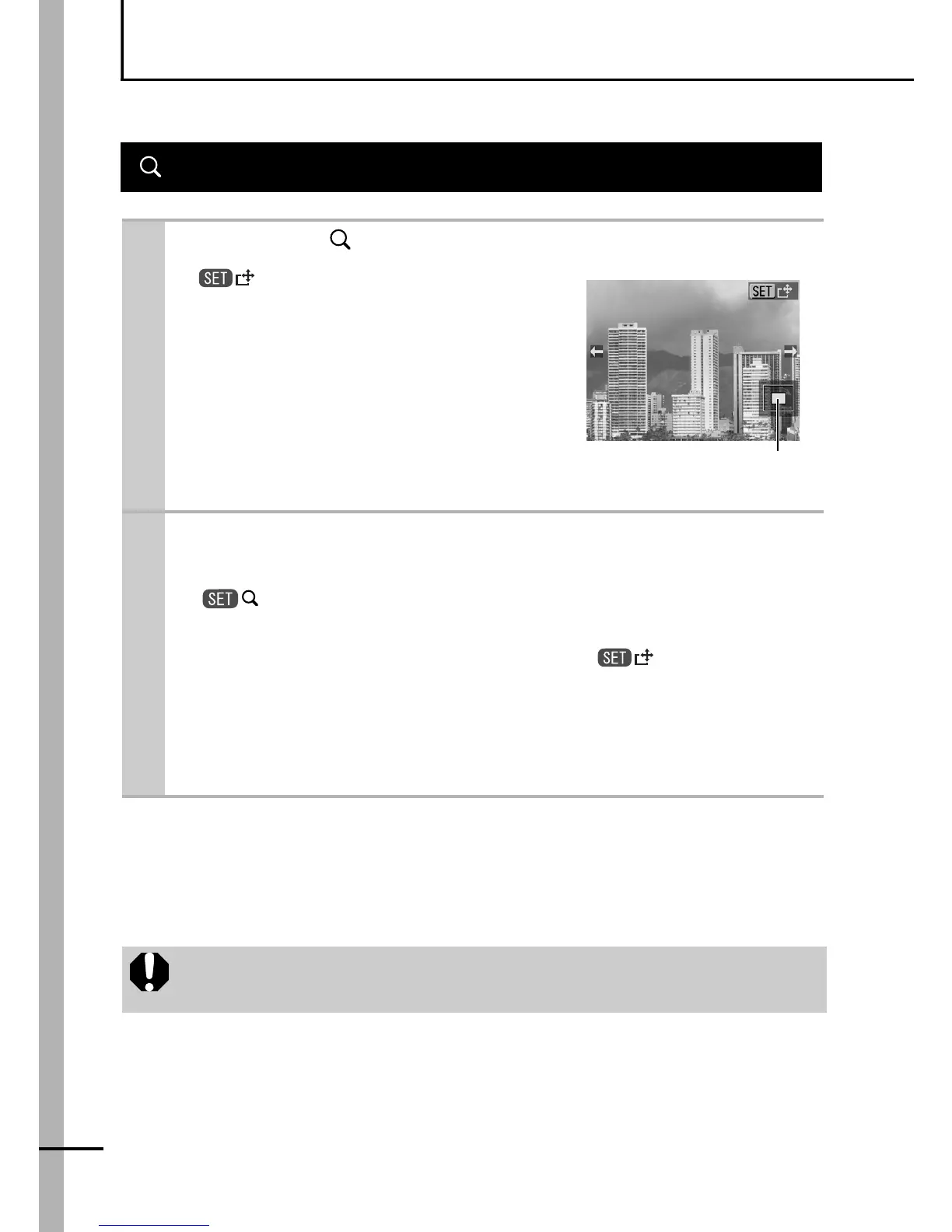
1
Press the button.
z will display and a magnified
portion of the image will display.
zYou can change the magnification
level with the S or T button.
zImages can be magnified up to a
factor of approximately 10x.
2
Press the FUNC./SET button and use the W,
X, S or T button to move around the image.
z will display.
zIf you press the FUNC./SET button once more, the camera
switches to image advance mode and will display.
You can use the W or X button to advance to the next or
previous image at the same level of magnification.
The image advance mode cancels when you press the
FUNC./SET button again.
Movie frames and index playback images cannot be
magnified.
Approximate Location of
the Magnified Area















 To Next Page