35
Shooting
You can set the shutter to a 10 sec. ( ) or 2 sec. delay ( ), or to a
custom delay time and number of shots ( Custom Timer), for shooting
after the shutter button is pressed.
To Cancel the Self-Timer
Select in step1.
Turning off the self-timer sound (p. 25).
z Ensure that the camera's date/time is set
beforehand (p. 26).
z The date stamp cannot be deleted from the image
data once it has been set.
Using the Self-Timer
Shooting Mode
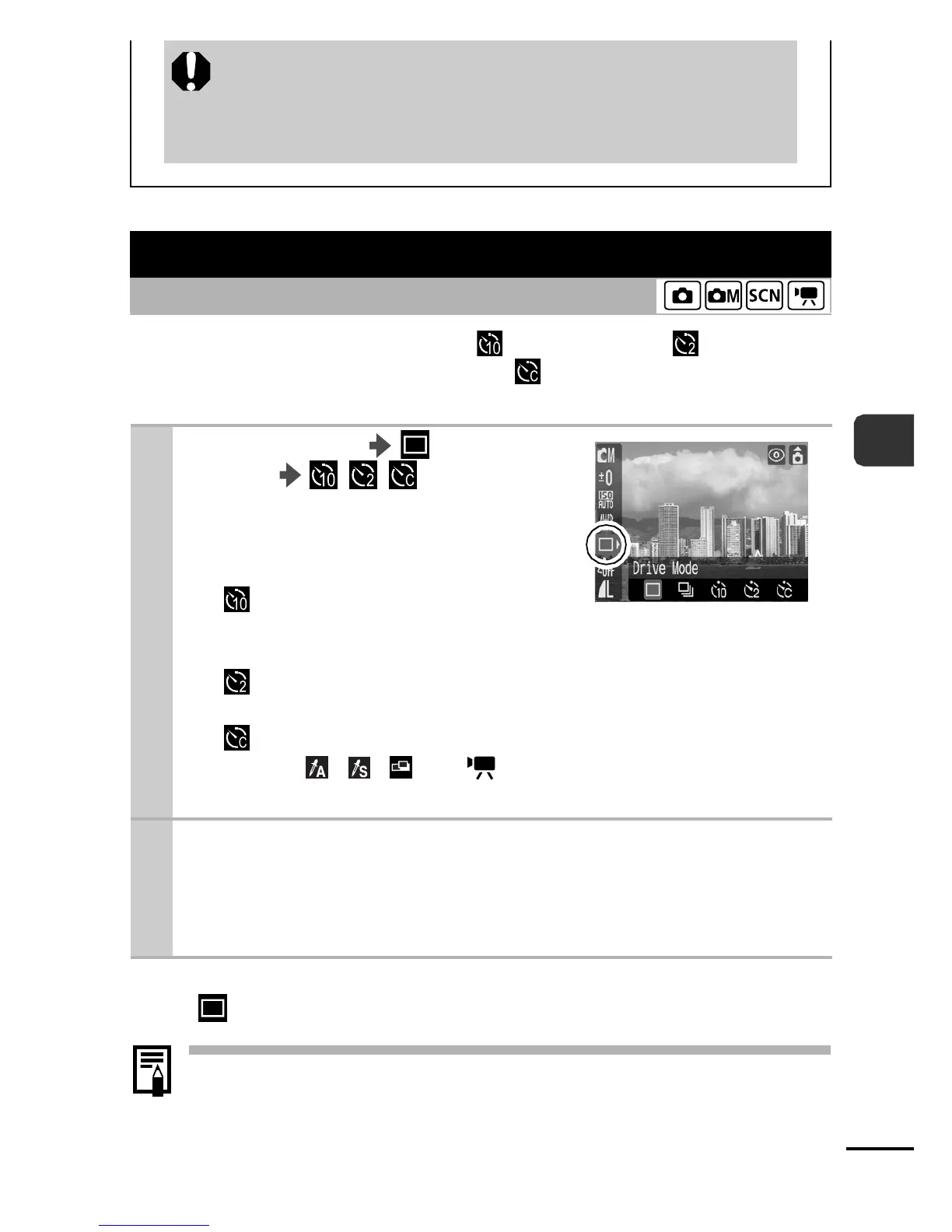
1
FUNC. Menu * (Drive
Mode) / / .
See Menus and Settings (p. 21).
zThe following occurs with each
option.
- : 2 sec. before the shutter
releases, the self-timer sound
and lamp will speed up.
- : The self-timer sound will play when the shutter button
is pressed and the shutter will release 2 sec. later.
-
:
You can change the delay time and number of shots
(p. 36).
, , and modes cannot be set.
* Default setting.
2
Shoot.
zWhen the shutter button is pressed fully, the self-timer lamp
will blink (when using Red-Eye Reduction, it will light before
2 sec.).















 To Next Page