65
Playback/Erasing
Please format the memory card when you want to erase not only
image data but also all the data contained on the card (p. 29).
2
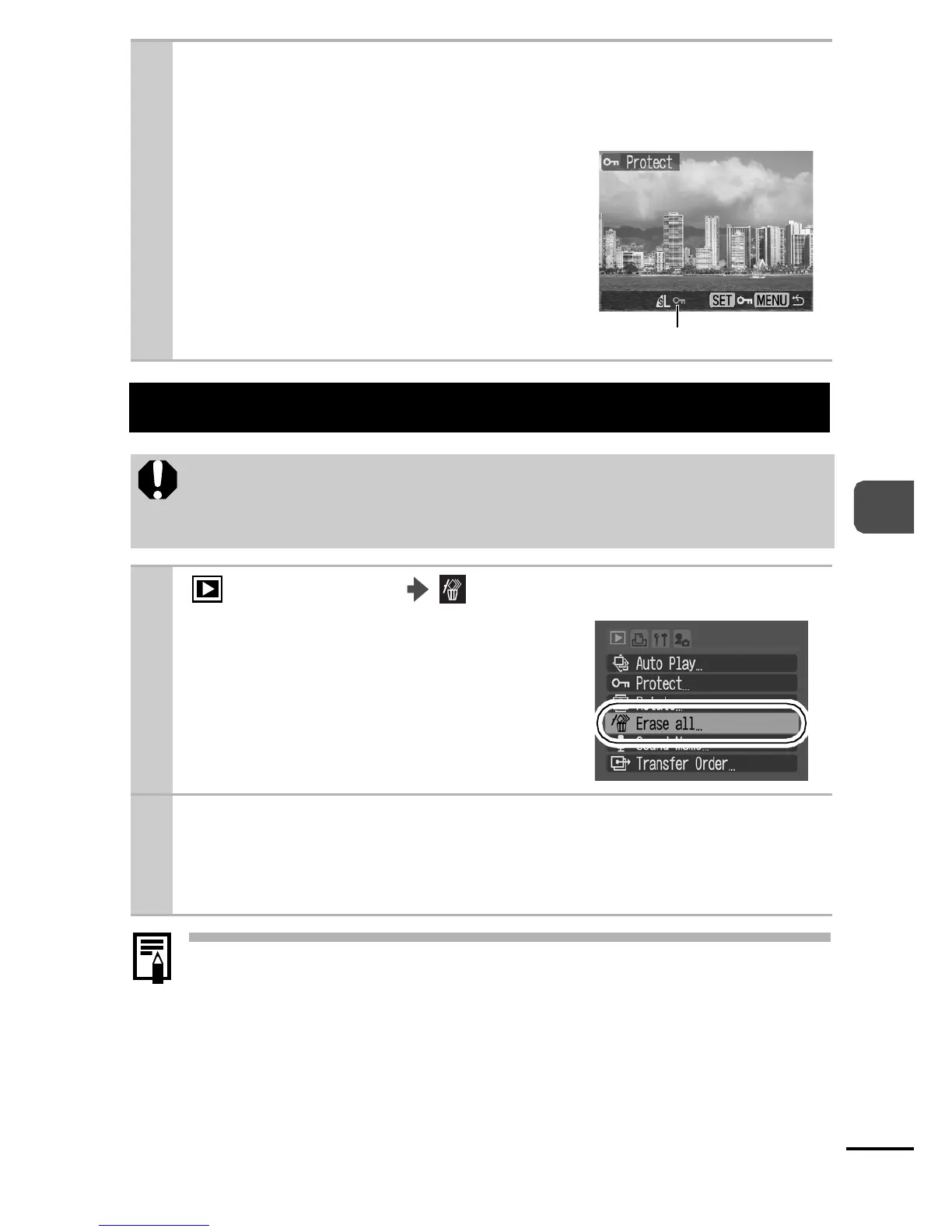
Select an image you want to protect using
the W or X button, and press the FUNC./SET
button.
zPressing the FUNC./SET button
again cancels the setting.
zYou can also protect images in the
index playback mode.
Erasing All Images
z Please note that erased images cannot be recovered.
Exercise adequate caution before erasing an image.
z Protected images cannot be erased with this function.
1
(Play) Menu .
See Menus and Settings (p. 22).
2 Select [OK] and press the FUNC./SET
button.
zTo exit instead of erasing, select [Cancel].
Protection Icon















 To Next Page