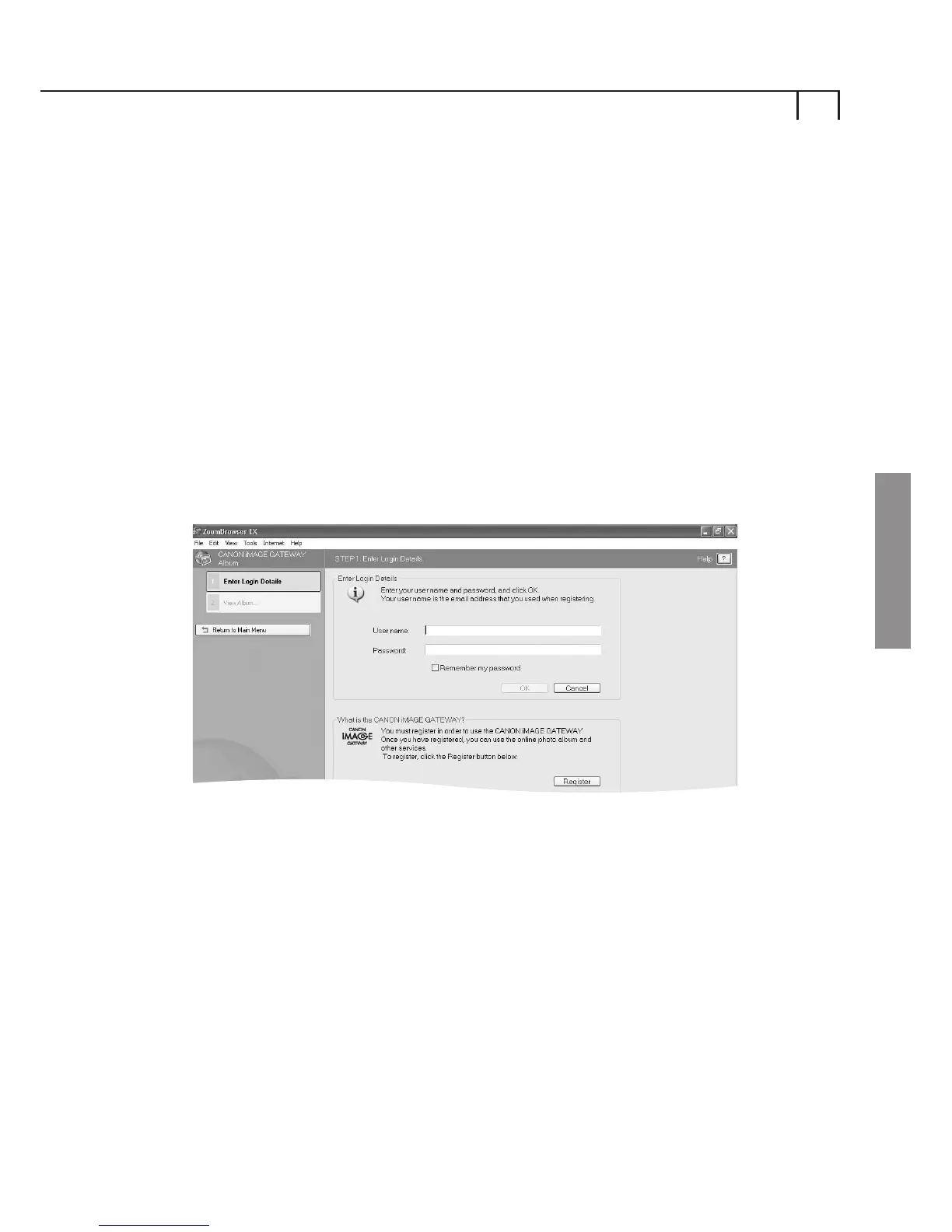
In the Task Area or from the toolbar menu, select Internet,
then select CANON iMAGE GATEWAY Album.
View your Album3
ii)
View Top Page
Click this button to log on to your workspace area on the
CANON iMAGE GATEWAY.
If you are not already registered for the CANON iMAGE
GATEWAY, you can click the Register button as previously
explained in (Registering for CANON iMAGE GATEWAY from
ZoomBrowser EX.)
iv)
10
Enter Your Login Details
Enter your CANON iMAGE GATEWAY login (username and
password) details in the boxes provided.
View Album
Click this button to log on to your album on the CANON iMAGE
GATEWAY and view your images.
If you are not already registered for the CANON iMAGE
GATEWAY, you can click the Register button as previously
explained in (Registering for CANON iMAGE GATEWAY from
ZoomBrowser EX.)
i)
Windows















 To Next Page