11
Windows
In the Task Area or from the toolbar menu, select Internet,
and then select Upload to CANON iMAGE GATEWAY.
You can use this task to upload to CANON iMAGE GATEWAY still
images and movies that have been shot with a Canon camera.
Select Upload Images to CANON iMAGE GATEWAY on the
Internet menu in the Task Area.
Upload images to
CANON iMAGE GATEWAY
4
i)
ii)
Select Images
Click this step to select the images(s) you want to upload.
Both JPEG images & Movie
4
files can be uploaded. You cannot
upload RAW images.
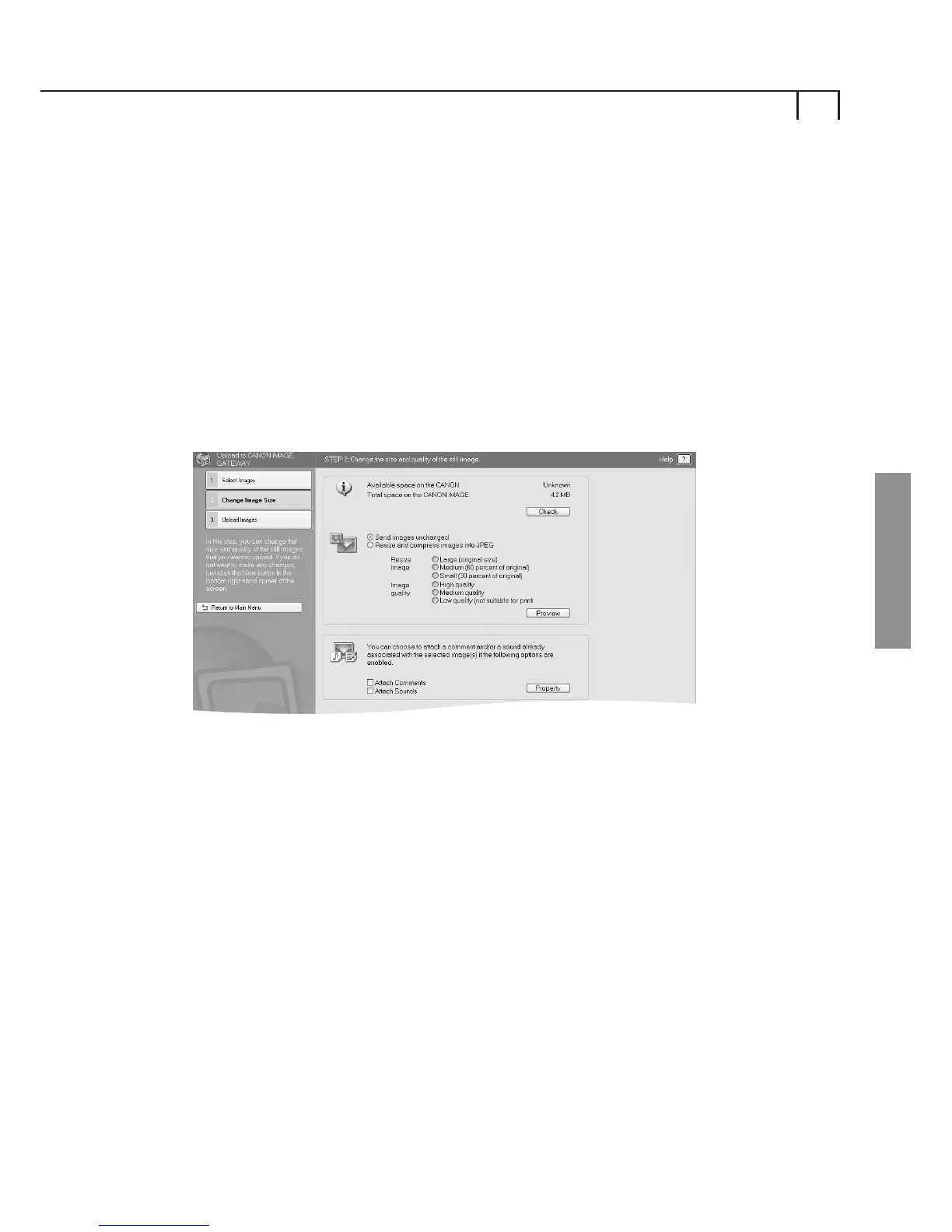
Change Image Size
Click this button to change the size of the images to be uploaded
and also to add comments and sounds to the images you wish
to upload. The images you have selected for upload appear at the
bottom of the page.















 To Next Page