Attach Comments
Select this option if you would like to upload an image with
comments attached. If no comment has been attached to
the image, you can add your comments in the Properties
Window that appears when you click the Properties button.
Attach Sounds
Select this option if you would like to upload an image with
a sound file attached to it. If no sound file has been attached
to the image, you can add one by clicking the Properties
button.
Please Note: This task does not support images larger than
5,000 x 5,000 pixels, Raw images and Images with file
names longer than 64 bytes.
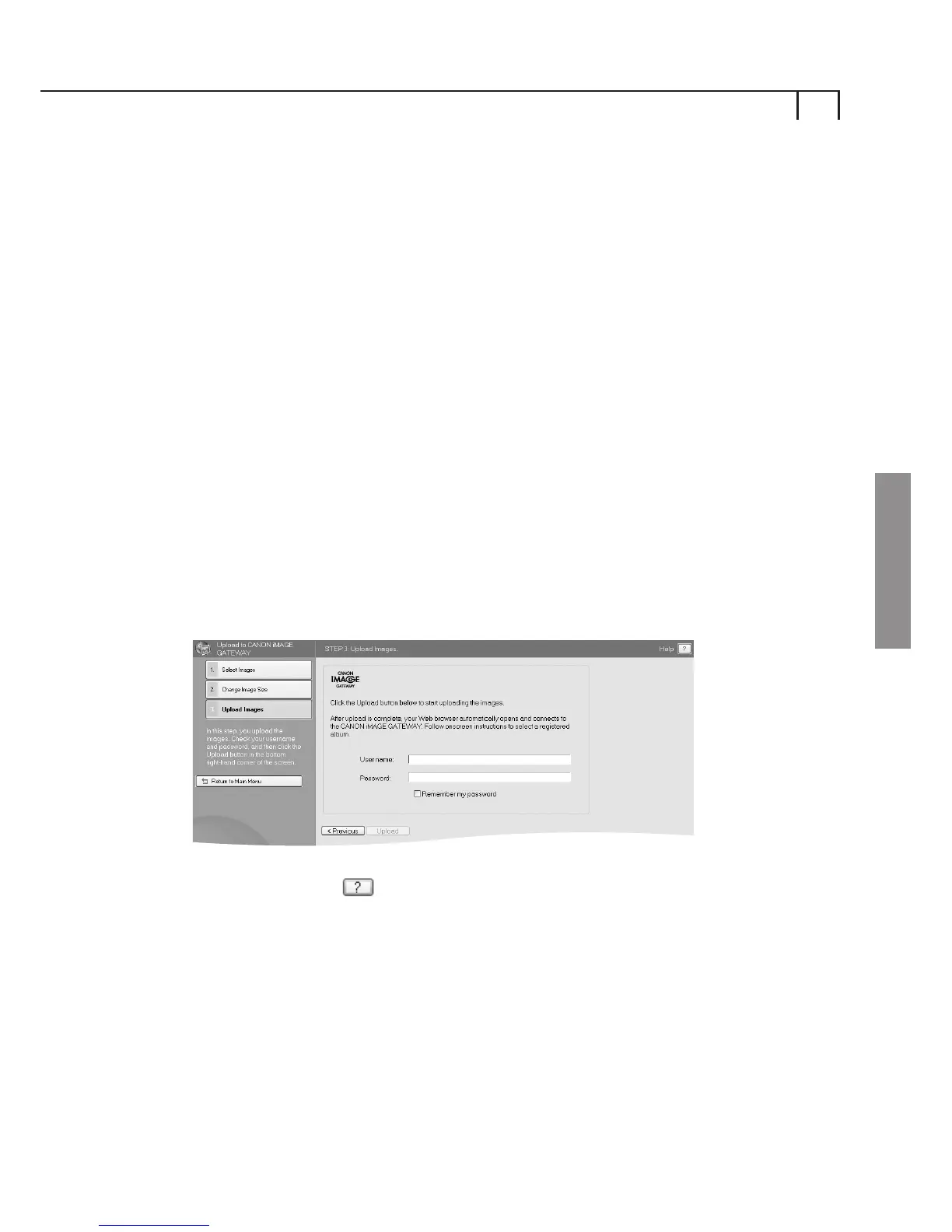
Upload Images
Enter your CANON iMAGE GATEWAY login (username and
password) details in the boxes provided.
Click the Upload button to start the upload process.
Please click on icon for further information on Uploading
Images and changing the Still Image Size.
v)
iii)
iv)
12
Windows















 To Next Page