52
The ISO speed will increase with some settings, which may
increase the noise in the image.
1
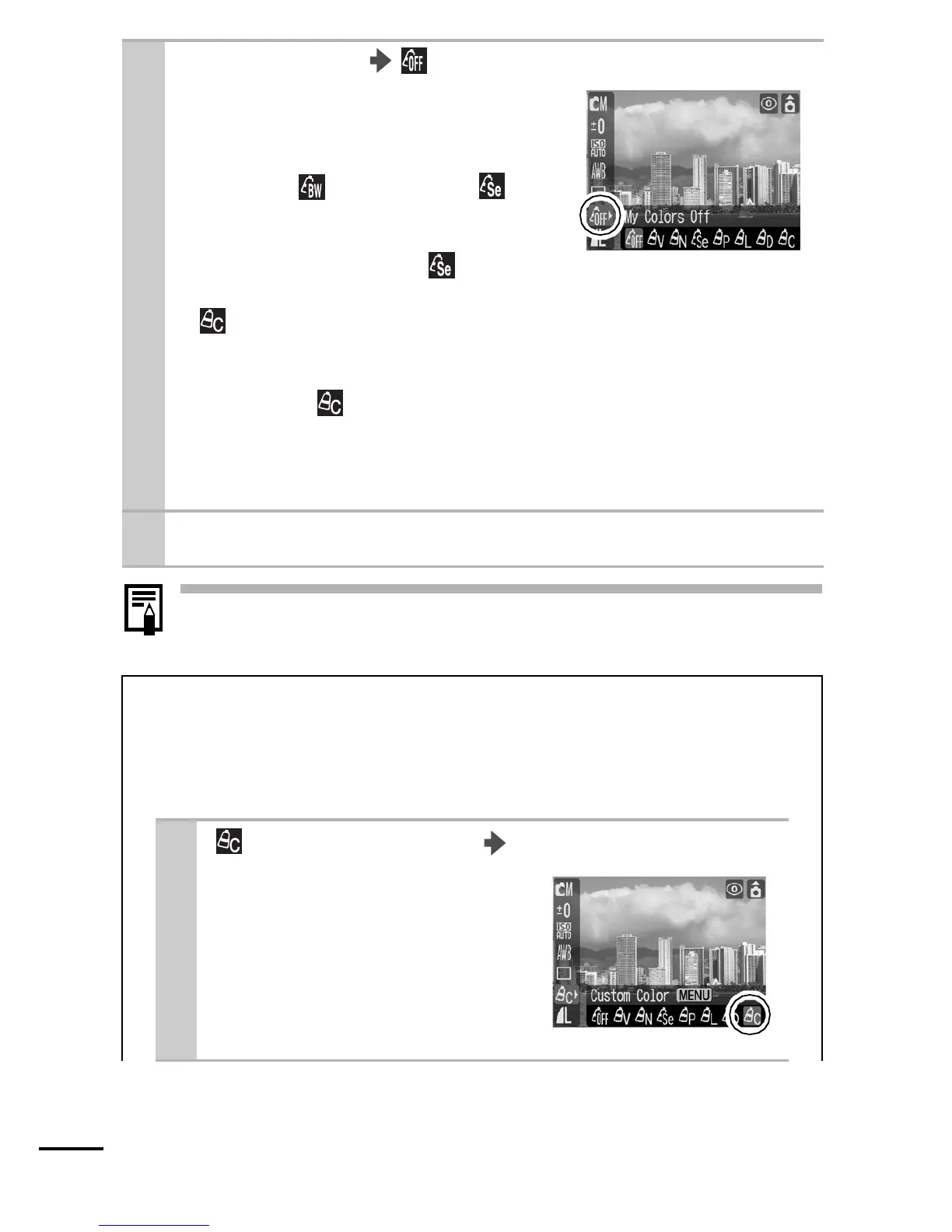
FUNC. Menu * (My Colors Off).
See Menus and Settings (p. 21).
zUse the W or X button to select a
My Colors mode.
zTo select (B/W), select *
(Sepia) and press the Menu
button. Pressing the Menu button
again brings back the (Sepia)
option.
z Mode
Set the camera to a custom color mode and begin shooting
(below).
zOther than Mode
Press the FUNC./SET button to return to the shooting
screen and begin shooting.
* Default setting.
2
Shoot.
Setting the Camera to a Custom Color
Mode
You can adjust the contrast, sharpness, saturation, red,
green, blue, or skin tone balance and shoot.
1
(Custom Color) Menu button.
See Menus and Settings (p. 22).















 To Next Page