Follow the installation instructions (please refer to the
software guide on your Manuals CD). After successful
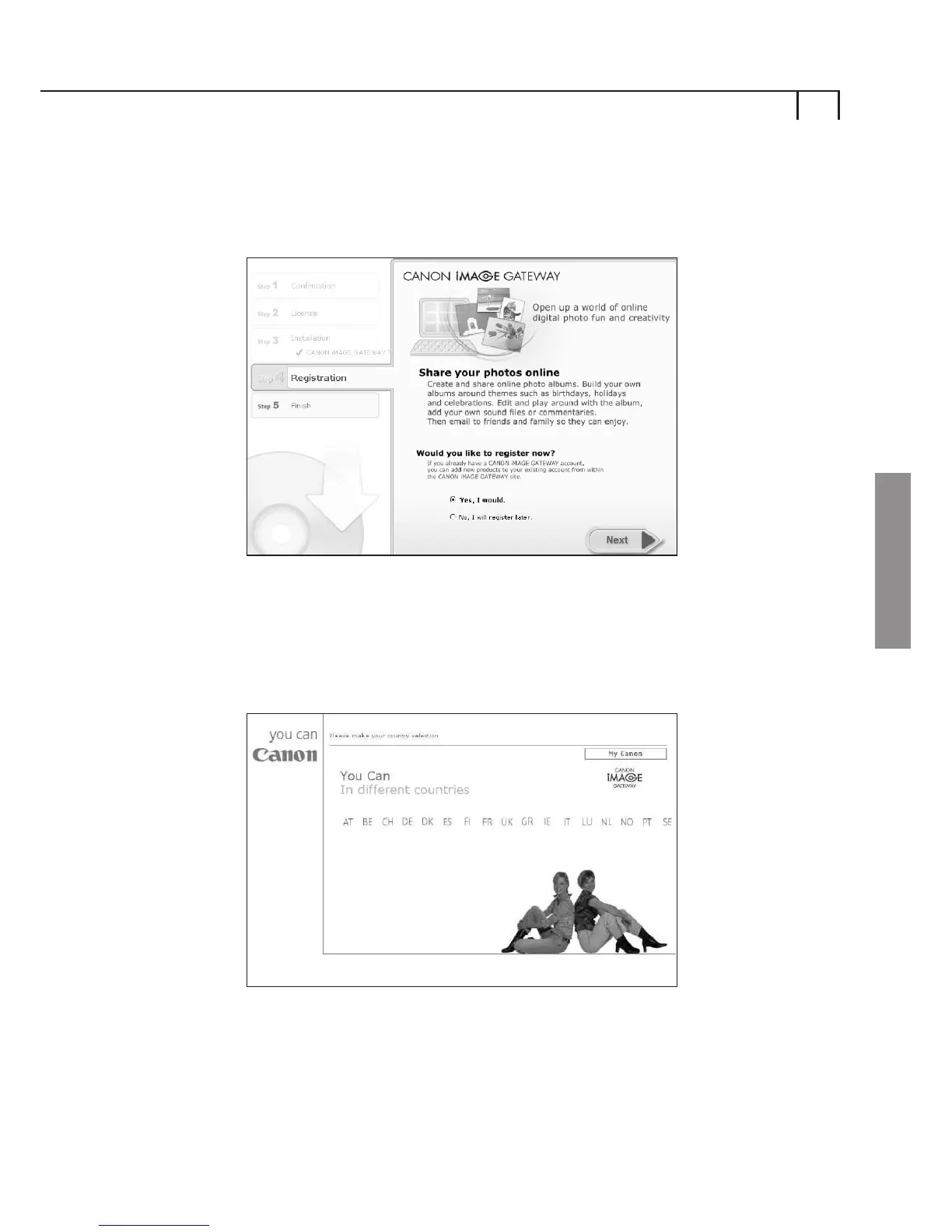
installation of the software, you will see the following screen
where you are asked if you would like to register now:
In order to register for CANON iMAGE GATEWAY, select
Yes, I would and select Next which will open a new
internet browser window with the Country Selection page
on the CANON iMAGE GATEWAY site:
Select your country of residence and follow the instructions
on screen to register with the CANON iMAGE GATEWAY site.
In order to register for CANON iMAGE GATEWAY you will need
to have a valid email address in order for your account details
and password to be sent.
3
Windows















 To Next Page