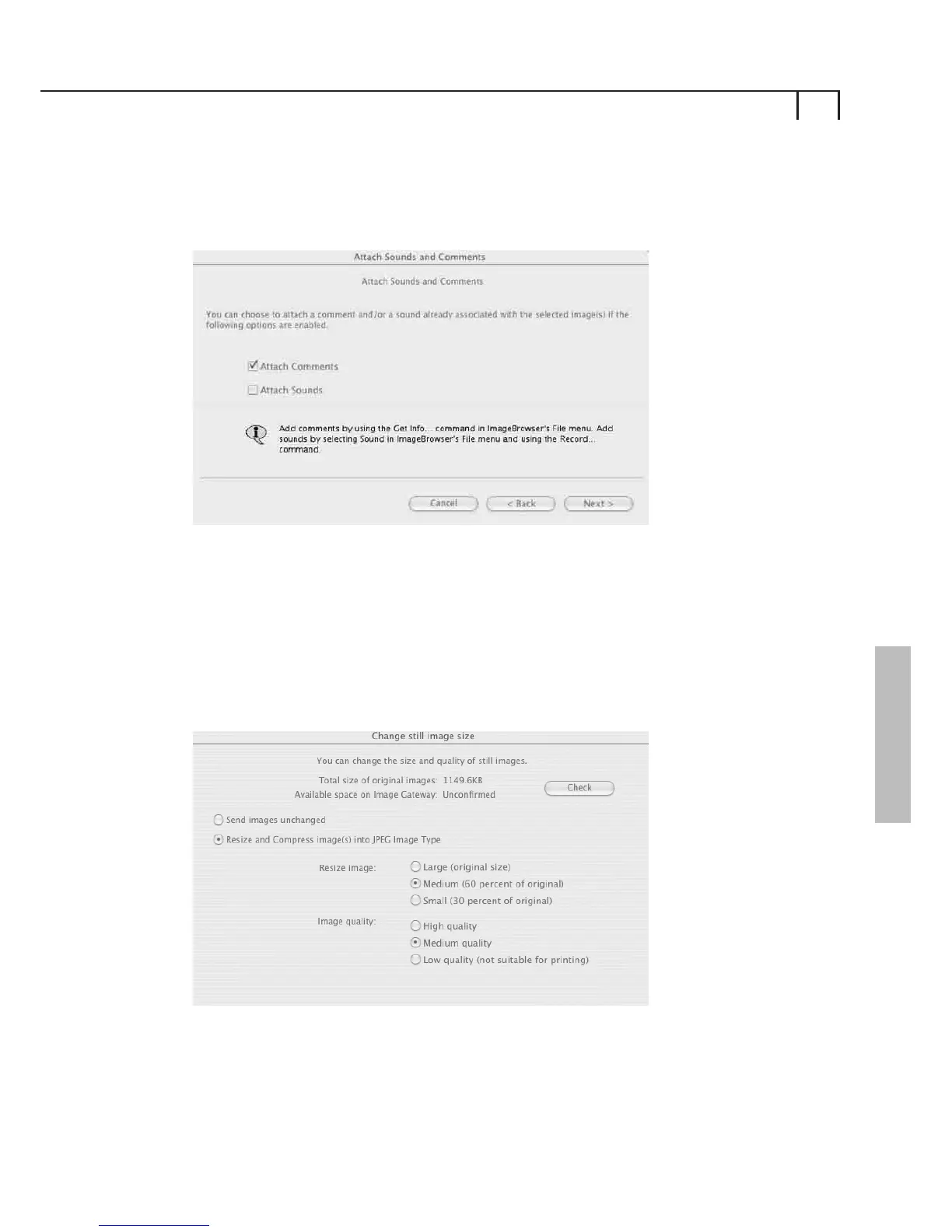
Attach Sounds and Comments
You can attach sounds or comments to upload with
your images.
Click Next to continue, click Back to go to the previous step,
or Cancel to exit the upload process.
Change Still Image Size
You can then choose to change the size of the images to
be uploaded.
iii)
iv)
19
Macintosh















 To Next Page