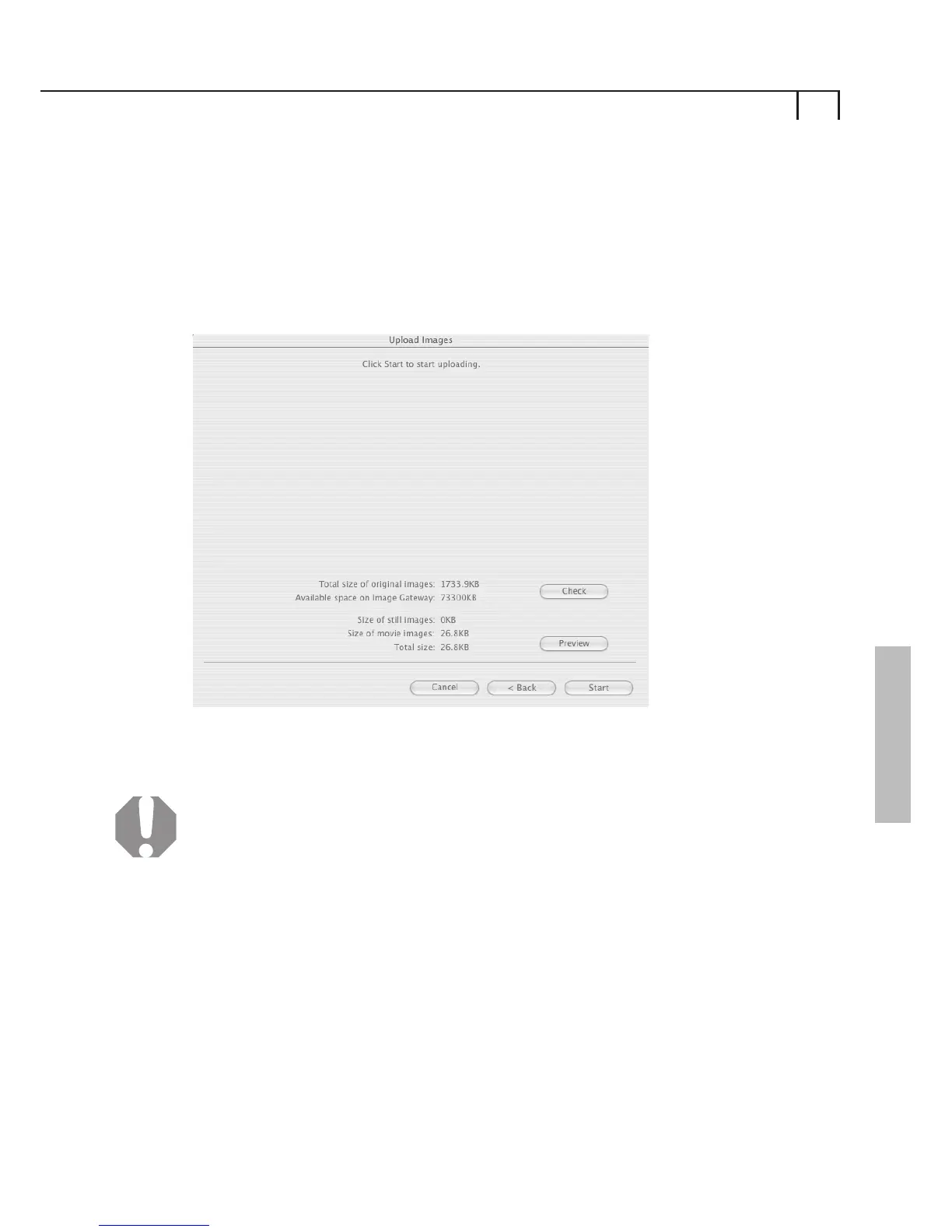
You can view the compressed movie by clicking on Preview.
We recommend that you view your movie before uploading
to check the quality as conversion can lead to deterioration in
image quality.
Upload Images
Click this button to start the upload process.
Click Next to continue, click Back to go to the previous step,
or Cancel to exit the upload process.
4
Please Note: To use Movie upload function, you must first
download and install the Image Gateway Upload Task
which is available from My Account > Download Software
section of the CANON iMAGE GATEWAY site.
From the toolbar menu, select Internet, then select
ImageGateway Album.
Enter Login Details
Enter your Canon Image Gateway login (username and
password) details in the boxes provided and click OK.
vi)
View your Album4
21
Macintosh
i)















 To Next Page