38
1
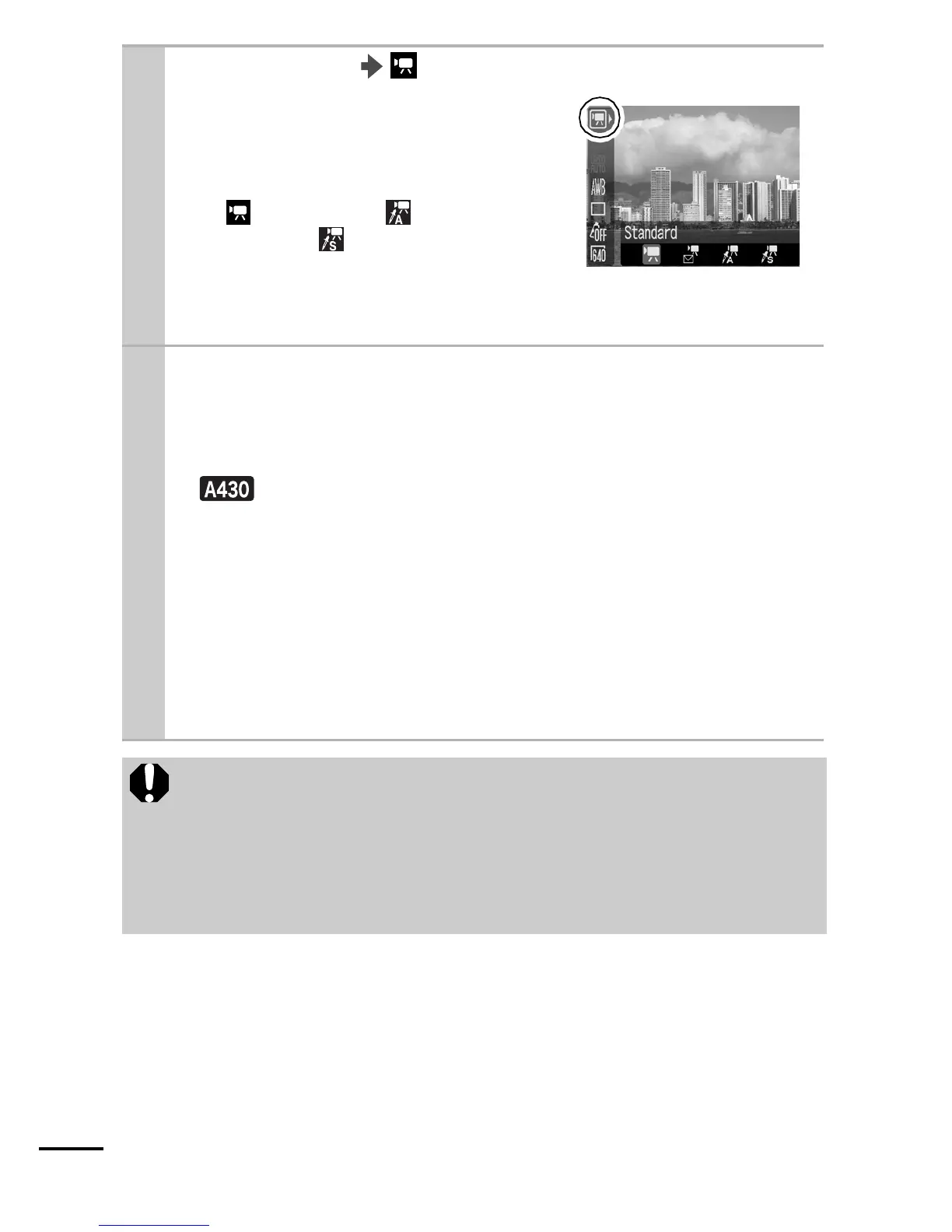
FUNC. Menu * (Standard).
See Menus and Settings (p. 21).
zUse the W or X button to select a
movie mode and press the FUNC./
SET button.
zIn (Standard), (Color
Accent), or (Color Swap)
modes, you can change the
recording pixels/frame rate (p. 39).
* Default setting.
2
Shoot.
zPressing the shutter button halfway automatically sets the
exposure, focus and white balance settings.
zPressing the shutter button fully starts recording video.
z Recording will include sound simultaneously.
zDuring shooting the recording time and a red circle appear
on the LCD monitor.
zPressing the shutter button fully again stops recording.
Recording will stop automatically under the following
circumstances.
- When the maximum recording capacity or time is reached
- When the internal memory and the memory card becomes
full
z You are recommended to use a memory card that has
been formatted in your camera to shoot movies (p. 29).
The card supplied with the camera may be used without
further formatting.
z The focus and zoom settings remain fixed for subsequent
frames at the values selected for the first frame.















 To Next Page