67
Print Settings/Transfer Settings
All the Images on a Memory Card
2
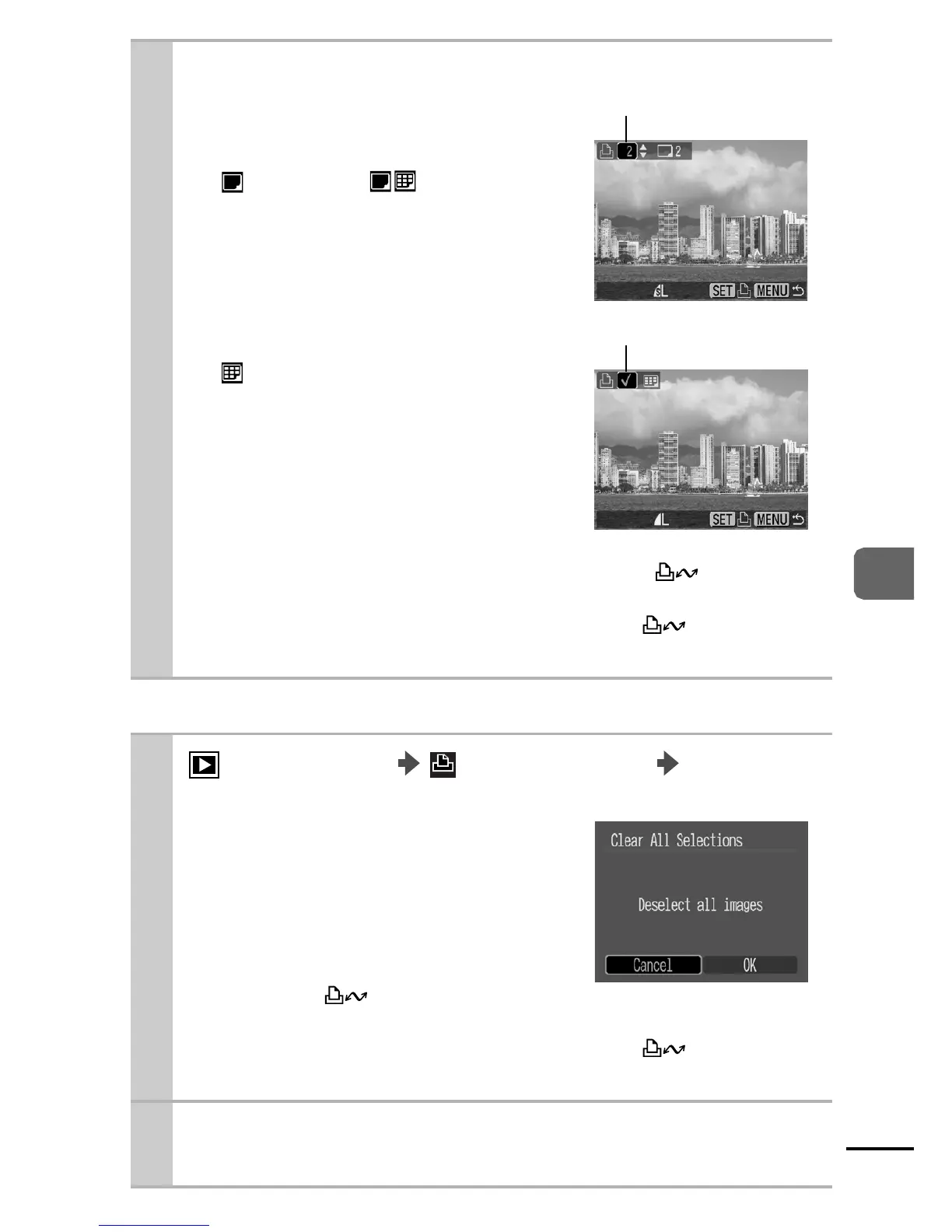
Select images for printing.
zAs shown below, selection
methods differ for the Print Type
settings (p. 68).
- (Standard)/ (Both)
Select an image, press the
FUNC./SET button and use the
S or T button to select the
number of print copies (up to
99).
- (Index)
Select an image and the press
FUNC./SET button to select or
deselect it.
zYou can also select images in the
index playback mode.
zIf the camera is connected to a printer, the button
lights blue during image selection. Printing starts after
pressing the FUNC./SET button once the button is
pressed and [Print] selection is confirmed.
1
(Play) Menu
(Print) Menu [Select
All Images].
zOne copy of every image will be
set to print.
zSelecting [Clear All Selections]
cancels all print settings for the
images.
zIf the camera is connected to a
printer, the button lights blue
after the FUNC./SET button is pressed. Printing starts after
pressing the FUNC./SET button once the button is
pressed and [Print] selection is confirmed.
2 Use the W or X button to select [OK] and
press the FUNC./SET button.
Number of Print Copies
Index Print Selection















 To Next Page