Printer Parts and Their Functions
•
Tool
Box
Submenus
You
can
select Maintenance to perform maintenance or Device settings to
configure the printer settings.
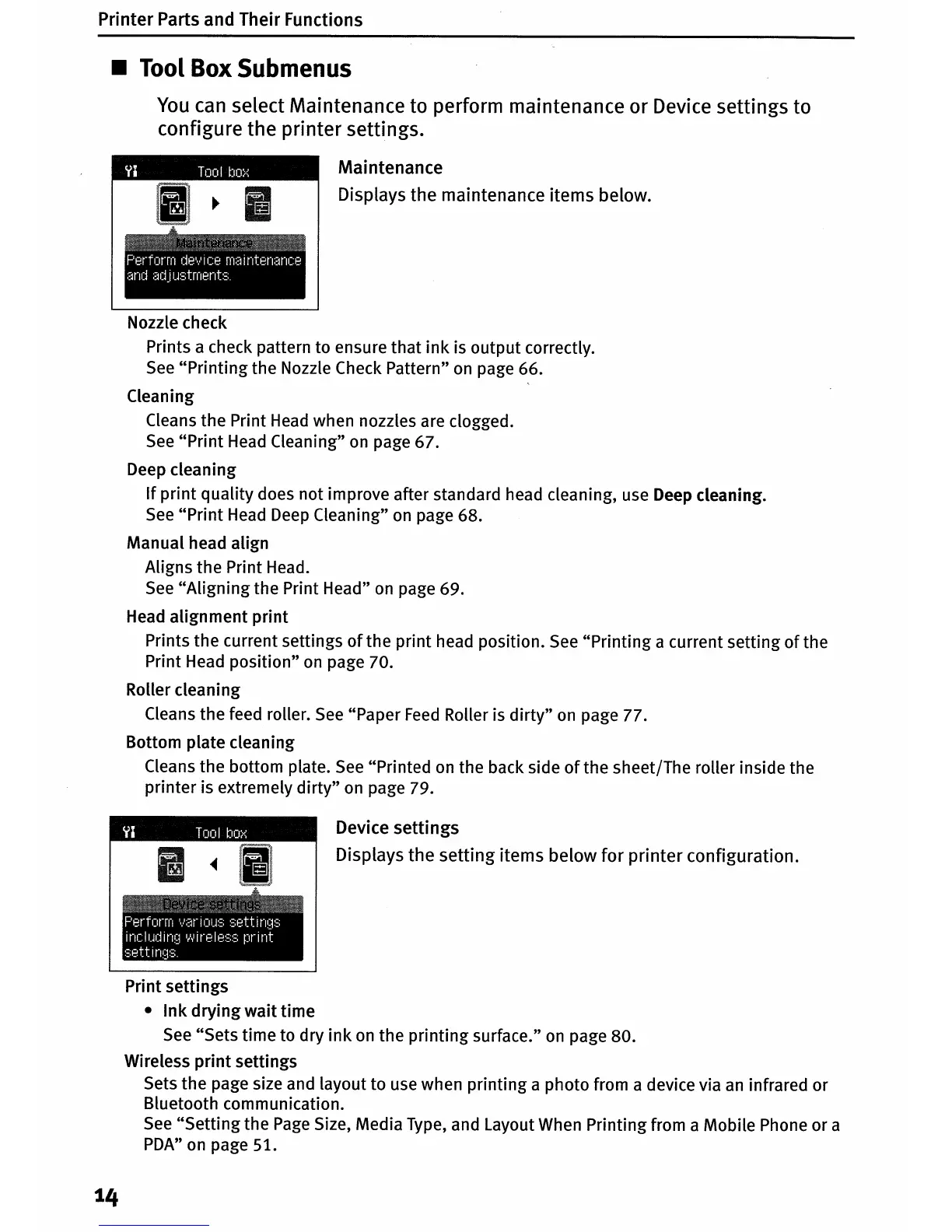
Maintenance
Displays the maintenance items below.
Nozzle check
Prints a check pattern to ensure that
ink
is output correctly.
See
"Printing
the Nozzle Check Pattern"
on
page 66.
Cleaning
Cleans the Print
Head
when nozzles are clogged.
See
"Print
Head
Cleaning"
on
page 67.
Deep cleaning
If
print
quality does not improve after standard head cleaning, use Deep cleaning.
See
"Print
Head
Deep
Cleaning"
on
page 68.
Manual head align
Aligns the Print Head.
See
"Aligning
the Print Head"
on
page 69.
Head alignment
print
Prints the current settings
of
the print head position.
See
"Printing a current setting
of
the
Print Head position"
on
page 70.
Roller cleaning
Cleans the feed roller.
See
"Paper
Feed
Roller is
dirty"
on
page 77.
Bottom plate cleaning
Cleans the bottom plate.
See
"Printed
on
the back side
of
the sheet/The roller inside the
printer is extremely
dirty"
on
page 79.
Devi
ce
settings
Displays the setting items below for printer configuration.
Print settings
•
Ink
drying
wait time
See
"Sets time to dry
ink
on
the printing surface."
on
page 80.
Wireless
print
settings
Sets the page size and layout to use when printing a photo from a device via
an
infrared or
Bluetooth communication.
See
"Setting
the
Page
Size, Media Type, and Layout When Printing from a Mobile Phone or a
PDA"
on
page 51.
14












 To Next Page