Troubleshooting
Possible Cause
ITry This
Paper
Jams
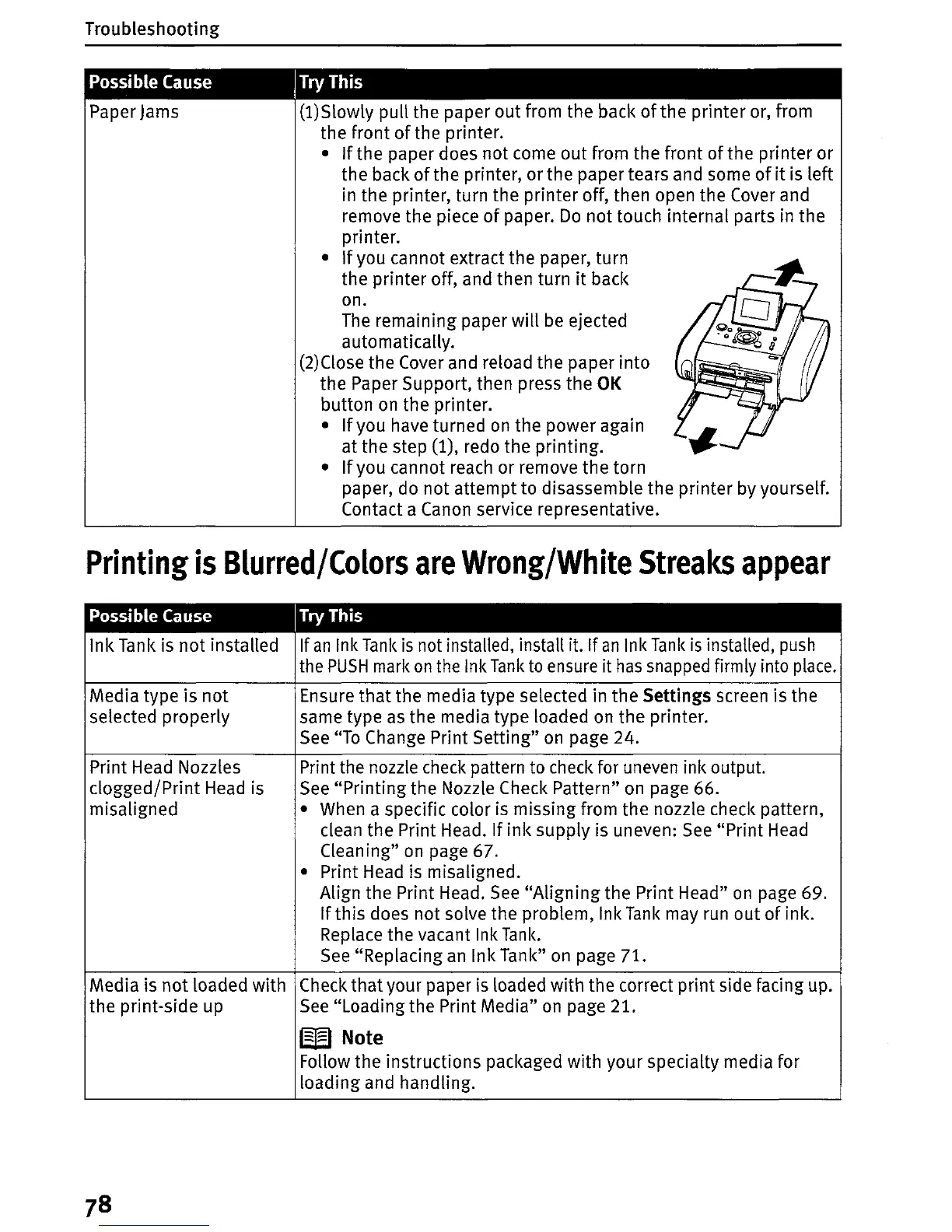
(l)Slowly
pull the paper out from the back
of
the printer or, from
the front
of
the printer.
•
If
the paper does
not
come out from the front
of
the printer or
the back
of
the printer, or the paper tears and some
of
it
is left
in the printer, turn the printer off, then open the Cover and
remove the piece
of
paper.
Do
not touch internal parts in the
printer.
•
If
you cannot extract the paper, turn
the printer off, and then turn
it
back
on.
The
remaining paper will
be
ejected
automatically.
(2)Close the Cover and reload the paper
into
the Paper Support, then press the OK
button on the printer.
•
If
you have turned
on
the power again
at the step
(1), redo
the
printing.
•
If
you cannot reach or remove the torn
paper, do
not
attempt to disassemble the printer by yourself.
Contact a Canon service representative.
Printing
is
Blurred/Colors
are
Wrong/White
Streaks
appear
Possible Cause
ITry This
Ink Tank is
not
installed If
an
Ink
Tank
is
not installed, install it. If
an
Ink
Tank
is
installed,
push
the
PUSH
mark
on
the Ink
Tank
to
ensure it
has
snapped firmly into
place.
Media type is
not
Ensure
that
the media type selected in the Settings screen is the
selected properly same type
as
the media type loaded on the printer.
See
"To Change Print Setting"
on
page 24.
Print Head Nozzles Print the nozzle check pattern to check for uneven ink output.
clogged/Print
Head
is
See
"Printing
the Nozzle Check Pattern" on page 66.
misaligned
• When a specific color is missing from the nozzle check pattern,
clean the Print Head.
If
ink
supply is uneven:
See
"Print
Head
Cleaning" on page
67.
• Print Head is misaligned.
Align the Print Head.
See
"Aligning
the Print Head"
on
page 69.
If
this does not solve the problem, Ink
Tank
may run
out
of
ink.
Replace the vacant Ink
Tank.
See
"Replacing
an
Ink Tank"
on
page 71.
Media is
not
loaded
with
Check
that
your paper is loaded with the correct print side facing up.
the print-side up
See
"Loading the Print Media" on page 21.
W Note
Follow the instructions packaged with your specialty media for
loading and handling.















 To Next Page