Preparation When Using the Printer
• Border
Bordered Prints
with
a border.
Borderless Prints
on
the whole paper
without
a border.
•
Date/file
no.
No
date/file
no Does
not
print
the date the photo was taken.
Print date only Prints the date the photo was taken.
Print file no. only Prints file numbers
(DCF
numbers)
on
photos.
Print date
&file no
..
Prints
shooting
dates and file numbers
(DCF
numbers)
on photos.
W Note
You
can
change the date display format.
See
"Changing the Other Settings"
on
page 43.
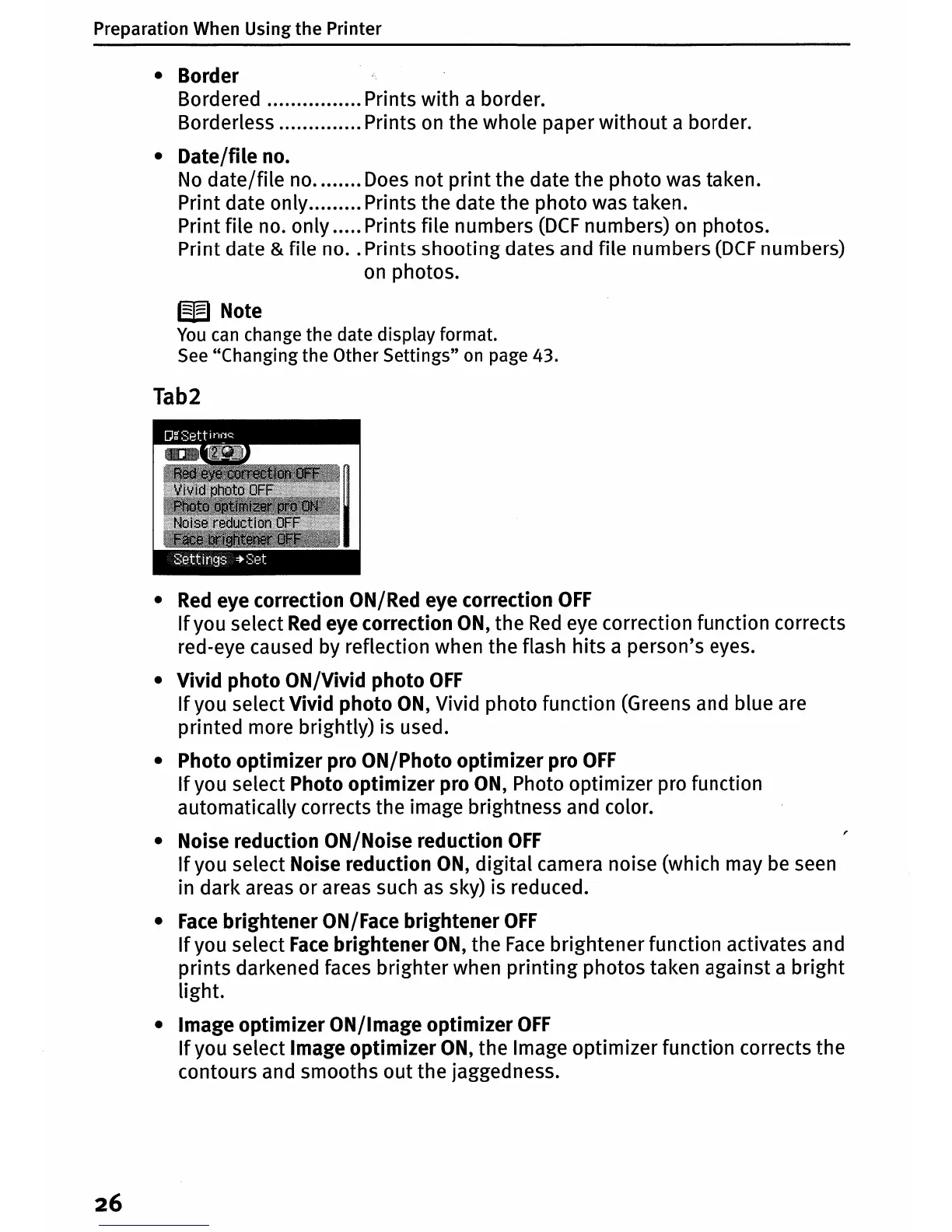
Tab2
•
Red
eye correction ON/Red eye correction
OFF
If
you select
Red
eye correction
ON,
the
Red
eye correction function corrects
red-eye caused by reflection when the flash
hits
a person's eyes.
• Vivid
photo
ON/Vivid
photo
OFF
If
you select Vivid
photo
ON,
Vivid photo function (Greens and blue are
printed more brightly) is used.
• Photo
optimizer
pro ON/Photo
optimizer
pro
OFF
If
you select Photo
optimizer
pro
ON,
Photo optimizer pro function
automatically corrects the image brightness and color.
• Noise reduction ON/Noise reduction
OFF
If
you select Noise reduction
ON,
digital
camera noise (which may
be
seen
in
dark
areas
or
areas such
as
sky) is reduced.
•
Face
brightener
ON/Face
brightener
OFF
If
you select
Face
brightener
ON,
the
Face
brightener function activates and
prints
darkened faces brighter when
printing
photos taken against a
bright
light.
• Image
optimizer
ON/Image
optimizer
OFF
If
you select Image
optimizer
ON,
the Image optimizer function corrects the
contours and smooths out the jaggedness.
26















 To Next Page