Printing from the Memory
Card
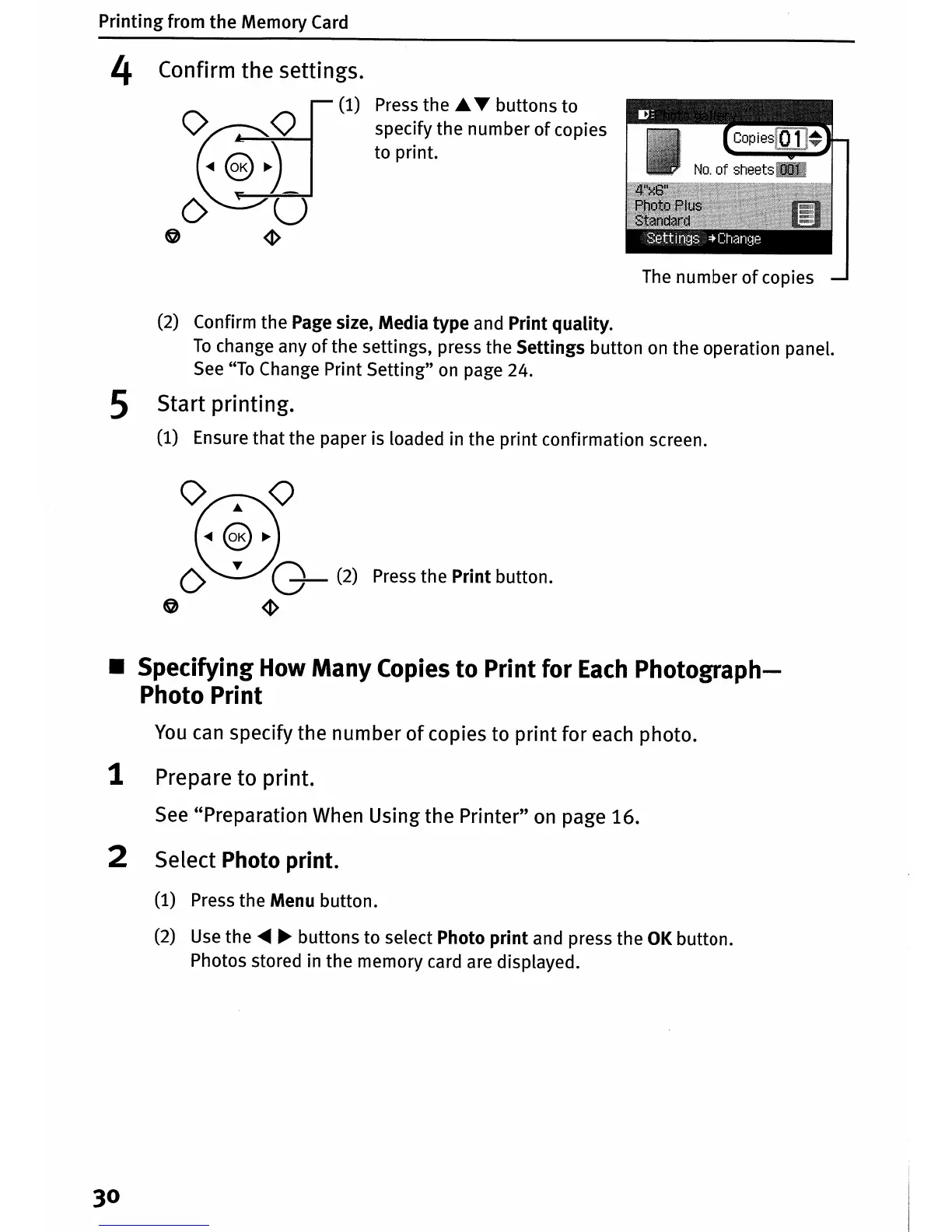
4 Confirm the settings.
o
~(1)
~
o u
o
~
Press
the A
...
buttons to
specify the number
of
copies
to print.
The
number
of
copies
(2) Confirm the Page size, Media type and Print quality.
To
change any
of
the settings, press the Settings button
on
the operation panel.
See
"To
Change Print Setting"
on
page 24.
5 Start printing.
(1)
Ensure that the paper is loaded in the print confirmation screen.
0
8
°
...
@~
o T
0-
(2) Press the Print button.
o
~
• Specifying How Many Copies
to
Print for
Each
Photograph-
Photo Print
You
can
specify the number
of
copies to print for
each
photo.
1 Prepare to print.
See
"Preparation When Using the Printer"
on
page 16.
2 Select Photo print.
(1) Press the Menu button.
(2)
Use
the
.....
~
buttons to select Photo
print
and press the
OK
button.
Photos stored in the memory card are displayed.
30















 To Next Page