Troubleshooting
Camera Error Message
I
Try
This
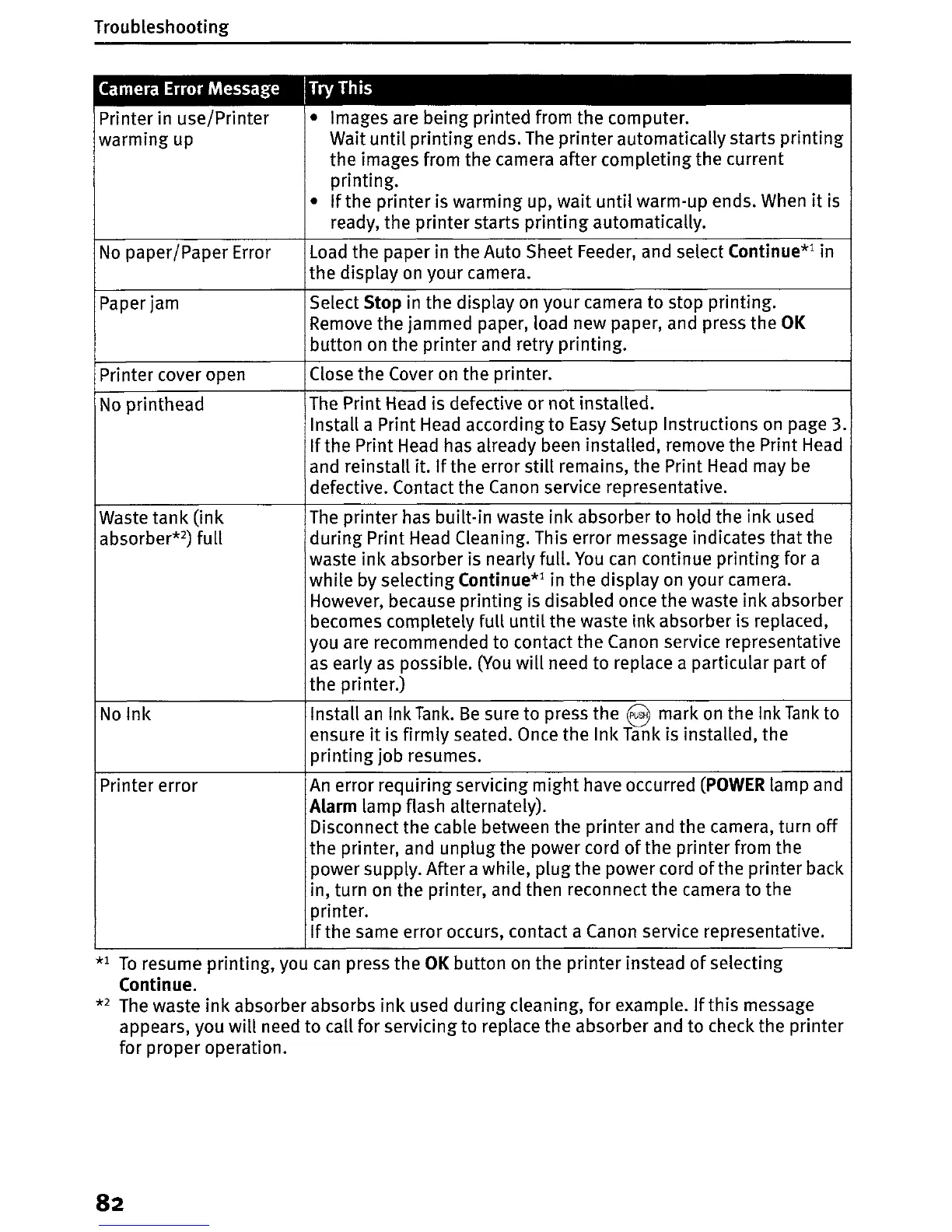
Printer in use/Printer • Images are being printed from the computer.
warming up Wait
until
printing ends.
The
printer automatically starts
printing
the images from the camera after completing the current
printing.
•
If
the printer is warming up,
wait
until
warm-up ends. When
it
is
ready, the printer starts
printing
automatically.
No
paper/Paper Error
Load
the paper in the Auto Sheet Feeder, and select Continue*l in
the display on your camera.
Paper jam Select Stop in the display
on
your camera to stop printing.
Remove the jammed paper, load new paper, and press the
OK
button
on
the printer and retry printing.
Printer cover open
Close the Cover
on
the printer.
No
printhead
The
Print Head is defective or
not
installed.
Install a Print
Head
according to
Easy
Setup Instructions
on
page 3.
If
the Print Head has already been installed, remove the Print Head
and reinstall it.
If
the error still remains, the Print
Head
may
be
defective. Contact the Canon service representative.
Waste tank
(ink
The
printer has built-in waste
ink
absorber to hold the ink used
absorber*2) full
during Print Head Cleaning. This error message indicates
that
the
waste
ink
absorber is nearly full.
You
can
continue printing for a
while by selecting Continue*1 in the display
on
your camera.
However, because printing is disabled once the waste
ink
absorber
becomes completely full
until
the waste ink absorber is replaced,
you are recommended to contact the Canon service representative
as
early
as
possible.
(You
will
need to replace a particular part
of
the printer.)
Nolnk
Install
an
Ink
Tank.
Be
sure to press the 8 mark
on
the Ink
Tank
to
ensure
it
is
firmly seated. Once the Ink Tank is installed, the
printing
job resumes.
Printer error
An
error requiring servicing might have occurred
(POWER
lamp and
ALarm
lamp flash alternately).
Disconnect the cable between the printer and the camera, turn
off
the printer, and unplug the power cord
of
the printer from the
power supply. After a while, plug the power cord
of
the printer back
in, turn on the printer, and then reconnect the camera to the
printer.
If
the same error occurs, contact a Canon service representative.
*1
To
resume printing, you
can
press the
OK
button
on
the printer instead
of
selecting
Continue.
*2
The waste
ink
absorber absorbs
ink
used during cleaning, for example.
If
this message
appears, you
will
need to call for servicing to replace the absorber and to check the printer
for proper operation.
82















 To Next Page