14
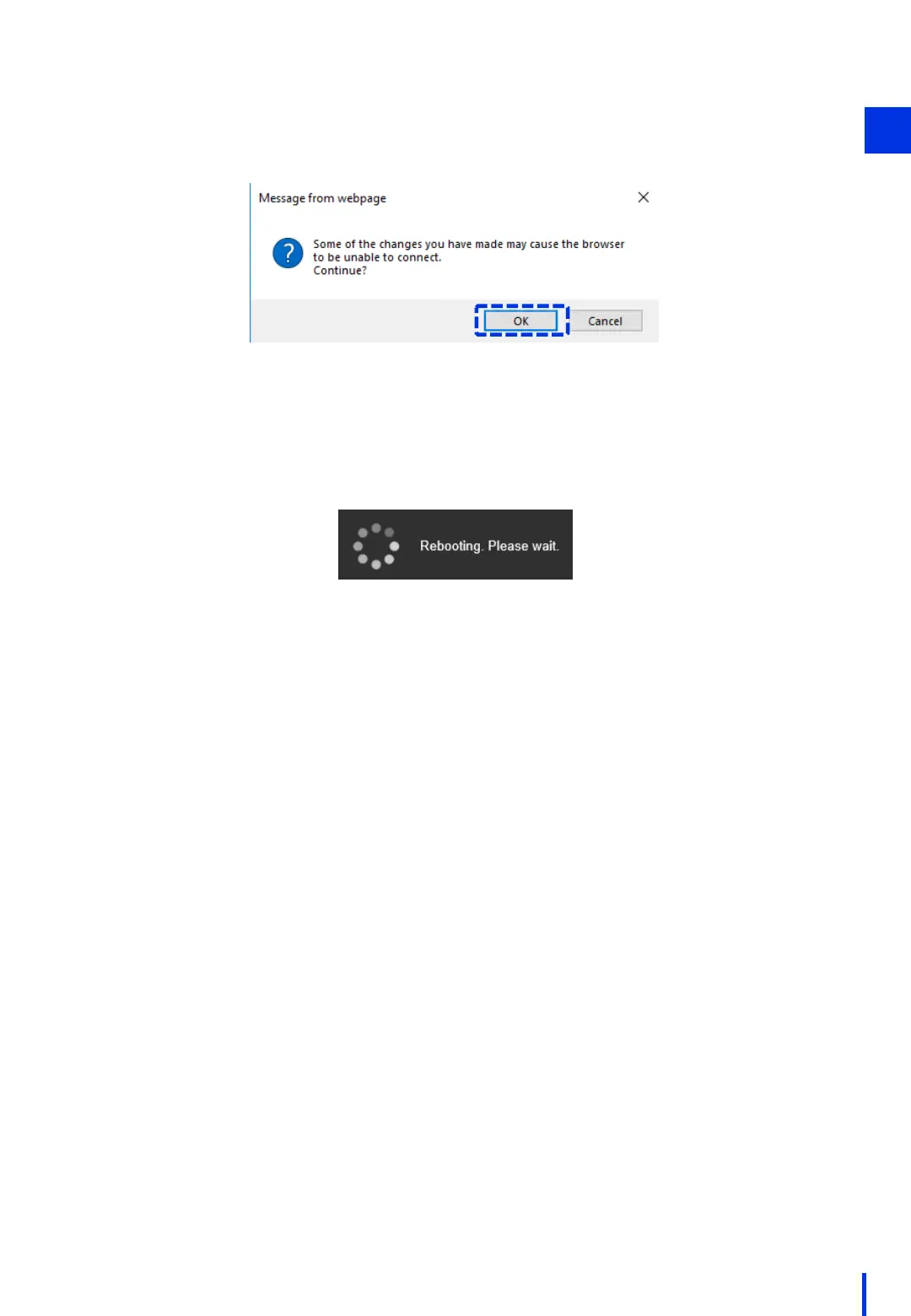
Wait about 30 seconds for the camera to finish starting up. (When the network
camera's LED comes on and the camera moves slightly in the pan and tilt directions,
the startup process is complete.)
(The following message is displayed on the browser, but it is safe to ignore it.)
In the following dialog box, click [OK].
1



 To Next Page