25
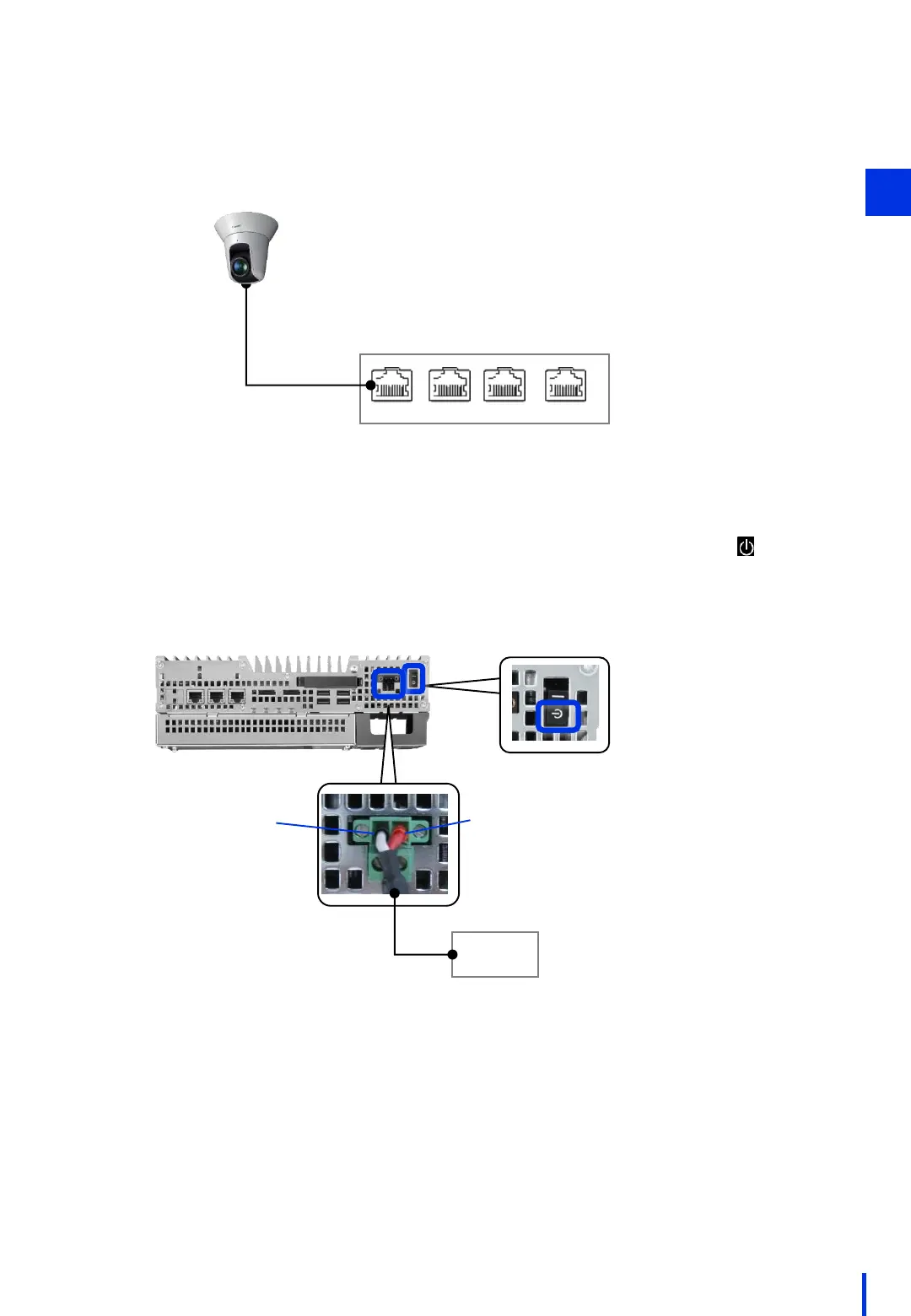
Use a LAN cable to connect the network camera to the PoE hub. Connect the
network camera to the power supply port on the PoE hub.
4
PoE hub
PoE PoE
Non-PoE
Non-PoE
Camera unit
Make sure that the image processing controller is turned OFF (switched to ), and
then connect the controller to a 24-V power supply.
5
The right side is +.The left side is -.
DC 24 V
power supply
2



 To Next Page