8 • GETTING STARTED Customer Service: 888-269-7477
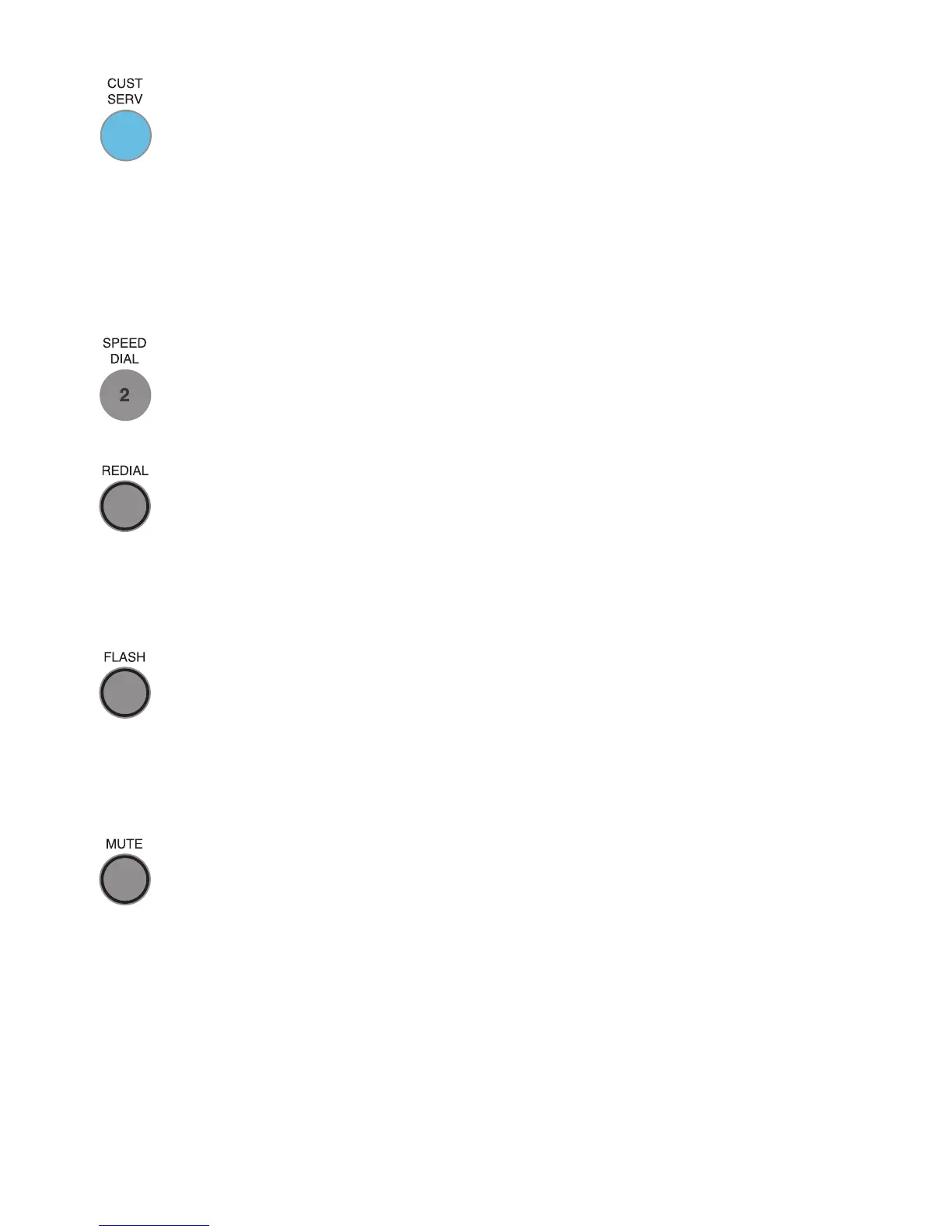
7. CUSTOMER SERVICE Button
Our helpful customer service team is happy to help you set up and
use your CapTel 840 PLUS telephone – we’re only a button push
away. Pressing the CUST SERV button will automatically dial the
CapTel help line.
NOTE: Help is available 24 hours a day, 7 days a week (closed on major
holidays). Help materials are also available online at www.CapTel.com
8. SPEED DIAL Buttons
You can quickly dial up to three frequently-called phone numbers,
just by pressing a speed dial button.
9. REDIAL Button
Lets you dial up to 10 most-recently called phone numbers. Lift the
handset and press REDIAL button to dial the last phone number
called. Leave the handset down and press the REDIAL button to
review/dial up to the last 10 numbers called.
10. FLASH Button
Some telephone service features like Call Waiting require a “hook
flash.” The hook flash is a very brief interruption of the connection
like hanging up the phone for one second. There is a brief click or
silence on the line.
11. MUTE Button
Silences the sound from your end of the conversation. When the
MUTE button is pressed (red light around the button is ON), the
person on the other end of your call will not be able to hear you.
You will still be able to hear the caller and get captions of
everything they say. To turn the Mute feature off, press the MUTE
button again (red light around the button is OFF).



 To Next Page