Customer Service: 888-269-7477 MAKING AND ANSWERING CALLS • 25
Answering a Call Without Captions
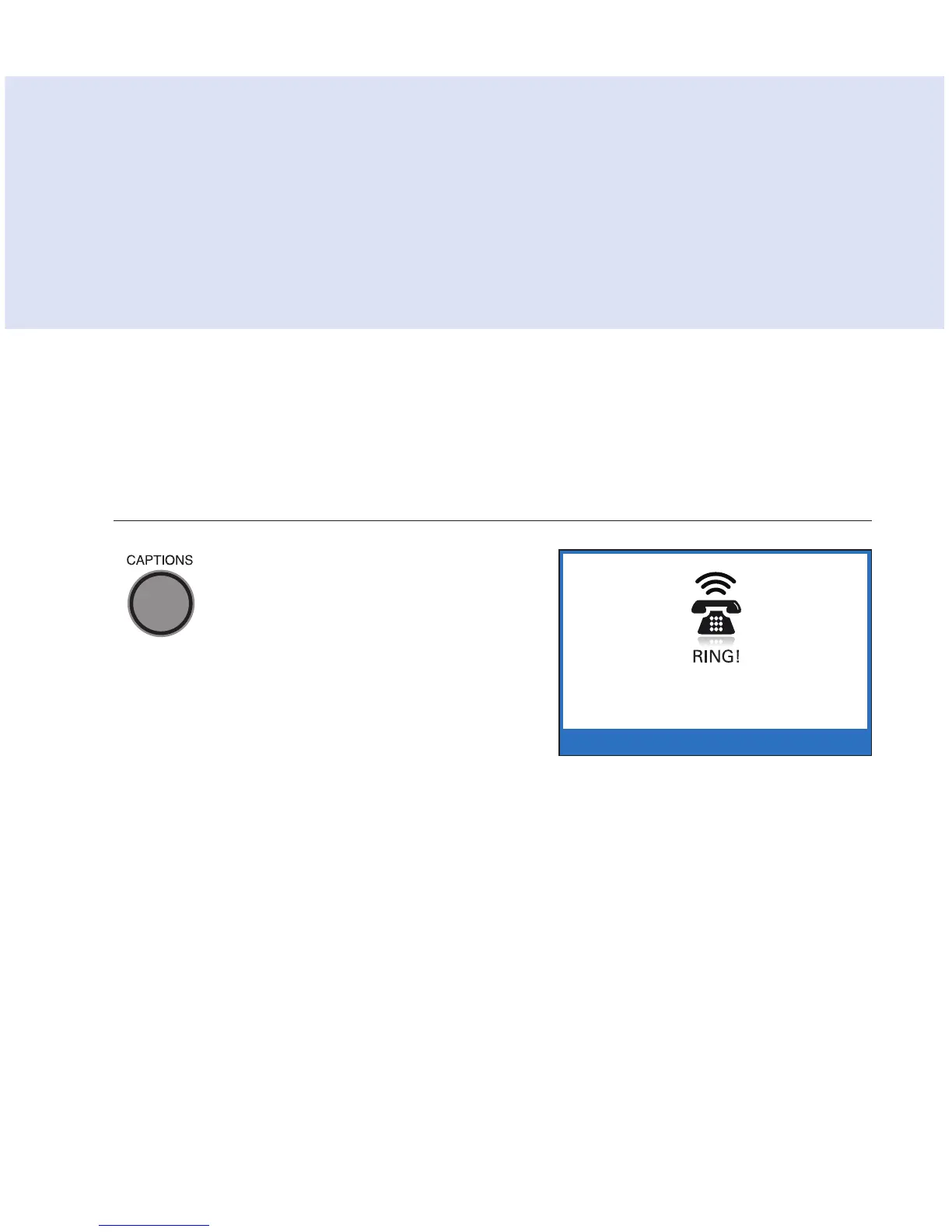
When your CapTel rings, the
display lights up a nd flashes
RING. Pick up the handset and
begin speaking. The Caption
light remains off. The display
remains blank unless Caller ID
information is present.
TIP: If you answer an incoming call on a phone other than the CapTel and
you hear a beep that reoccurs throughout the call, the person who called
you dialed through the CapTel Captioning Service. Pick up your CapTel phone.
It will detect the beep signal and begin showing you captions. Hang up the
extension phone right away and continue the call using your CapTel phone.
There is a 1-2 minute time limit for the CapTel phone to be picked up when
the call is answered on another extension phone. Otherwise, the call will
be disconnected.



 To Next Page