Customer Service: 888-269-7477 GETTING STARTED • 9
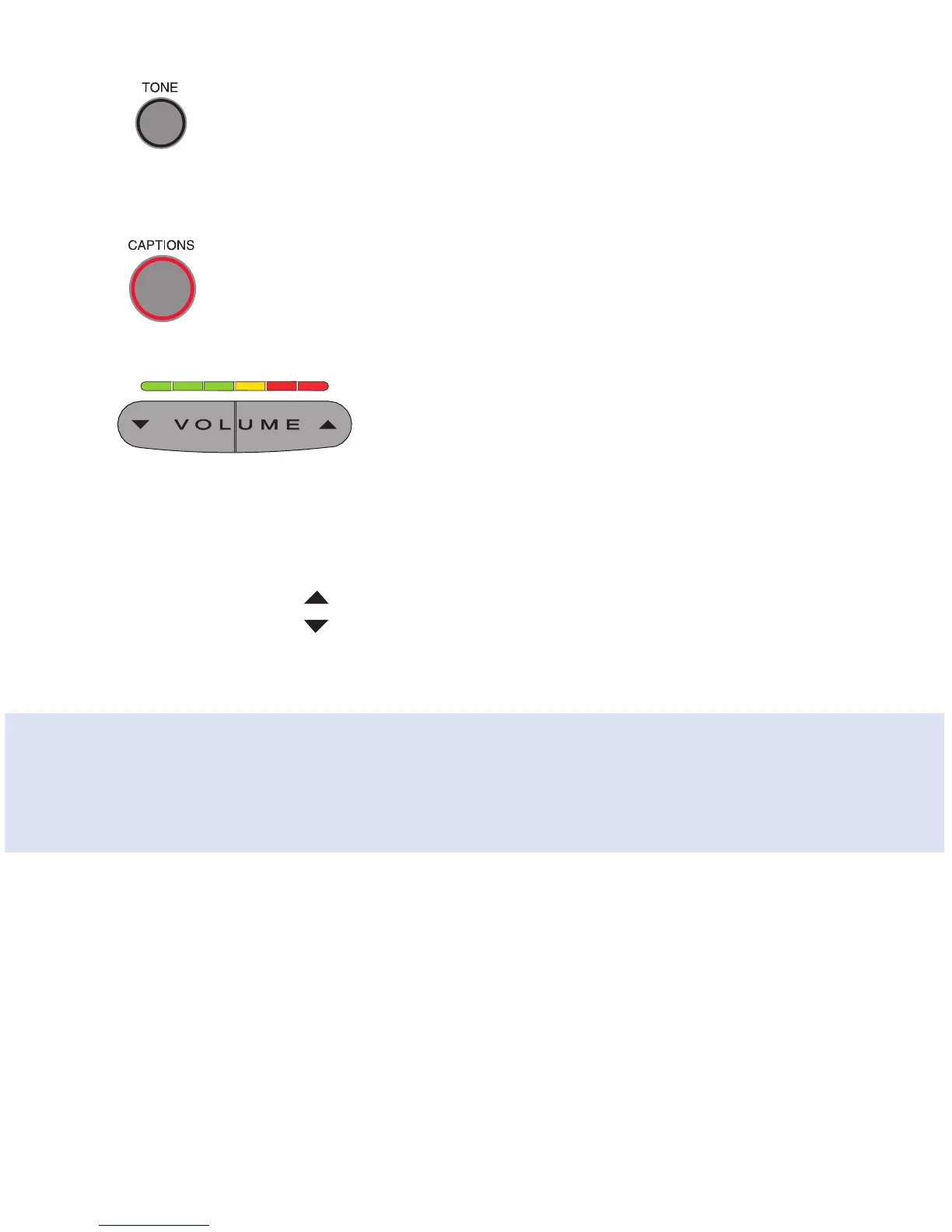
12. TONE Button
Allows you to adjust the sound settings of the call, letting you
enhance LOW, MED, or HIGH frequency tones to find the range that
you hear best.
13. CAPTIONS Button
To see captions during your call, make sure the red light around
the CAPTIONS button is on. Your outgoing calls will automatically
be directed through the free service that provides the captions.
14. VOLUME Bar
Lets you adjust the volume to a comfortable level, up to a 40 dB
gain from min/max for captioned calls. To increase the volume,
press the
right side of the VOLUME bar. To decrease the volume,
press the
left side of the VOLUME bar. There are 12 volume
levels. Watch the light panel above the VOLUME bar to know what
the current volume setting is.
To save your volume setting so that it will be used during every captioned
call, see “Saving the Captions Volume” on page 93.
WARNING: The maximum volume setting on captioned calls is extremely loud.
People who do not need amplification should not use the phone at the highest
volume setting. The volume level automatically returns to a mid-range setting
whenever the phone is hung up.



 To Next Page