Customer Service: 888-269-7477 MAKING AND ANSWERING CALLS • 27
Adjusting the Sound – TONE
You can adjust the Tone setting to a frequency range that works best for your
hearing level – to emphasize HIGH, MEDIUM, or LOW frequency sounds. The
Tone setting can be adjusted during, before, or after a call. The setting will
remain in effect until you change it again.
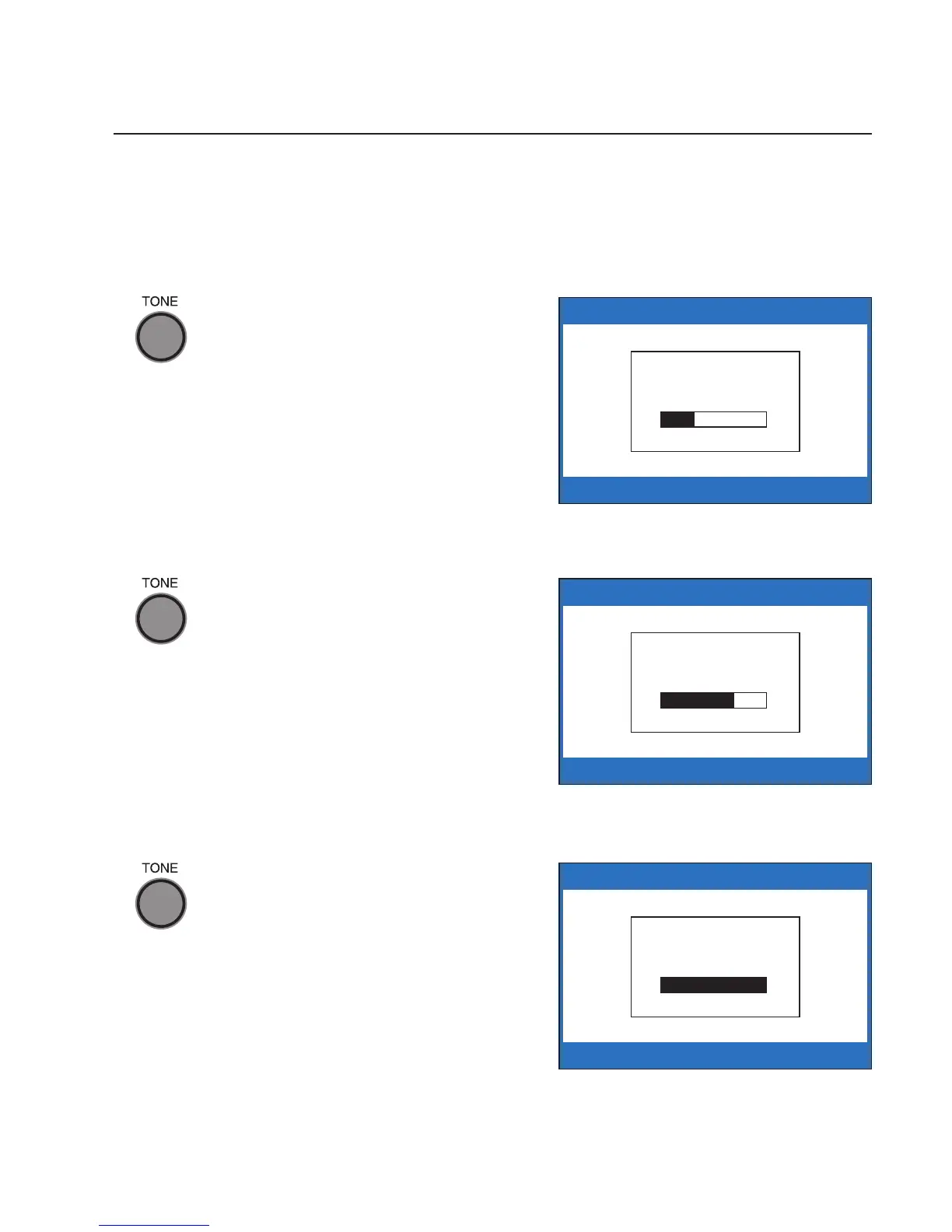
If you hear low-frequency tones
better, press the TONE button
repeatedly until you see “Tone is
Low” on the display screen.
If you hear mid-range frequency
tones better, press the TONE
button repeatedly until you see
“Tone is Medium” on the display
screen.
If you hear high-frequency tones
better, press the TONE button
repeatedly until you see “Tone is
High” on the display screen.
NOTE: You can also use a headset
or neckloop to enhance the sound
quality. Please see page 11 for
instructions.
Tone is
Low
Tone is
Medium
Tone is
High



 To Next Page