68 • USING THE ANSWERING MACHINE Customer Service: 888-269-7477
Seeing Captions of Your Voice Mail Messages
Some voice mail services allow you to dial a remote access phone number to
access your voice mail messages. You should be able to access your voice mail
messages remotely using the CapTel 840 PLUS in the same way you would with
any other telephone, with the added benefit of seeing captions. The way that
you access voice mail messages depends on what kind of service you use.
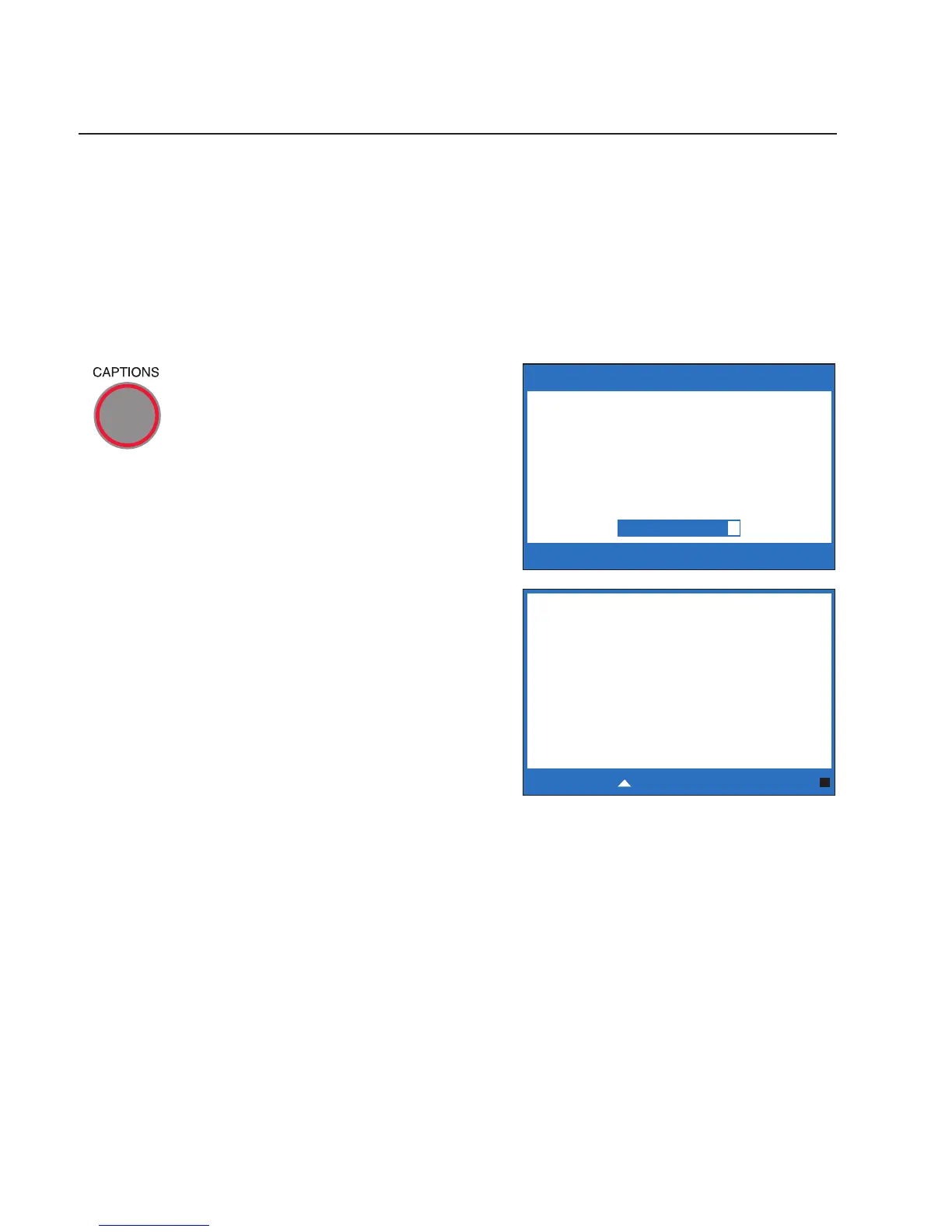
To get captions on voice mail messages:
1. Check that the CAPTIONS
button is on (red light lit).
2. Lift the handset, and dial
the 7- or 10-digit telephone
number that you use to access
your voice mail messages
remotely.
3. Listen and read captions
to follow the instructions to
access your voice mail messages.
As the messages are played,
you can read captions in your
CapTel display screen.
**********************************
(CapTel CA#4567) Ringing 1 2 3
(Recording) Please enter your
password You have 4 new mes-
sages
and 1 saved message to lis-
ten to new messages press 5 new
message Thursday 10:25 am Hi
John this is Susan Alexander
Press to Review the Conversation
Waiting for Captions



 To Next Page