Customer Service: 888-269-7477 USING THE PHONE BOOK • 79
Dialing with the Speed Dial Buttons
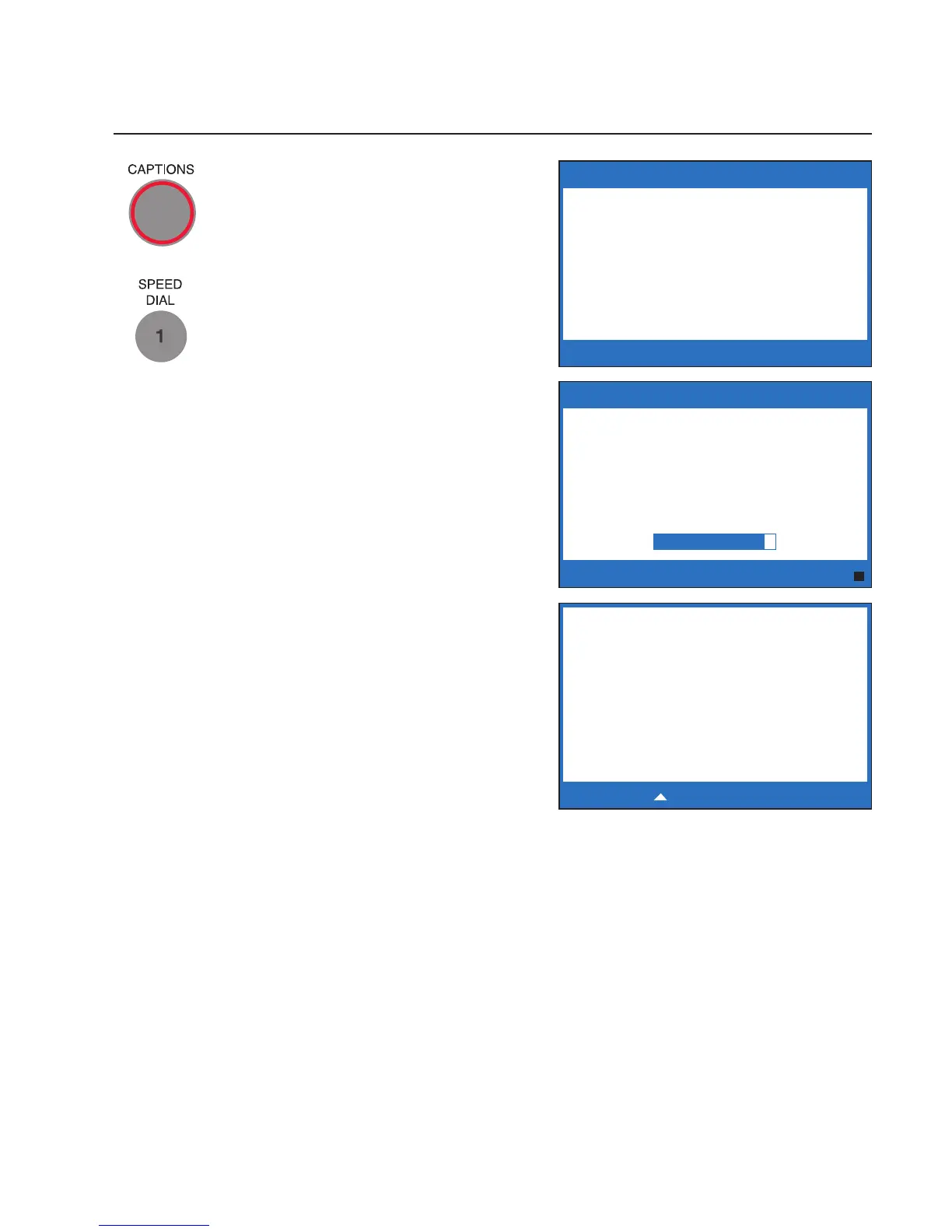
1. Make sure that the CAPTIONS
button is on (red light on).
2. Press the SPEED DIAL button
with the number that you want
to call.
3. Lift the handset. Your CapTel
phone will dial the phone
number for you automatically.
4. Listen or watch the signal
meter to know when someone
answers. Watch the display
screen for captions. Begin
your conversation as you
normally would.
When you are done with your
call, hang up the handset.
******** 5/14 11:16 AM ********
(CapTel CA# 1234) (F) Hello
this is Mary Oh hi Mom how
are you
Press to Review the Conversation
SPEED DIAL 1
Name: Mary Cell
Number: 789-3456
Please lift handset to dial this number
Press YES to edit or NO to exit
Dialing :
Mary Cell
7893456



 To Next Page