Customer Service: 888-269-7477 MAKING AND ANSWERING CALLS • 23
Answering a Call with Captions
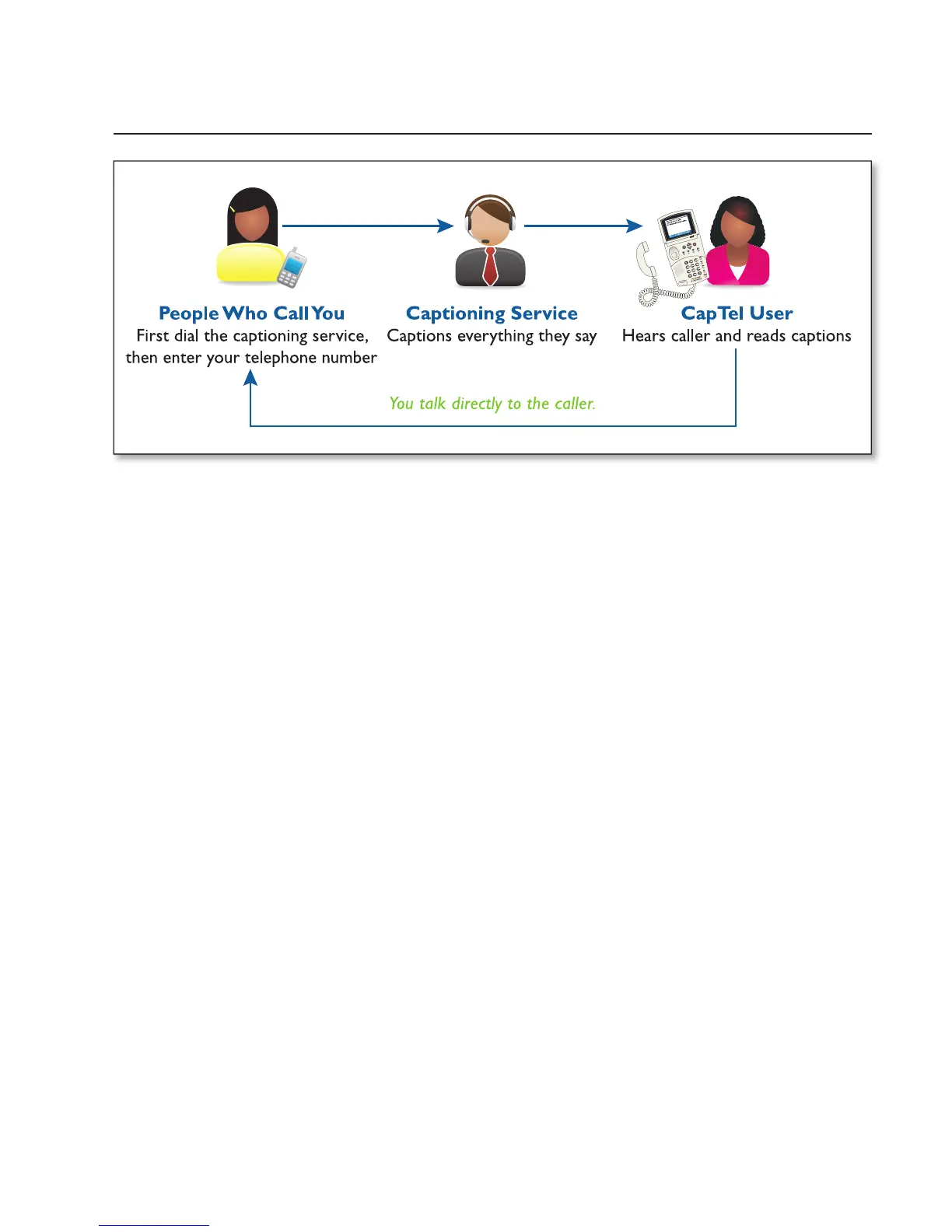
Because the captions are provided by a Captioning Service, the person calling
you must fi rst connect with the service in order for you to receive captions
during the call. Give your callers the appropriate toll-free Captioning Service
Voice Number (see page 1).
1.
The person calling you fi rst dials
the toll-free Captioning Service
Voice Number (see page 1).
2.
The caller will hear a recorded greeting that asks for your
telephone number. The caller should enter your phone number
and press pound (#), example: xxx-xxxx #.
Recorded greeting: “Thank you for calling the Captioned
Telephone Service. For long distance calls, be sure to register your
preferred long distance provider. For additional information, press
pound (#). Please enter
the area code and phone number of
the
person you are calling followed
by the pound (#) sign.”



 To Next Page