Customer Service: 888-269-7477 GETTING STARTED • 5
SECTION 1
Getting Started
This section explains how to start using your
new CapTel 840 PLUS phone.
TOPICS:
What is in the Box
Overview of CapTel 840 PLUS Phone
Using a Headset or Neckloop (Optional)
Setting up your CapTel 840 PLUS
Getting Help
What is in the Box?
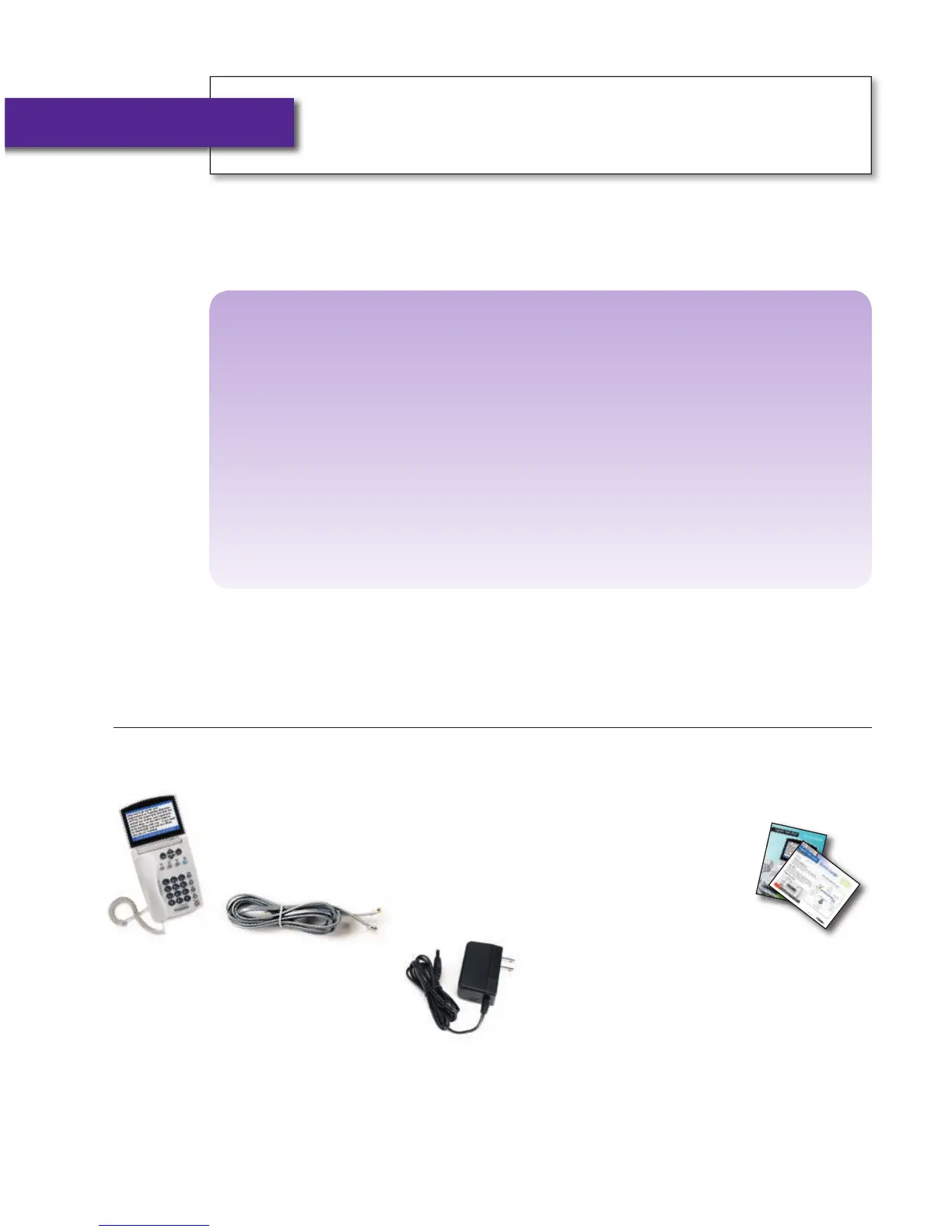
Your CapTel 840 PLUS includes the following parts:
• CapTel 840 PLUS Phone
• Telephone Cord
• Power Adapter –
to plug into a
wall outlet
Important! Use only the power adapter that
came in the box with your CapTel 840 PLUS
• CapTel How-to
Guide and CapTel
Quick Start Guide



 To Next Page