46 • VIEWING CAPTIONS Customer Service: 888-269-7477
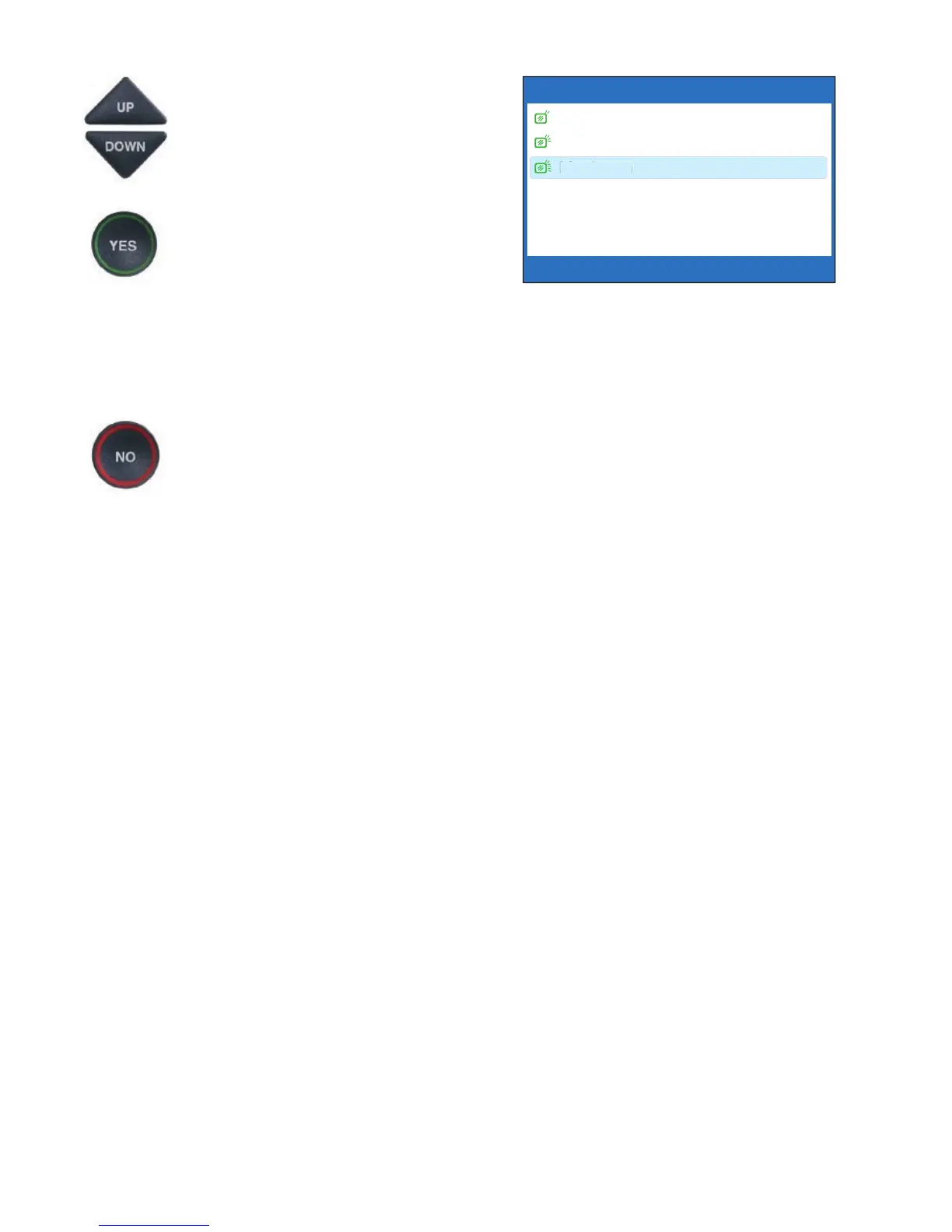
5. The display screen shows what
the current brightness level is
set to: Minimum, Medium, or
Maximum. Use the UP and
DOWN arrows to highlight
the level of brightness you
would like. Press the YES
button to select.
NOTE: The display screen will
change brightness levels as you
select the options.
6. Press the NO button
repeatedly to exit out of
the Options menu.
LCD BRIGHTNESS CURRENTLY MAXIMUM
Minimum
Medium
Maximum
Press YES to accept or NO to exit



 To Next Page