Customer Service: 888-269-7477 CALL HISTORY • 51
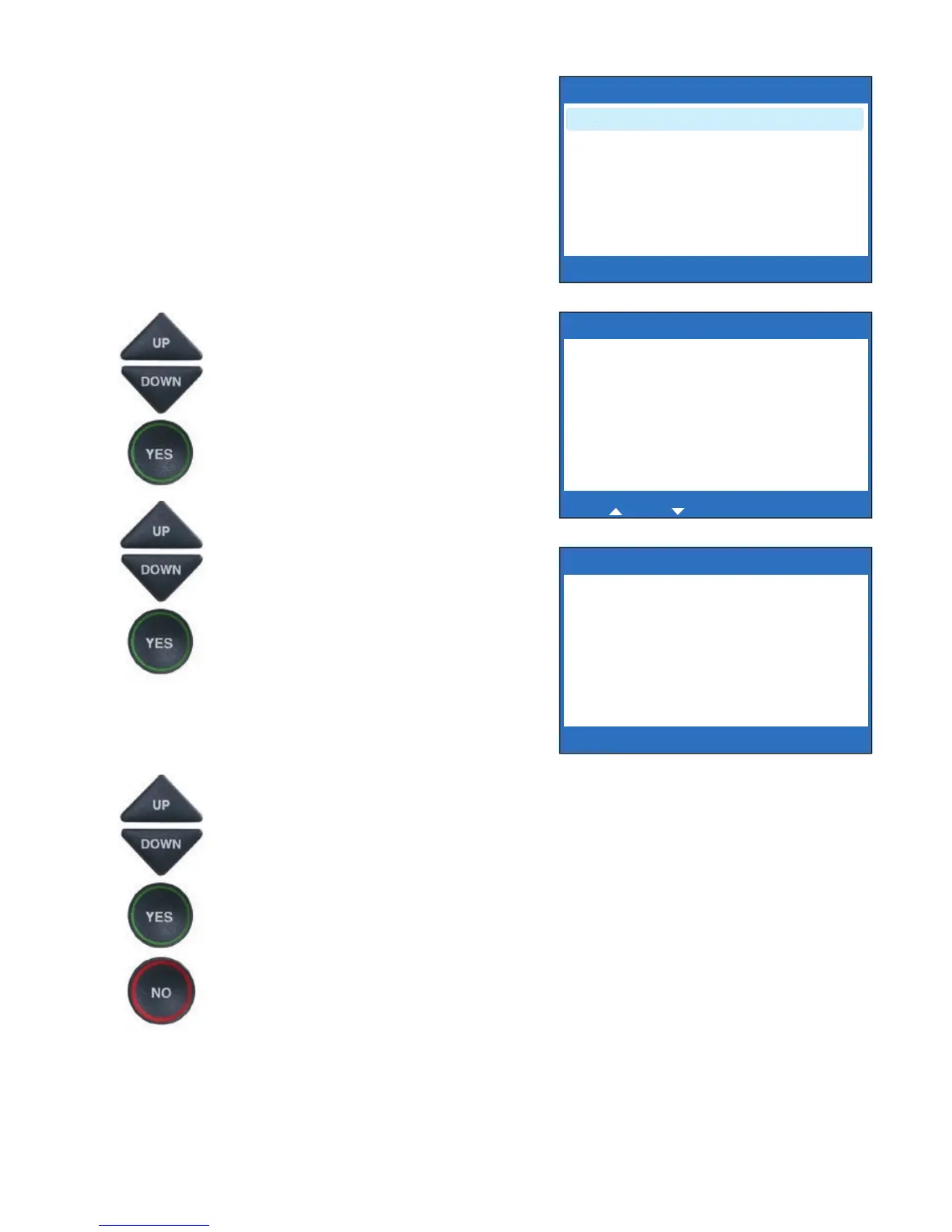
7. The display shows different
options for the telephone
number format to save. For
example, if the phone number
is local, you do not need to save
the area code with the phone
number. If the phone number
is long distance, you may need
to save “1” plus the area code
with the phone number.
Use the UP and DOWN arrow
buttons to highlight the correct
telephone number format.
Press the YES button to accept.
8. The display shows the name
and phone number that will be
saved in the CapTel Phone
Book. If needed, you can edit
the Name listed by using the
UP and DOWN arrow keys and
the CapTel dialing pad to make
changes. Press the YES button
to accept.
9. If needed, you can edit the
phone Number by using the
UP and DOWN arrow keys and
the CapTel dialing pad to make
changes. Press the YES button
to accept.
10. When you are done, press the
NO button repeatedly to exit.
SELECT NUMBER FORMAT
555-2354
321-555-2354
1-321-555-2354
Press YES to select or press NO to exit
Press number to add dial prefi x



 To Next Page