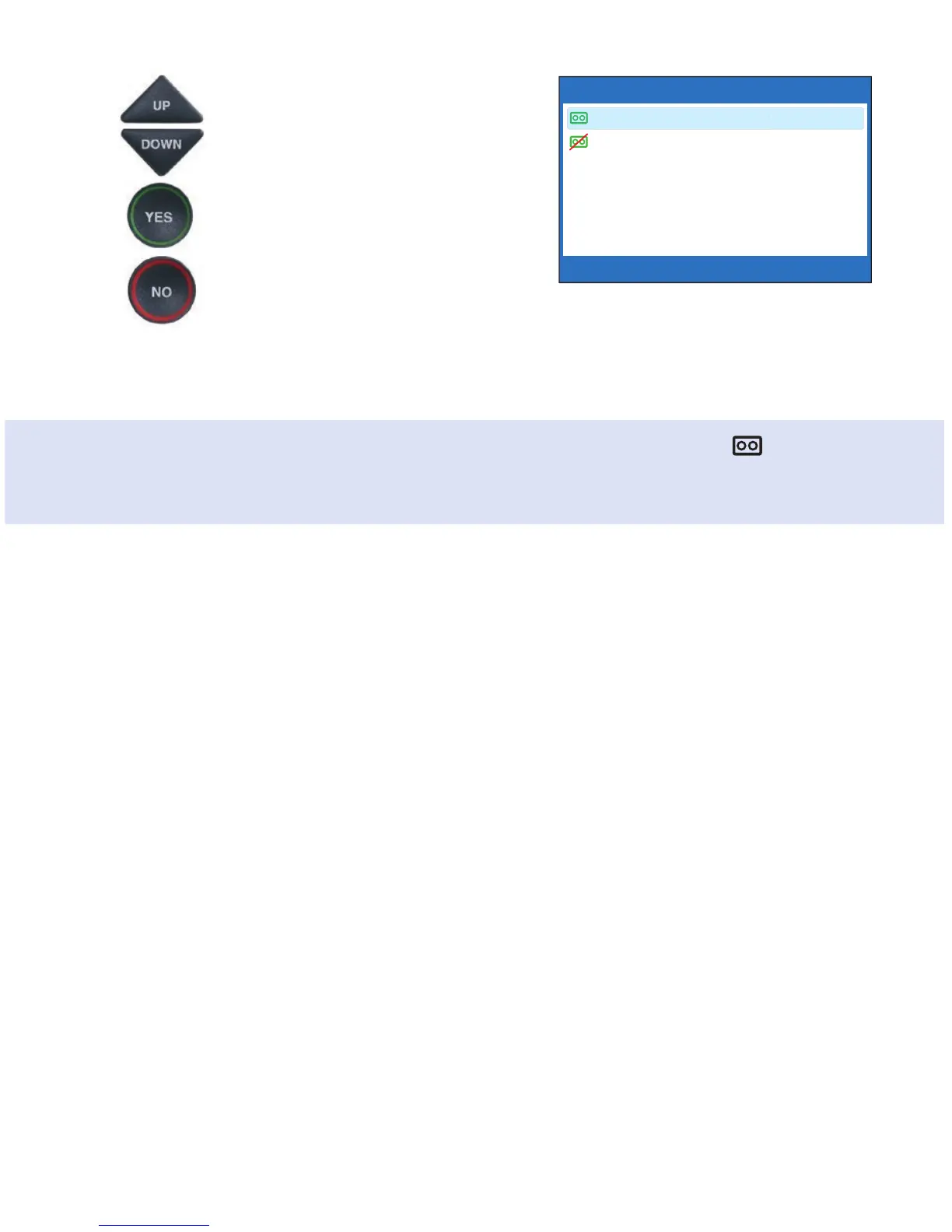
4. Use the UP or DOWN arrow
buttons to highlight Answering
Machine On or Off. Press the
YES button to select.
5. Press the NO button repeatedly
to Exit.
The Answering Machine will stay on or off
until you change this setting.
Customer Service: 888-269-7477 USING THE ANSWERING MACHINE • 55
ANSWERING MACHINE CURRENTLY ON
Answering Machine On
Answering Machine Off
Press YES to accept or NO to exit
TIP: When the phone is not in use, the Answering Machine icon ( ) appears
in the CapTel display screen whenever the Answering Machine is turned on,
letting you quickly check at a glance if the Answering Machine is turned on or off.



 To Next Page