Customer Service: 888-269-7477 USING THE ANSWERING MACHINE • 63
5.
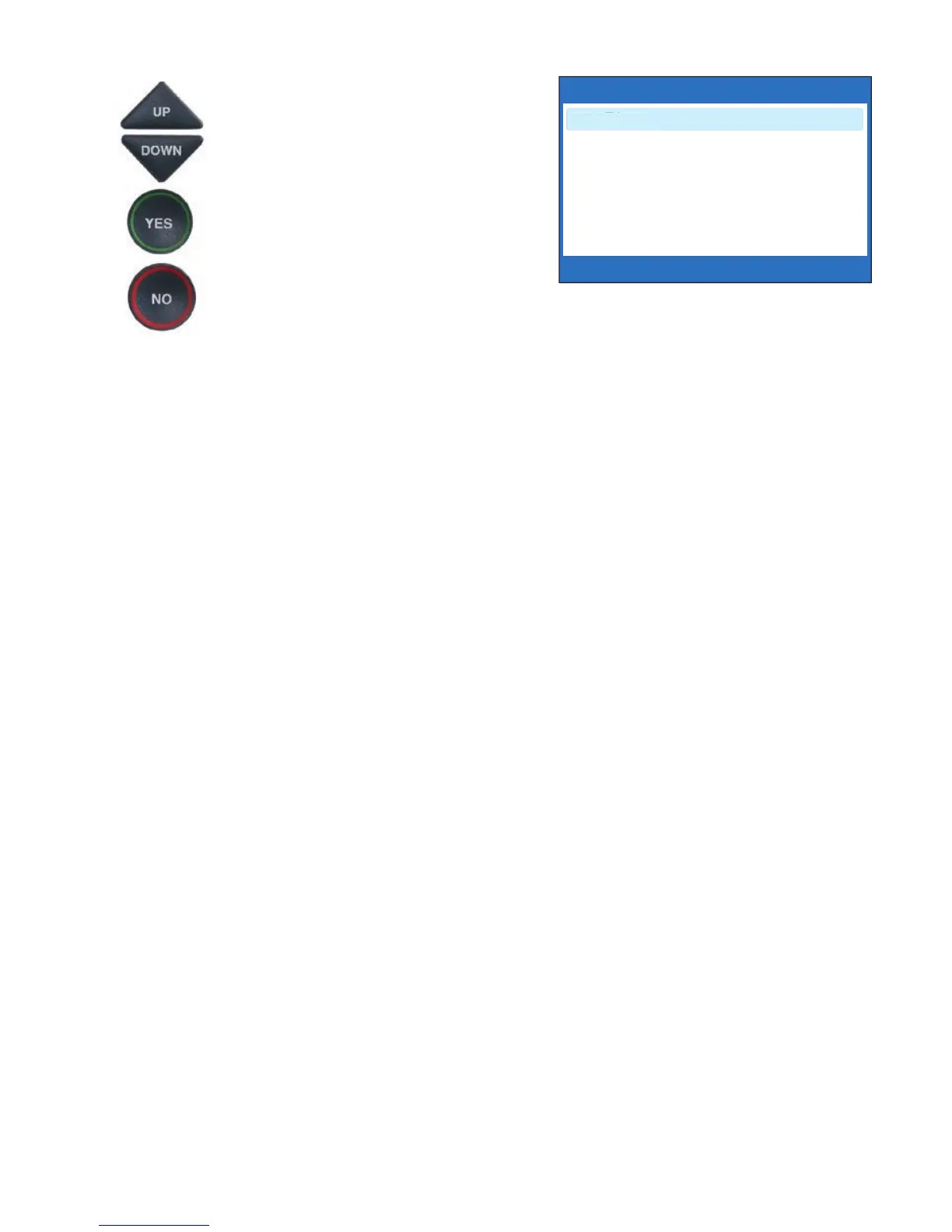
Use the UP or DOWN
arrow
buttons
to select the number of
rings, from 3 rings up to 8 rings.
Press the YES button to select.
6. Press the NO button repeatedly
to exit.
On incoming calls, your CapTel phone will ring this number of times before
the Answering Machine picks up the call.
NUMBER OF RINGS BEFORE ANSWERING: 3
3 Rings
4 Rings
5 Rings
6 Rings
7 Rings
8 Rings
Press YES to accept or NO to exit



 To Next Page