94 • SETTINGS Customer Service: 888-269-7477
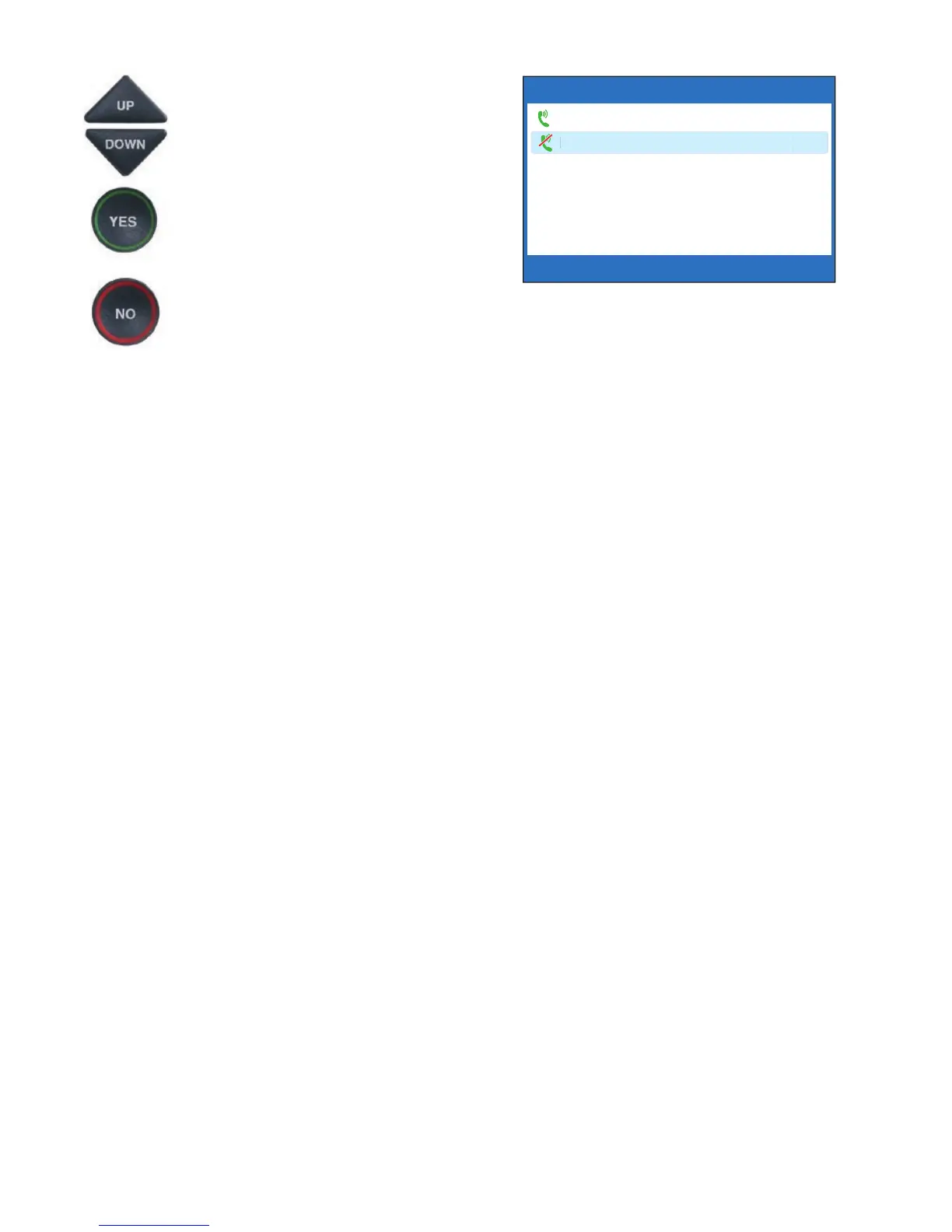
5. Use the UP or DOWN arrow
buttons to highlight Save
Captions Volume or Do Not
Save Captions Volume.
Press YES to select.
6. Press the NO button repeatedly
to exit.
Now, during your next call with captions,
experiment with the volume button to fi nd
a level that works best for you. Whatever
volume setting you choose will be saved in
CapTel memory, and will be used for every
call that has the Captions button lit. During
non-captioned calls (Captions button off),
the volume will automatically start at a
mid-range setting, and will have to be
adjusted manually.
NOTE: This setting will remain in effect
until you go through the process again to
select Do Not Save Captions Volume.
CURRENTLY NOT SAVING CAPTIONS VOLUME
Save Captions Volume
Do Not Save Captions Volume
Press YES to accept or NO to exit



 To Next Page