i-Vu CCN Pro 4.2 7
Before starting i-Vu CCN Pro for the first time, you must use SiteBuilder to create a database that i-Vu CCN Pro
Server uses to communicate with the gateway. Follow the steps to Create a new database (page 7). i-Vu CCN
Pro will use this information to scan your system and discover your equipment.
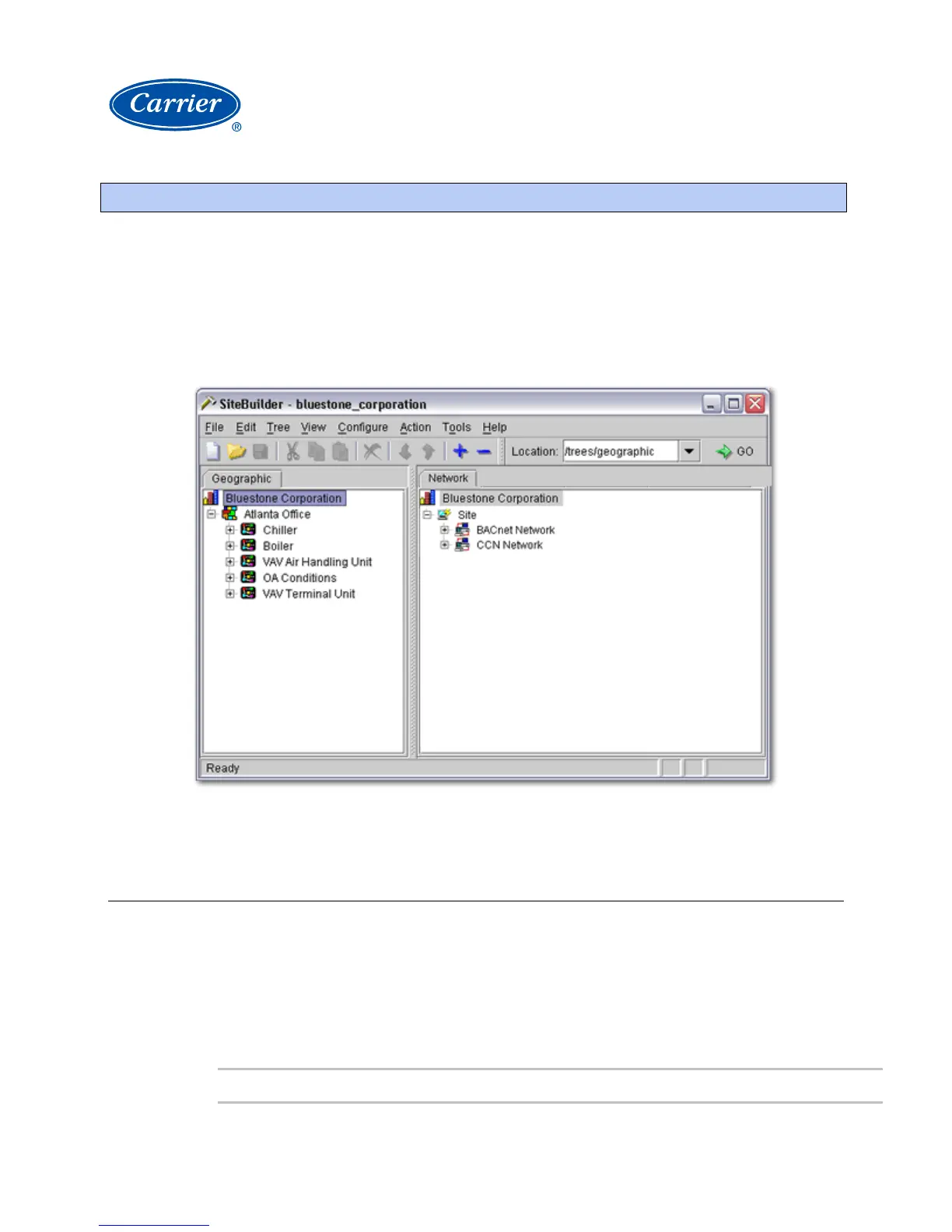
SiteBuilder uses a tree interface to display the system hierarchy. The Geographic tree represents the areas,
controlled zones, and mechanical equipment in a system. The
Network tree represents the communication
network of routers and controllers with i-Vu CCN Pro Server.
You will use i-Vu CCN Pro to construct the logical groupings of equipment via Main Menu > System Settings.
See Customize the navigation tree (page
16).
Create a new SiteBuilder database
1 Launch SiteBuilder program from Windows Start > Programs > i-Vu CCN Pro > SiteBuilder.
2 Click File > New.
3 Enter appropriate values in each of the New Database dialog boxes. See table below.
4 Click Finish.
5 This database has now been created. Close SiteBuilder.
Field Notes
Use SiteBuilder to begin setting up your system



 To Next Page
 Loading...