CHAPTER 3 – INSTRUMENTS AND CONTROLS
3-18
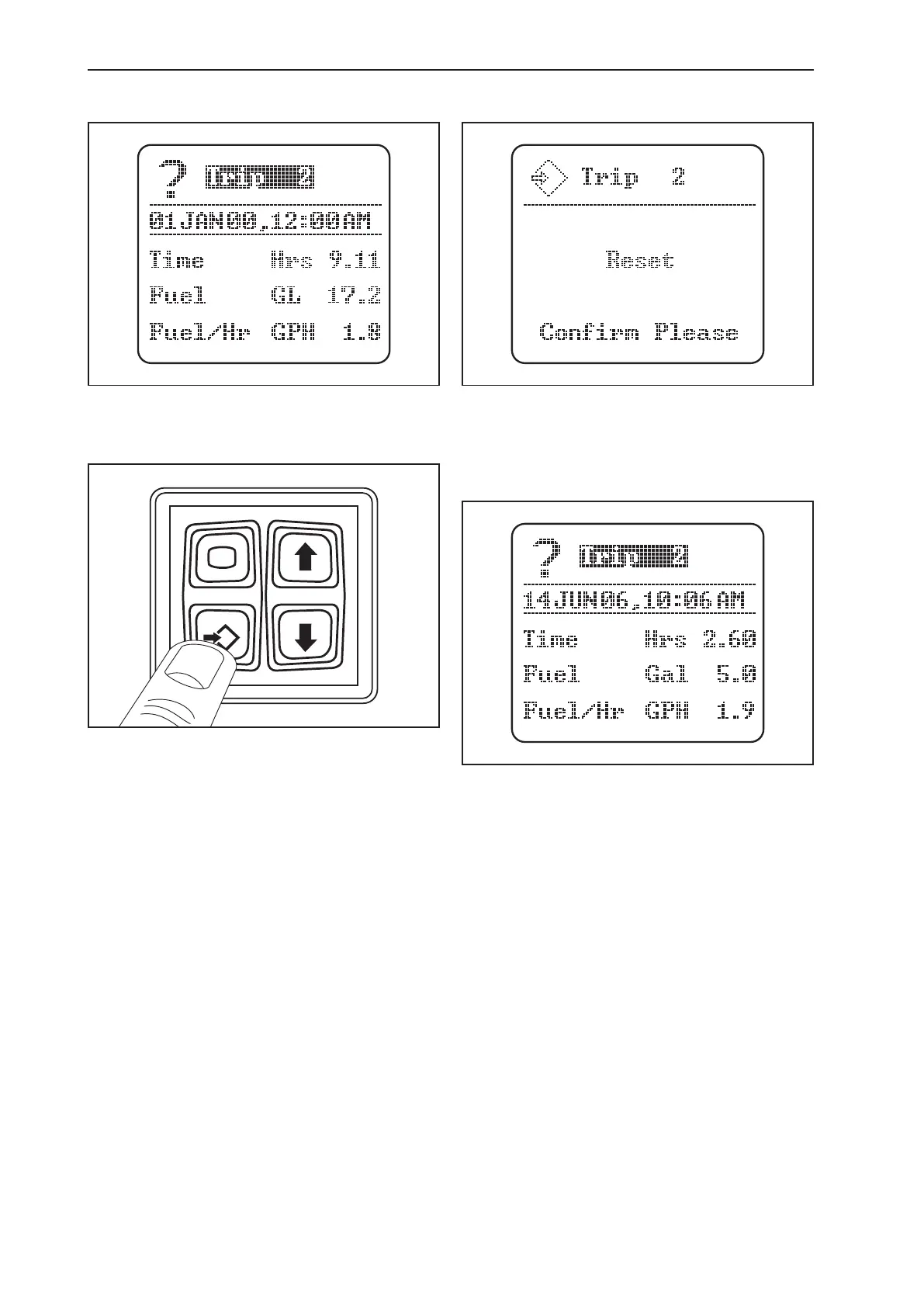
Setting Trip Screens
Highlight the trip screen you wish to set. (Capacity can be
set in U.S. gallons, Imperial gallons, or metric liters when
setting measurement preferences).
Press the conrm key to reset to the desired trip screen.
The trip screen will indicate a reset message. At this scre-
en, press the conrm key to clear the numbers and reset
the trip information. The current date and time will display
automatically. The hours, fuel consumption, and fuel used
per hour will reset and revert to zero.
Press the escape key to return to the main driving screen
and lock settings into memory. The screen will begin to
record time and fuel usage immediately.



 To Next Page