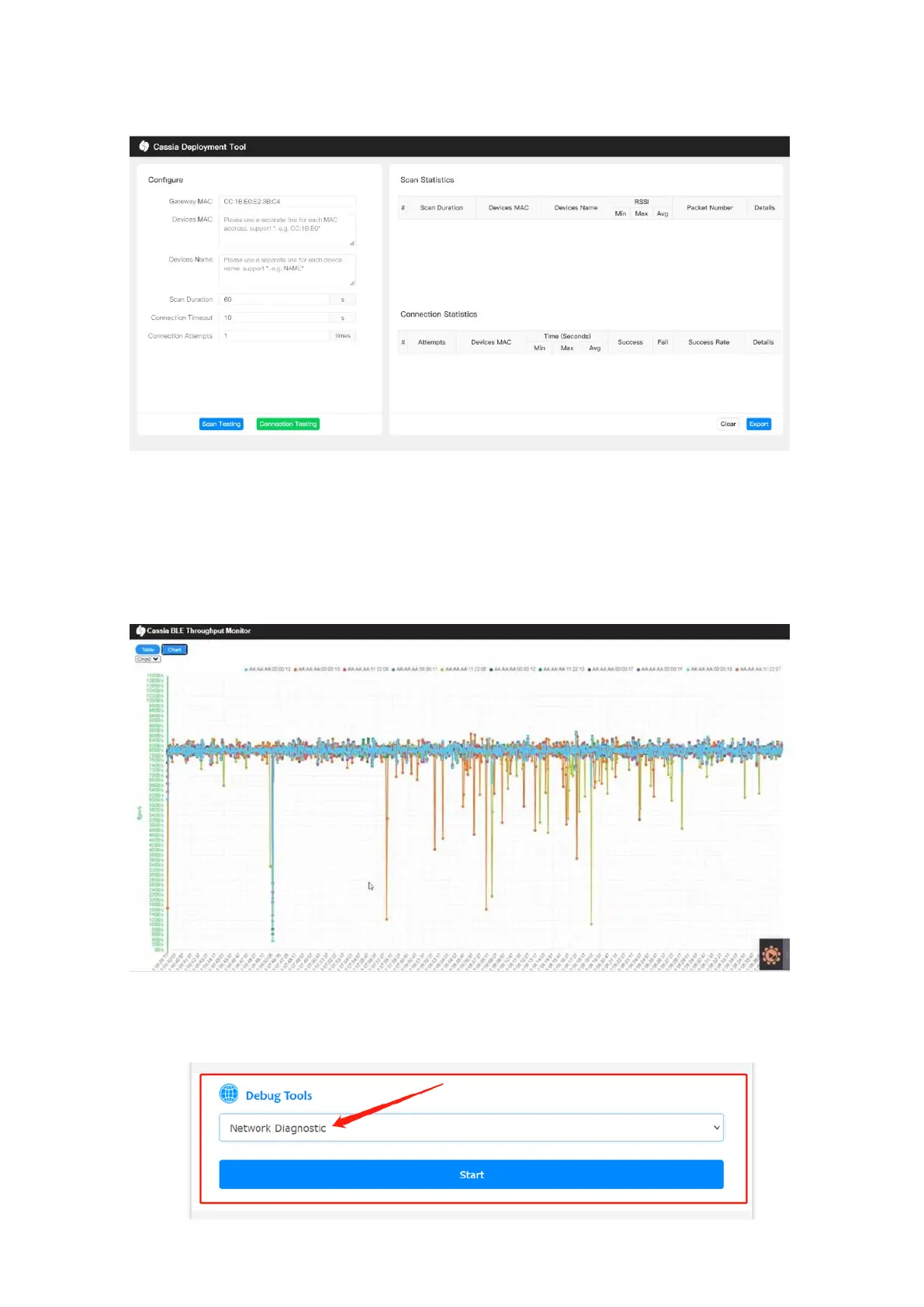
rate, etc. Device name filter and MAC filter with wildcard are supported. To get the correct
display format, please use the Deployment tool on the computer only.
From firmware 2.1.0, the user can run the Bluetooth Low Energy throughput monitor tool
by selecting “Throughput” in the gateway’s local console. This tool can show how many
Bluetooth Low Energy connections on each chip and show the throughput of all the
connections or part of them. The user can check the result in chart format (not supported
by S2000) or table format. To get the correct display format, please use this tool on the
computer only.
From firmware 2.1.1, the user can run the Network Diagnostic tool on the gateway’s local
console. Network Diagnostic tool can help you to assess the gateway’s network status
during the deploying and troubleshooting phase.



 To Next Page