Your radio
PS11366AENAA01 TH1n - User Guide
28/115
This document is the property of Cassidian and should not be copied or circulated without permission.
Q
Notifications
The following are explanations for some of the notifications that may appear
on the display:
•
Not allowed for current access level
—
You do not have access rights to
perform the action. See Security settings on page 91.
•
No network coverage
—
The radio cannot perform the operation, because
the radio is not in the network coverage area.
•
Selected group's properties changed
—
The status of the selected talk
group has changed. To view the details, press
View
.
•
Unauthorised position request from
—
The radio received a position
request from an unauthorised number (position information was not sent).
To view the details, press
Read
. See Position settings on page 64.
•
Network not allowed:
—
The radio cannot register to the selected network.
If the network was selected manually, you can attempt to select another
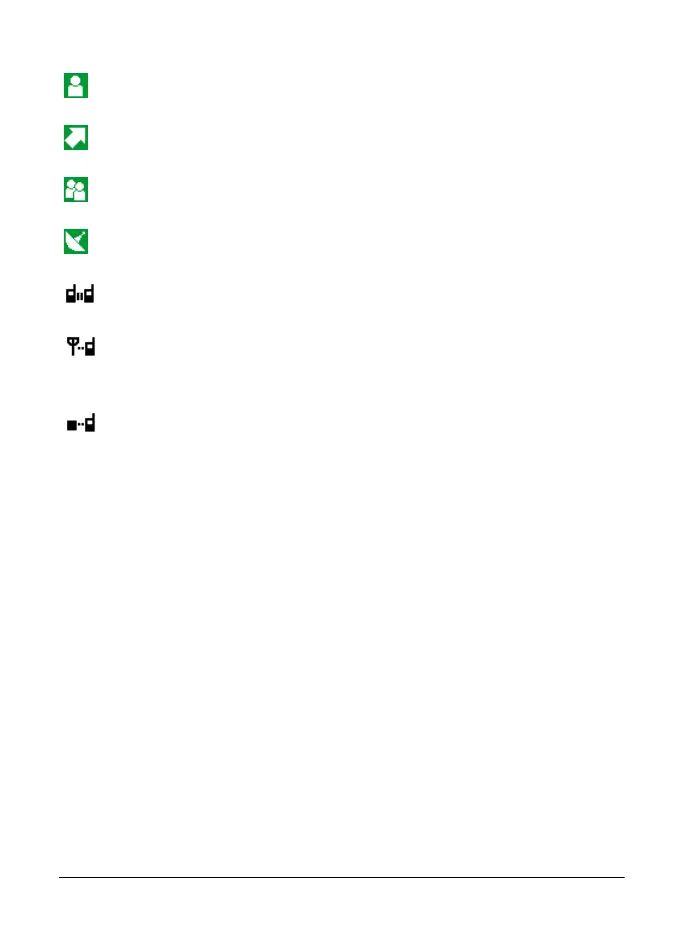
Displayed during a one-way phone call when neither party
is transmitting.
Displayed during an express call when neither party is
transmitting.
Displayed during a call made to your selected group when
nobody is transmitting.
Displayed during a call made to a scanned group when
nobody is transmitting.
Displayed during normal direct mode calls when no direct
mode device is available. See Direct mode on page 53.
Displayed during direct mode calls when a compatible
direct mode gateway is available. See Gateway and
repeater on page 57.
Displayed during direct mode calls when a compatible
direct mode repeater is available. See Gateway and
repeater on page 57.
Polaris_en_print.book Page 28 Tuesday, October 23, 2012 12:30 PM



 To Next Page