Group calls
PS11366AENAA01 TH1n - User Guide
44/115
This document is the property of Cassidian and should not be copied or circulated without permission.
Edit group folders
In this submenu, you can select and view folders, and view and change
information related to talk groups. You can also rename the user’s My folders.
Select
Menu
→
Talk grou ps . Below the submenu Edit group folders, you can
see how many groups in the selected folder have the scanning state Included.
Select Edit group folders, and select the desired folder.
To view and edit the talk groups of a folder, scroll to the desired folder, and
press
Edit
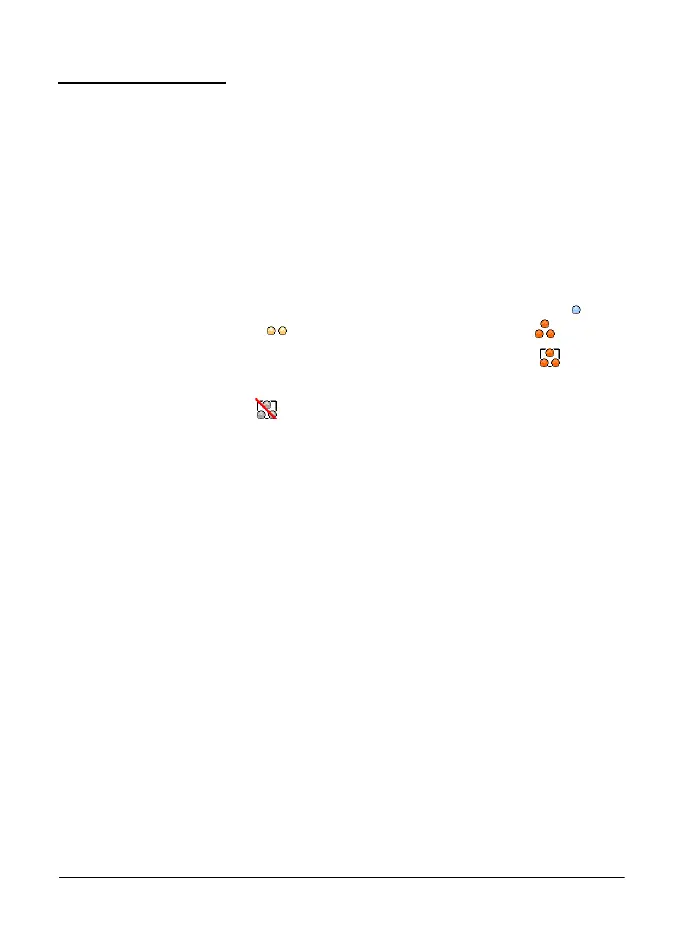
. In the list of talk groups, the indicators in front of group names give
you more information about the group:
•
The scanning priority is indicated with dots: one dot for low priority ( ), two
dots for medium priority ( ), and three dots for high priority ( ).
•
If the group is the selected group, the indicator is inside a box ( ).
•
If a group that is included in scanning is not available, there is a backslash (
\ ) across the indicator ( ).
In the list of talk groups, scroll to the desired group, and select
Options
and
one of the following:
•
Include or Exclude
—
to include a group in scanning, or exclude a group
from scanning.
•
Set as Home group
—
to set the group as the home group. See Home
group on page 36.
•
Copy group
—
to copy the group to a user’s My folders. Talk groups in
protected folders can only be copied to the user’s own protected folders.
•
Delete group
—
to delete dynamic talk groups from the radio, or copied
groups from the user’s My folders.
•
Group priority
—
allows you to change the scanning priority of the group to
Low, Medium, or High.
Note that you need to have proper access rights to the above mentioned
functions. For more information, contact your organisation.
To rename the predefined user’s talk group folders, in the Talk groups folder,
scroll to the folder you want to rename, and select
Options
→
Rename folder.
You need access rights to rename a folder.
Polaris_en_print.book Page 44 Tuesday, October 23, 2012 12:30 PM



 To Next Page