21Sample Analysis
4. Prepare up to 12 samples per rack to be run in series.
Prepare the EDGE
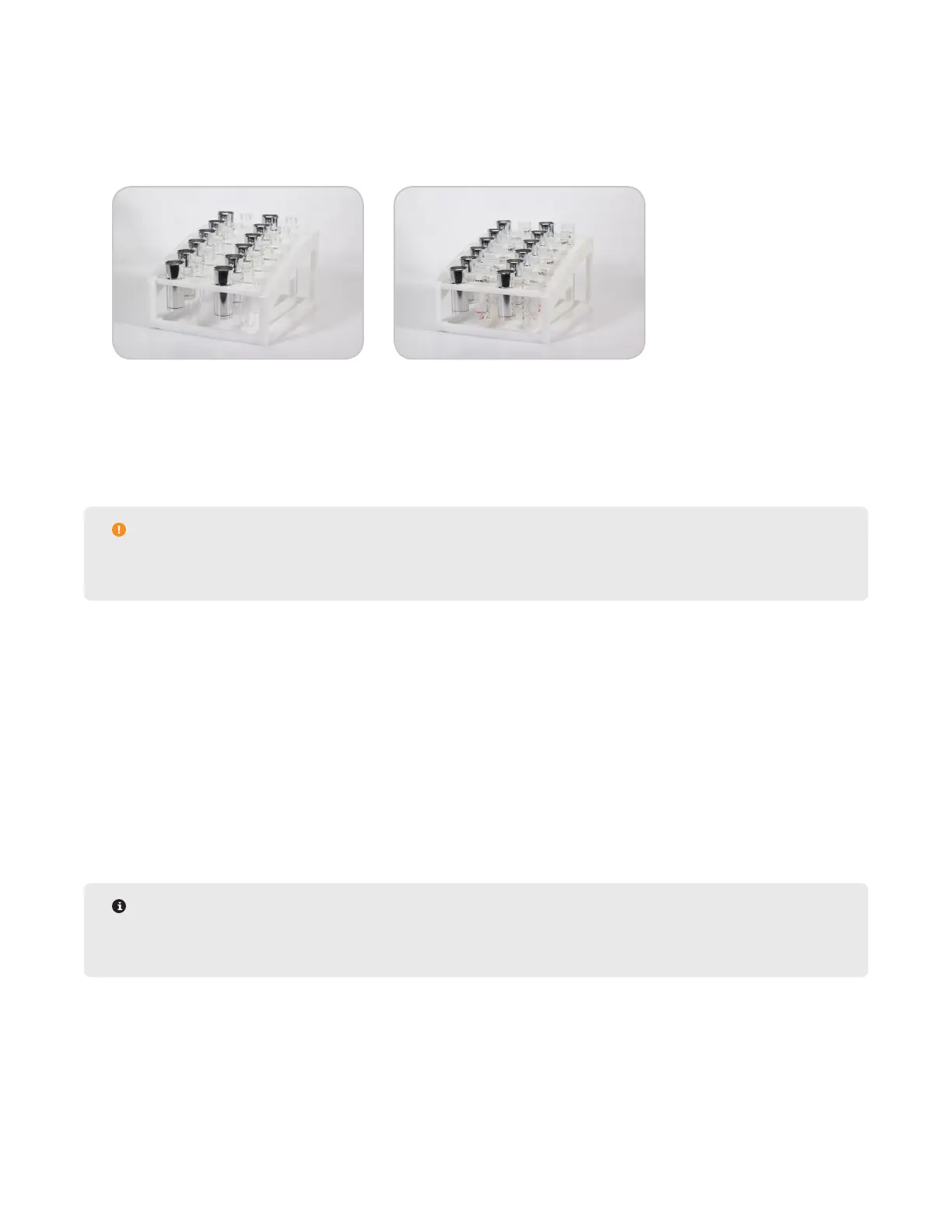
1. Load Q-Cups and collection containers on rack. The software will detect if a Q-cup is not in place but cannot
detect if the collection containers are missing.
• Glass vials or Centrifuge tubes may be used for the collection containers but must be accompanied by the
appropriate rack
• Centrifuge Tube Rack (P/N 525135)
• Glass Vial Rack (P/N 525080)
• Up to 24 methods (2 racks of samples) can be loaded at a time
CAUTION
Remove the cap(s) from the vial(s)/tube(s) to prevent autosample obstructions and to allow extract
collection.
2. Place rack on the EDGE platform and slide into position until magnets lock.
3. Verify solvent bottle positions. See “Assign Solvent Bottle Positions” section for more details.
4. Ensure there is enough solvent in the solvent bottles.
5. Ensure there is enough room in the waste bottle.
6. Verify Q-Disc codes in software to determine if runs are available. See “Q-Discs” for detailed instructions.
Load Method
1. Load Methods.
• To Load a single method in a position: Select desired method and then select the position on the rack.
Continue selecting methods and rack positions.
NOTE
A specic method can be assigned to each sample. Up to 12 methods can be run per rack. The system
will run the samples in numerical order, not in the order in which they were selected.



 To Next Page