35Methods
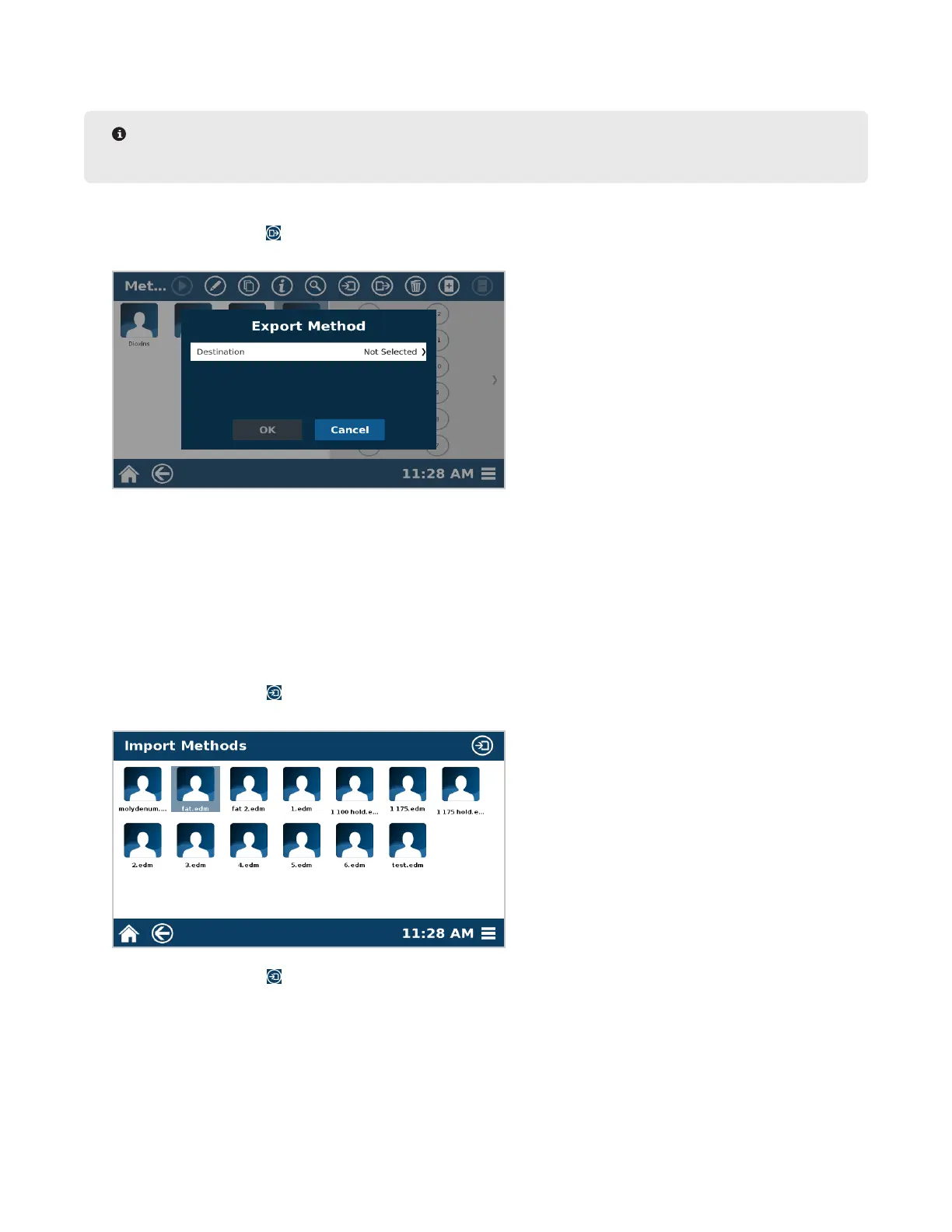
Export Method
NOTE
There must be a ash drive inserted into the USB port to export a method.
1. From the methods screen, select the method(s) to export to the ash drive.
2. Select the Export icon .
3. Select the destination.
4. Select “OK” to Export the method(s) or “Cancel” to return to the previous screen.
5. Select “OK” when nished.
Import Method
Only Administrators can import methods.
1. To import a method, insert a ash drive in the USB port on the left side of the system.
2. Go to the Methods screen.
3. Select the Import icon .
4. Select the method(s) to import from the ash drive.
5. Select the Import icon .
6. Select “OK” once nished.



 To Next Page