48 Calibrations
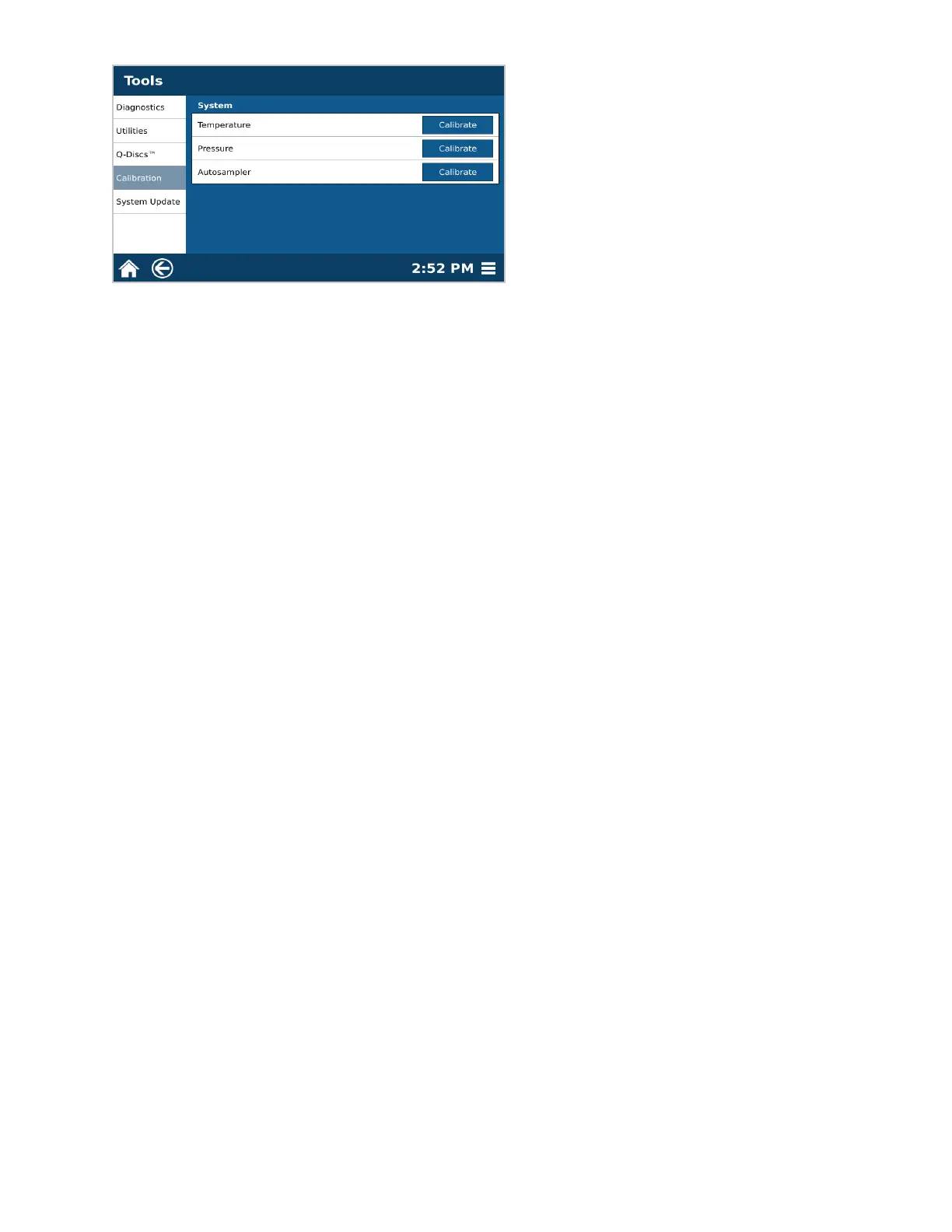
4. Select Temperature “Calibrate.”
5. Select “OK” to begin temperature calibration. The actuator will close, the dispense needle will travel to waste
and the system will begin lling the chamber with water. Follow the remaining software prompts to complete
the calibration.
5.1. After 4:00 min, you will be prompted to take the temperature of the water; be sure to mix the water.
5.2. After 0:20 seconds of mixing, the software will prompt you to type in the nal temperature you are reading.
Type in the value, and select “OK.”
5.3. Verify temperature reading, and select “OK.” The system will begin ushing the water into waste and will
then return to the home position.
6. Once calibration is complete select “OK.”



 To Next Page