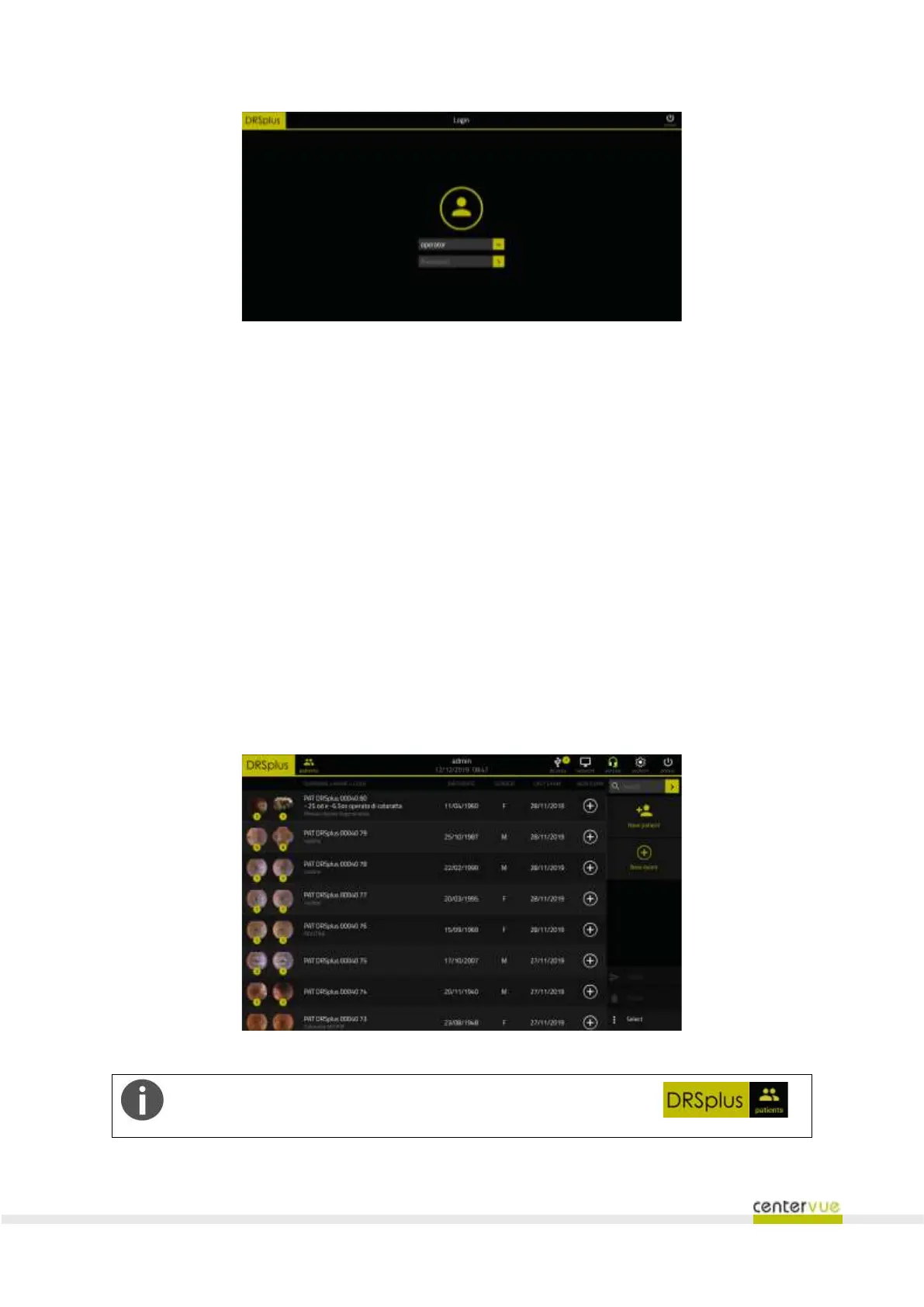
Fig. 18 –Login screen
7.4 Patient list
Upon the login, the Patient List will be shown (Fig. 19). It includes the following data, for each patient,
from left to right:
❖ Thumbnails of the last two images acquired for that patient. The total number of images
acquired for that patient is superimposed above the thumbnail, for the left and right eye
respectively;
❖ Surname;
❖ Name;
❖ Code;
❖ Date of Birth;
❖ Gender;
❖ Date of the last examination made with drsplus.
Fig. 19 – Patient List
To browse back to the Patient List, from any other screen, press
the Patients icon locate on the top left side of the screen



 To Next Page