DRSplus – Operating Manual
11.4 Visual flickering of images
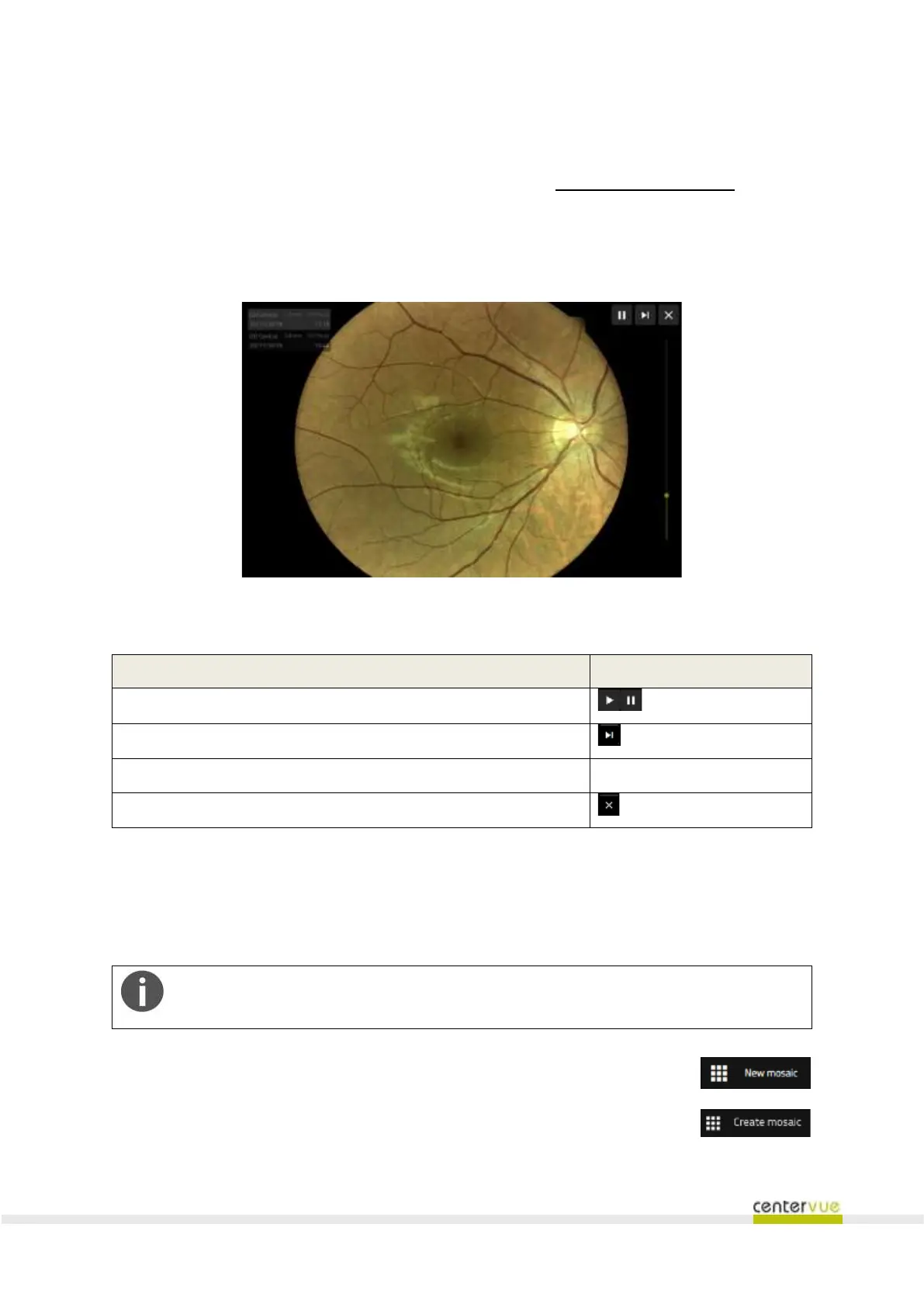
The flickering screen (Fig. 33) gives the possibility to select any couple of images of the current patient,
and shows the fast alternation of them. Prior the visualization, the images are registered one to the
other in order to ease the clinician to review them having all of the image features accurately
overlapped. The registration of images is performed by means of a special algorithm included in the
drsplus software.
Fig. 33 – Visual flickering screen
Available functionalities
Start or pause the image flickering
Change the flickering speed
Close the image flickering screen
11.5 Mosaic
The drsplus includes a special software algorithm that stitches together two or more photos of a retina
to obtain an image with wider field of view, called mosaic (Fig. 35).
The mosaic function is available only under license.
To create a mosaic, in the Patient Detail screen click the “New Mosaic” button
Then, select the fields that can be stitched together and press the “Create Mosaic”
button.



 To Next Page