DRSplus – Operating Manual
9. Acquisition of retinal images
This paragraph explains how to acquire high quality retinal images using drsplus.
To start the acquisition process, it is necessary to select the desired patient in the Patient List.
To do so, in the Patient List screen:
❖ If the patient is already included in the local database, enter
the initial characters of the patient’s name, surname or code
in the search box →
❖ To add to the local database a new patient, press the “New
Patient” button →
Refer to §10.1 for additional details about the “New Patient”
functionality.
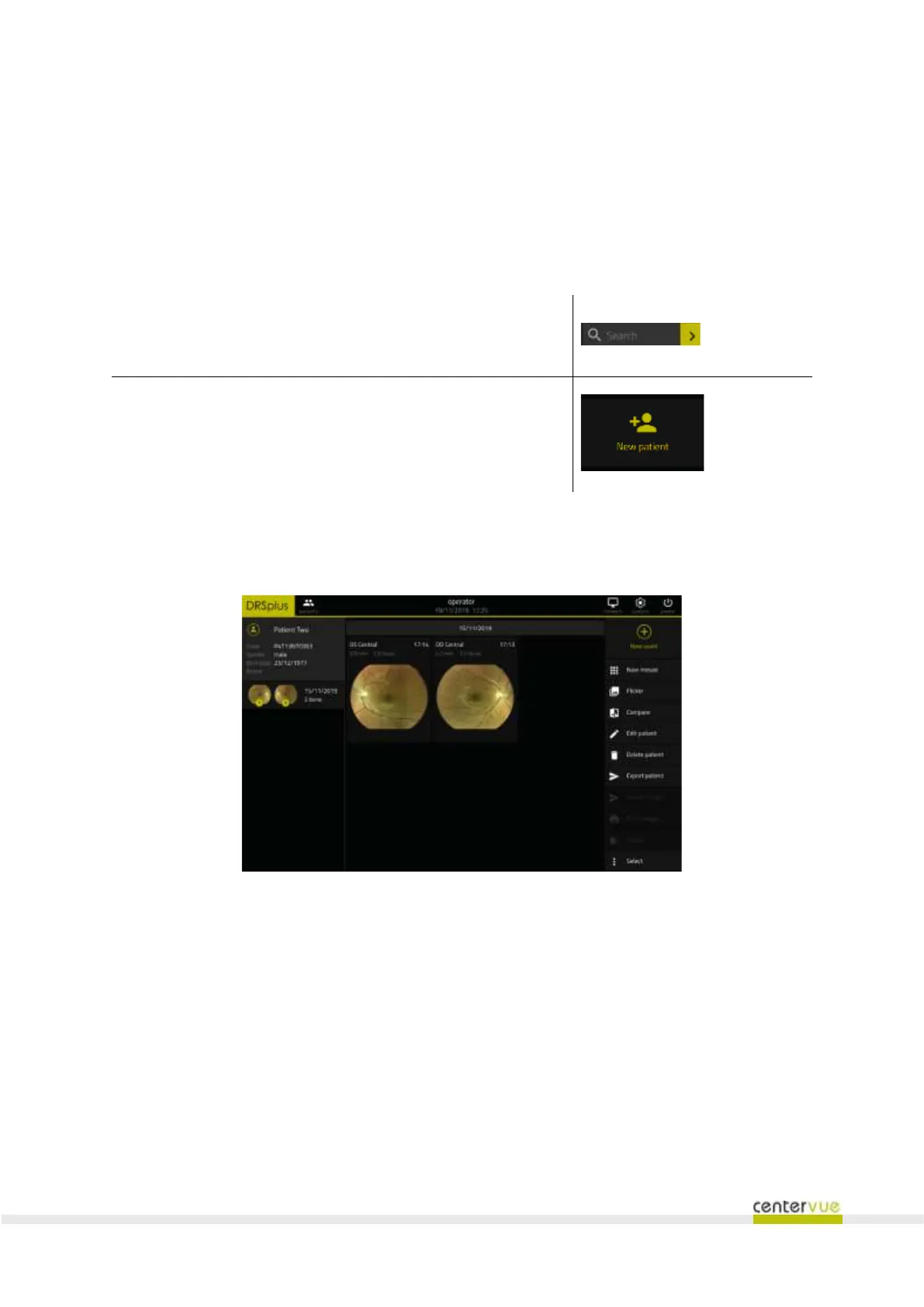
Upon having (saved and) located the patient in the Patient List, click on the corresponding line the
new exam button to start a new examination after configuring acquisition parameters.
Fig. 21 – Patient Details screen



 To Next Page