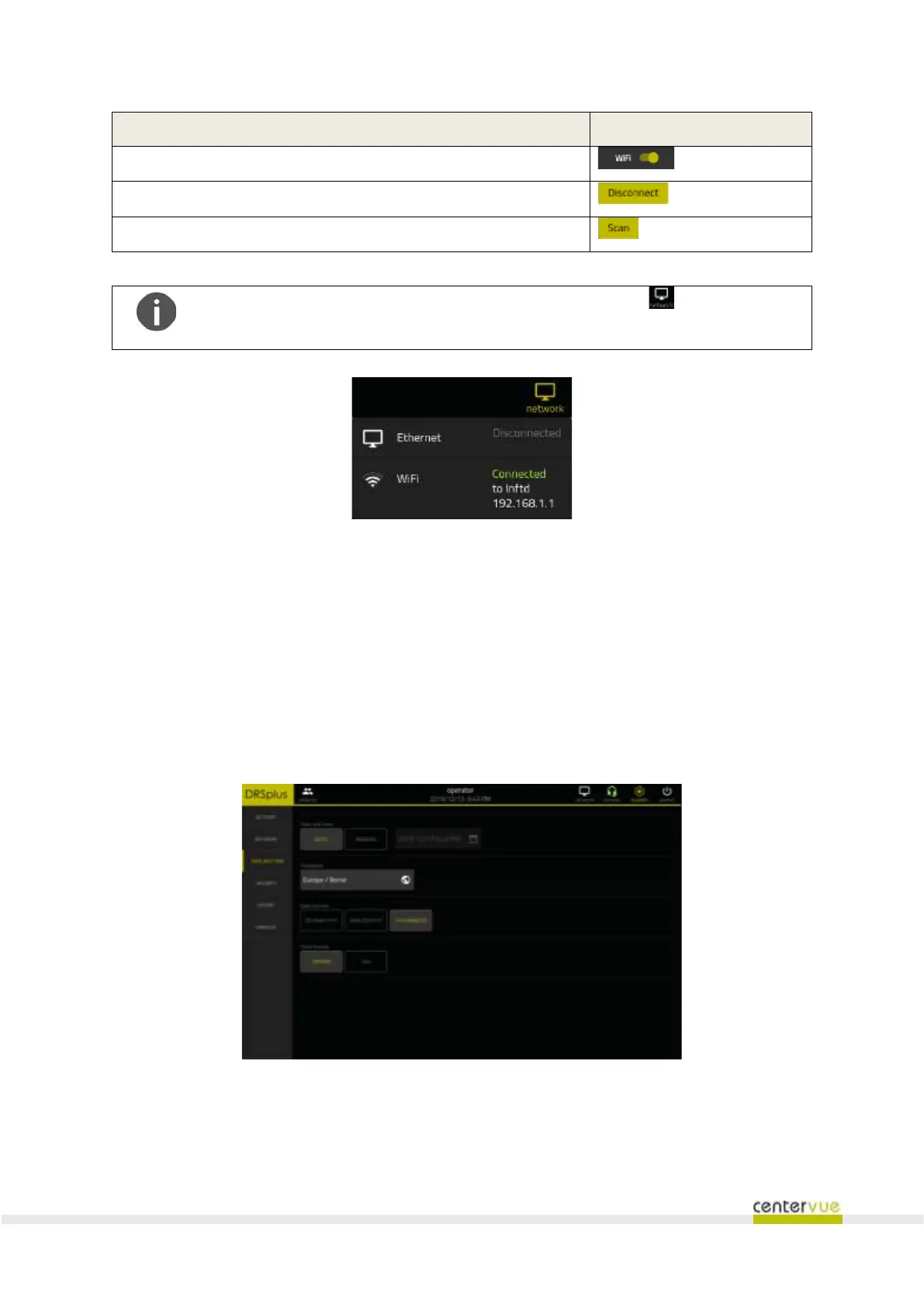
Fig. 41 – Example of wired and Wi-Fi network connection status
13.4 Date and time
This panel (Fig. 42) allows you to configure the parameters relating to the date and time formats,
offering the following functions:
❖ Automatic (requires Internet connection) or manual date and time settings;
❖ Time-zone settings;
❖ Date and time format settings.
Fig. 42 – “Date & Time” panel
13.5 Security
This panel (Fig. 43) allows you to configure the security options of the Remote Viewer, or to disable
the feature entirely.



 To Next Page