DRSplus – Operating Manual
13. Configuring the device
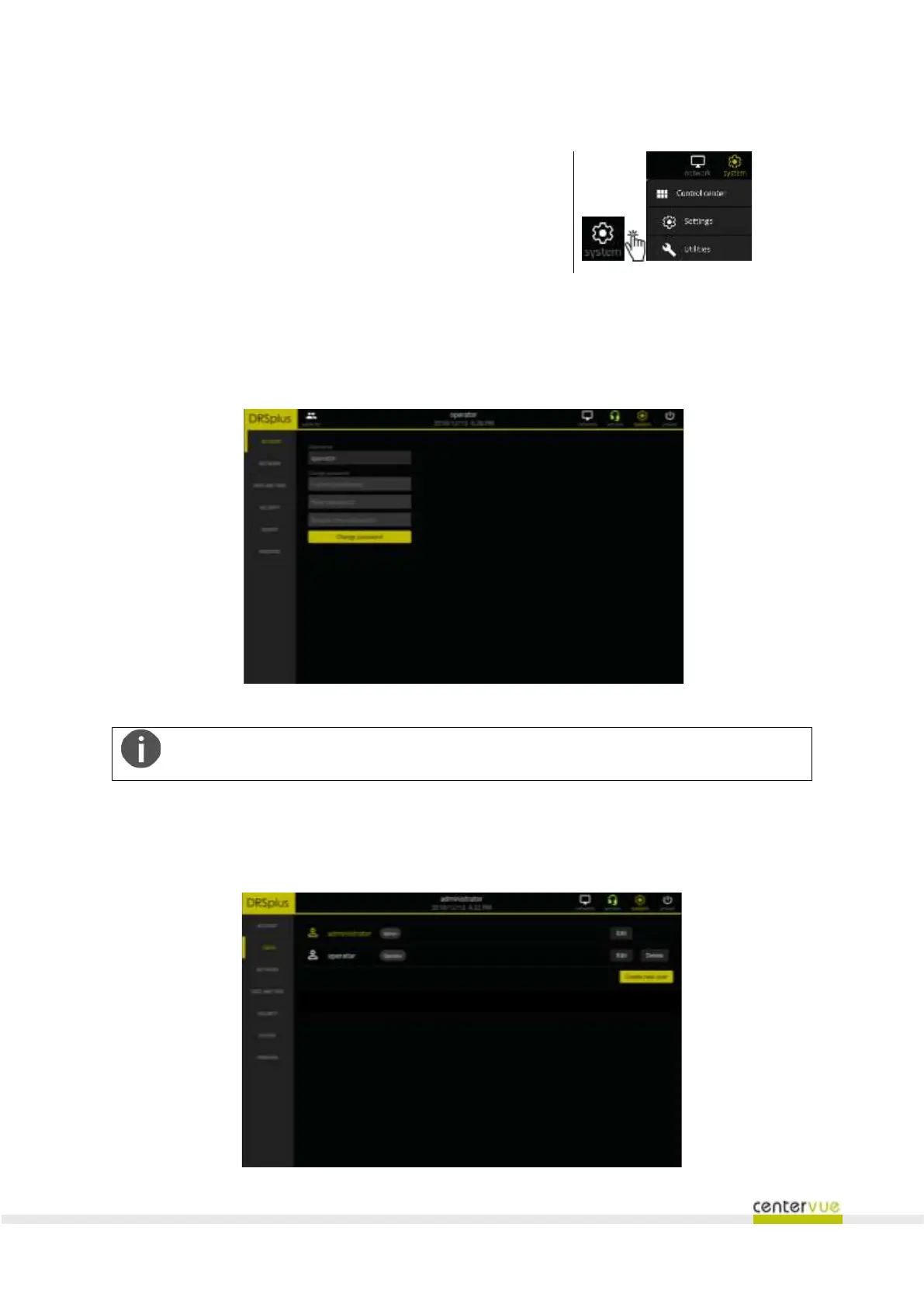
To access the configuration screen, click on the icon →
in the toolbar and then Settings in the drop-down menu.
The menu on the left allows access to various configuration panels, described below. Some
configuration panels are accessible or restricted, according to the user level.
13.1 Account
The “Account” panel (Fig. 37) allows users to change their password.
Fig. 37 – “Account” panel
You must know the current password in order to be able to change it.
13.2 Users
This panel (Fig. 38) is only accessible to the Administrator and enables management (creation,
modification and deletion) of user accounts.



 To Next Page