DRSplus – Operating Manual
11.3 Side-by-side image review
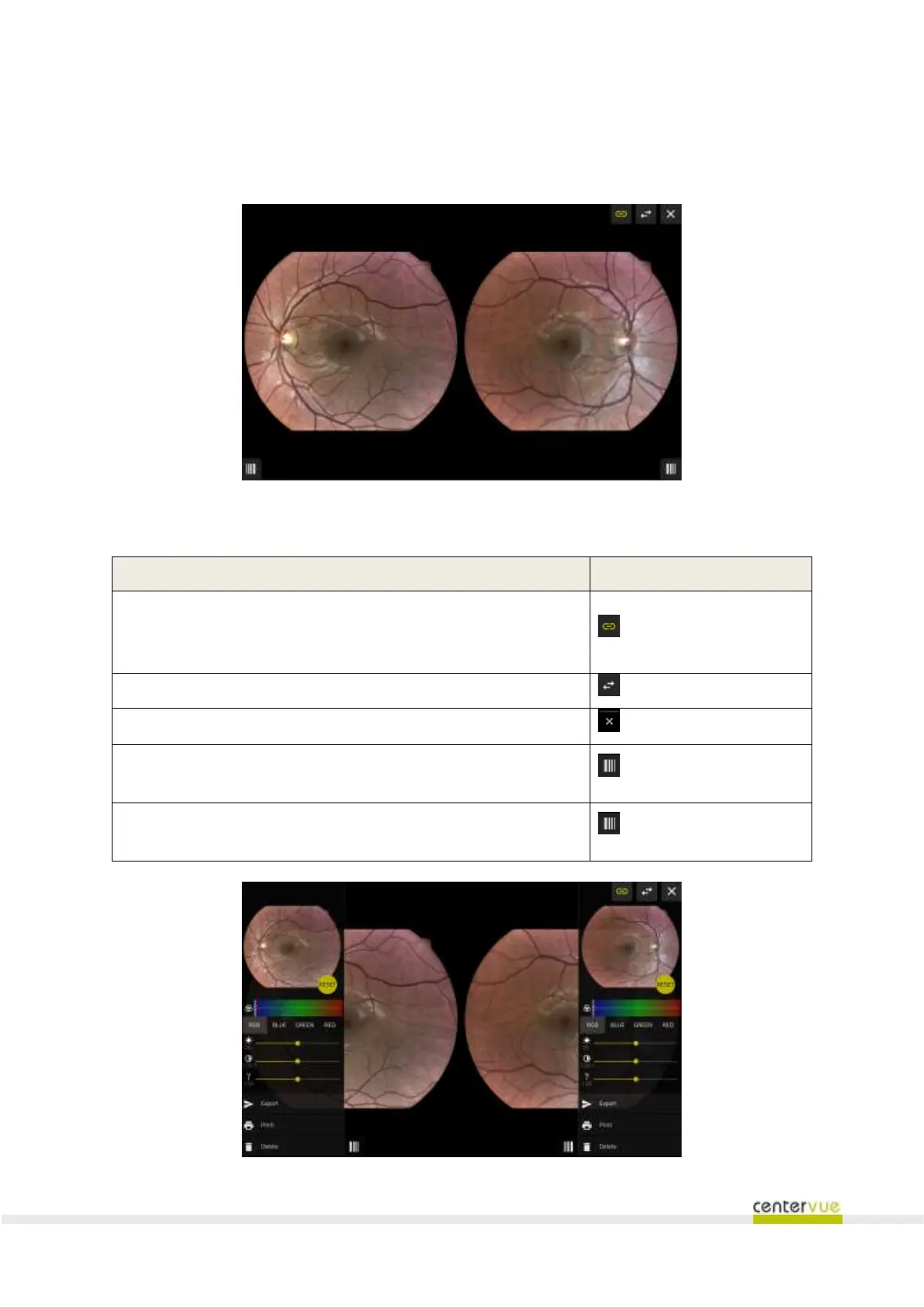
The “side-by-side” screen (Fig. 31) permits the operator to quickly compare any couple of images
selected from the Patient details screen. Images are shown next to each other.
Fig. 31 – Side-by-side screen
Available functionalities
Enable / Disable the zoom and pan synchronization (any zoom and
pan operation done on an image will immediately will replicated on
the fellow image)
Close the side-by-side review screen
Open the toolbar that includes: right image adjustments, export,
print and deletion.
Open the toolbar that includes: left image adjustments, export,
print and deletion.
Fig. 32 – Side-by-side image review with toolbars



 To Next Page