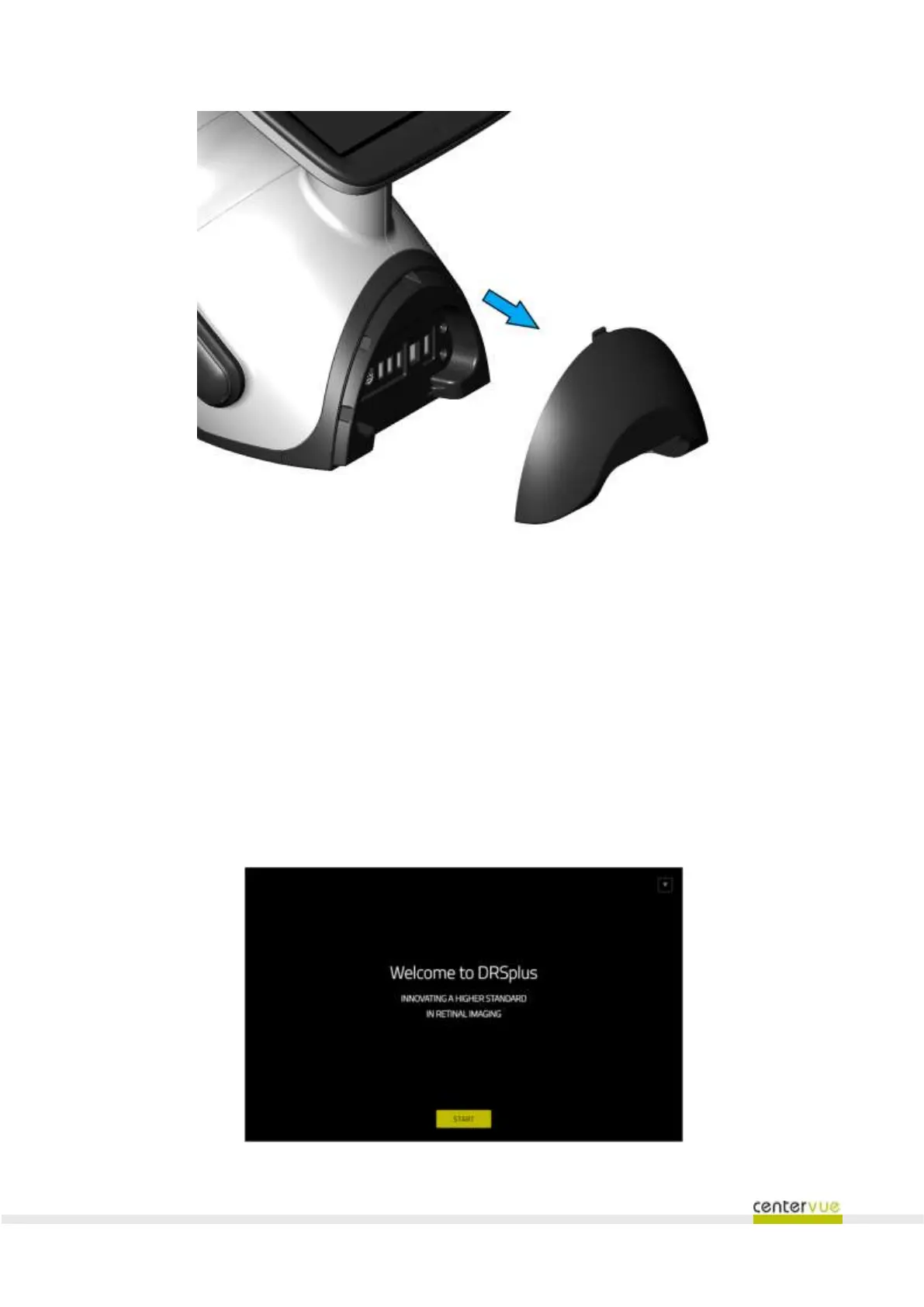
Fig. 12 – Back panel with cables protection shell
7.2 Initial configuration wizard
Turn on the device by pressing the power switch button: upon the first power on of the device, the
initial Configuration Wizard will be (Fig. 13).
Use the button located near the top-right corner of the screen to temporarily skip the Configuration
Wizard and go straight to the login screen. The Configuration Wizard will be shown the next time the
device is started.
To proceed with the Configuration Wizard, press the START button. In any of the wizard steps, it is
possible to browse back to the previous interface by pressing the PREVIOUS button.
Fig. 13 – Beginning of the Configuration Wizard



 To Next Page