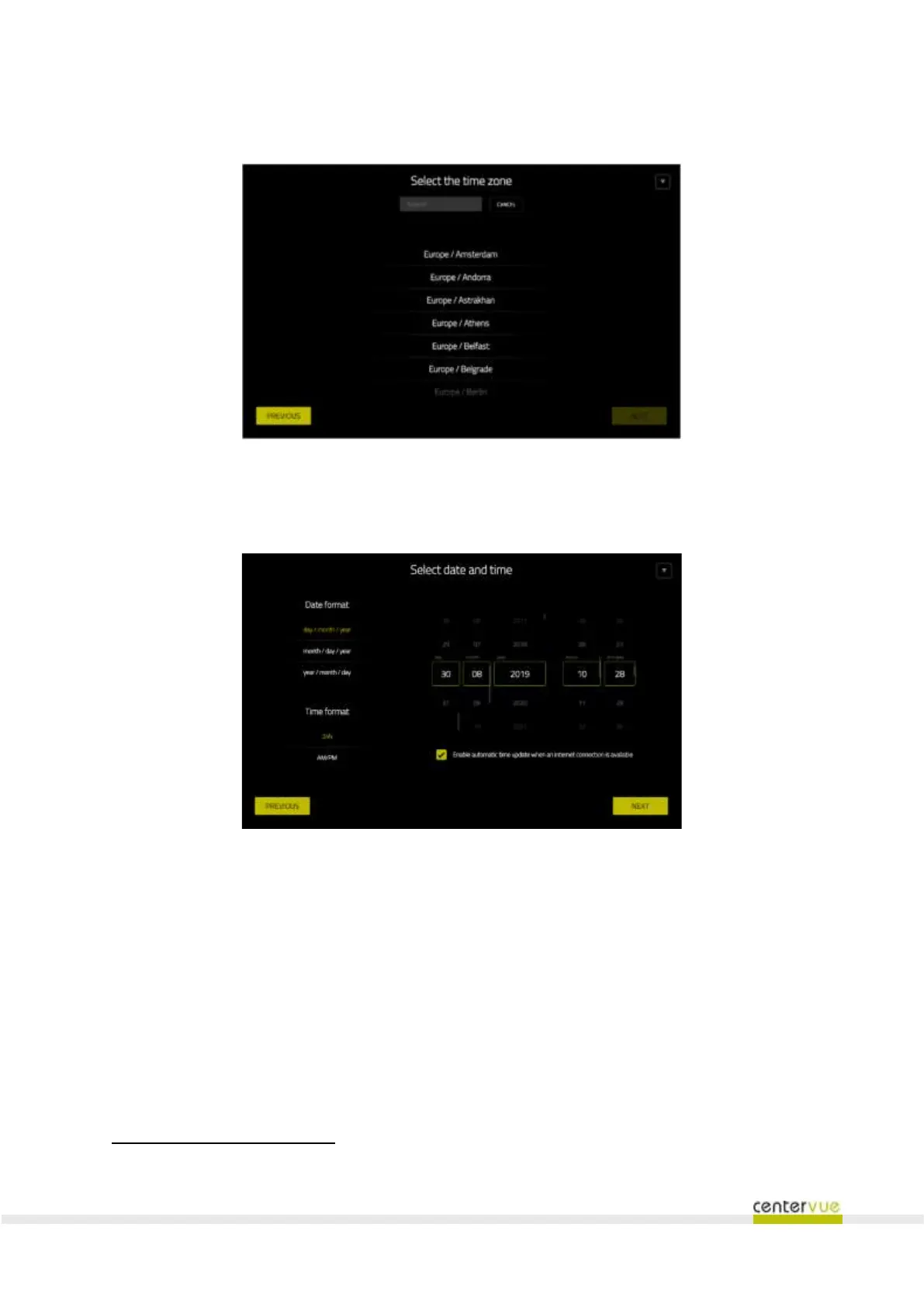
In the following step it is possible to set the current time-zone (Fig. 14).
Fig. 14 – Configuration Wizard: setting of the local time-zone
In the following step it is possible to set the current date and time and configure their format (Fig. 15).
Fig. 15 – Configuration Wizard: date and time settings
In the following screen (Fig. 16) the local “System Administrator” user can be created by selecting user
name and password. The user name must contain at least 4 characters
. The password must contain
at least 6 characters. It is possible to select for such user a different language than the one selected in
the first step.



 To Next Page