12. Exporting images
The drsplus offers extreme flexibility in exporting images. In detail, it is possible to:
❖ simultaneously export all images of one or more patients (§10.5, §11.1);
❖ export a single image (§0);
❖ configure (§13.6) one or more destinations, including USB and network drives;
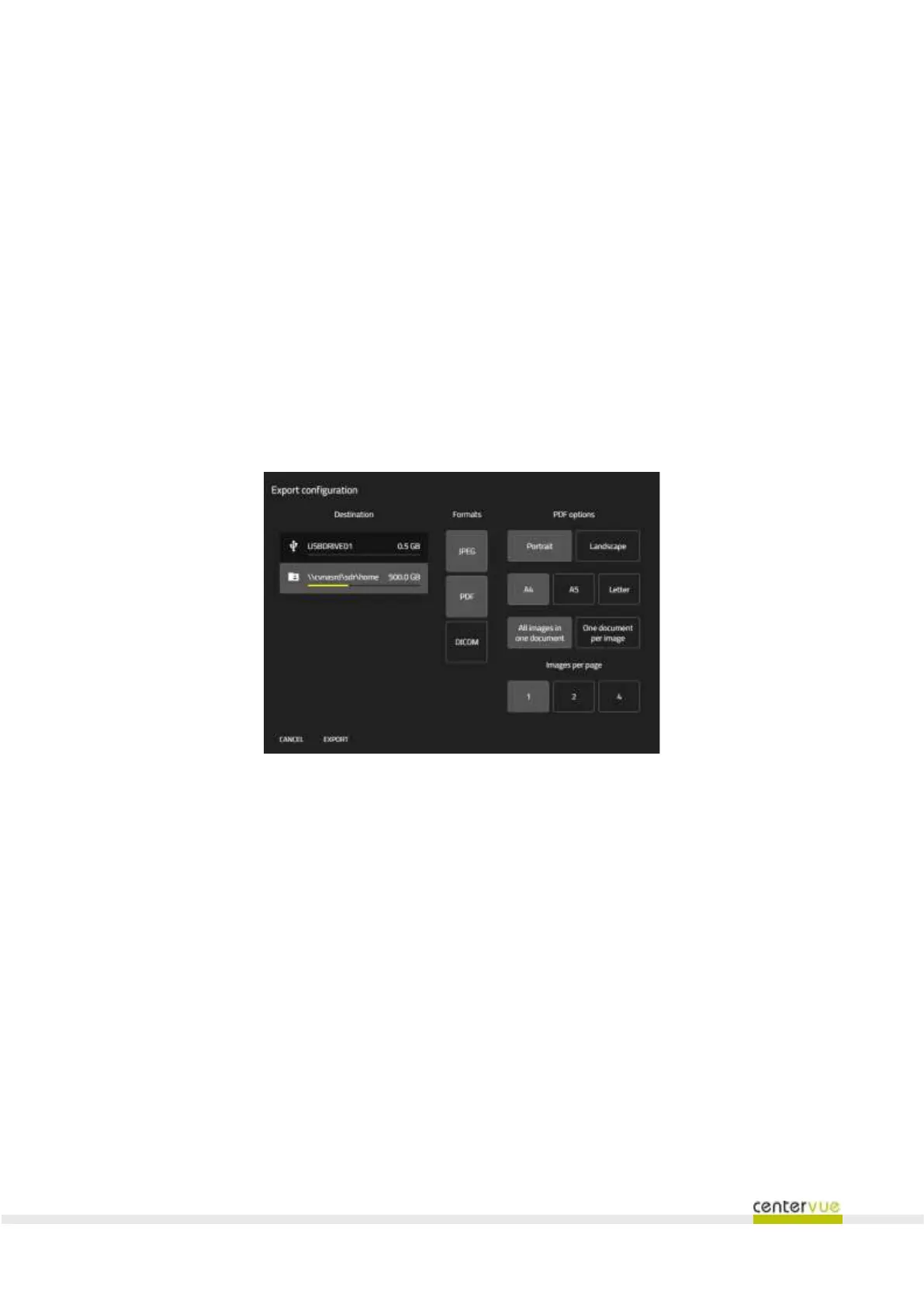
❖ choose export parameters (Fig. 36):
o select one or more of the following export formats: JPEG, PDF, DICOM;
o in the case of the PDF format, various parameters can be selected, including the
orientation of the paper (vertical, horizontal), sheet size (A4, A5, Letter) and number
of images per page.
❖ Once the export parameters have been defined, click on EXPORT to proceed.
Fig. 36 – Export panel



 To Next Page