DRSplus – Operating Manual
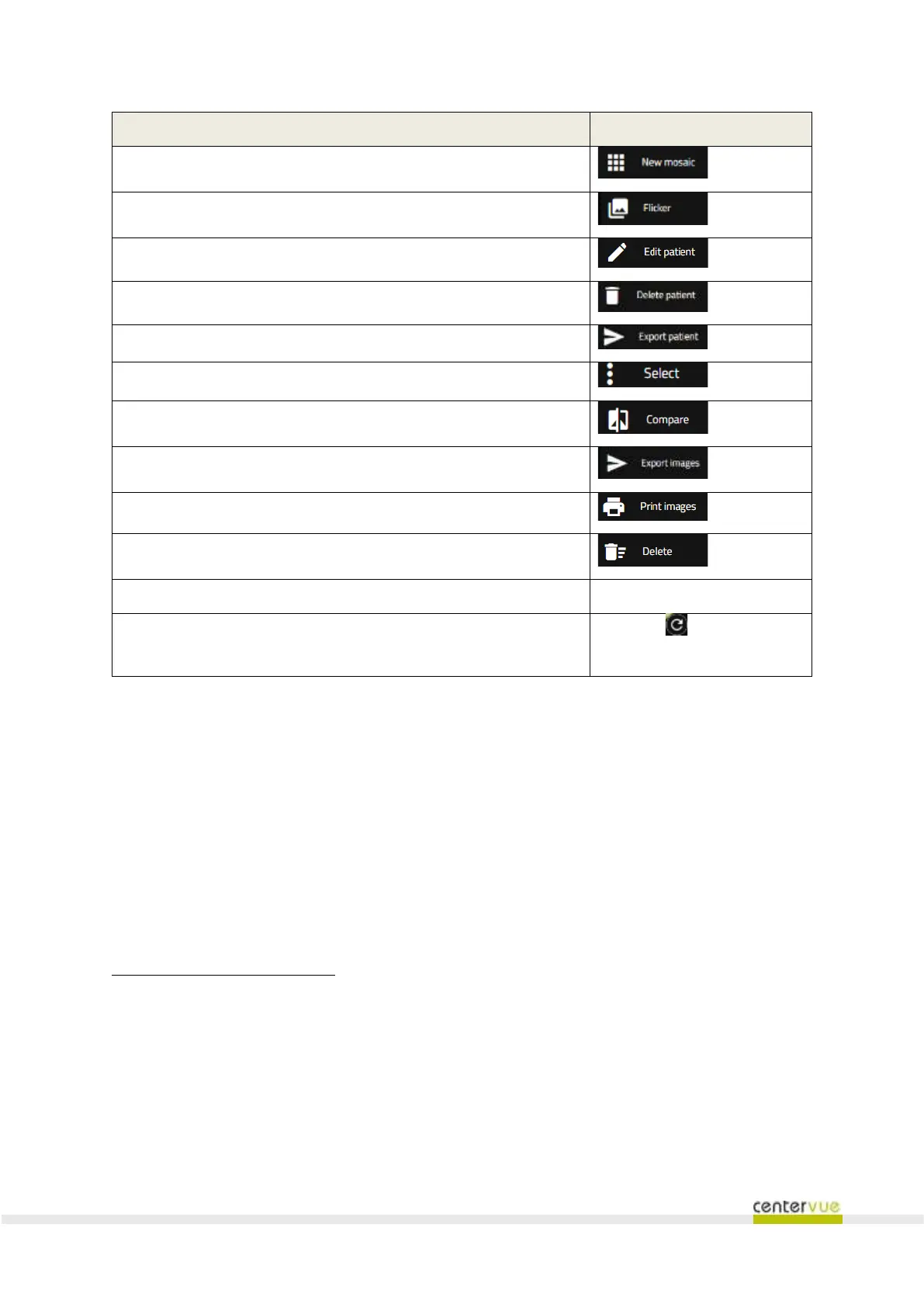
Creation of a new mosaic
2
Modify patient’s information
Delete the current patient
Export all of the images of the patient
Multiple selection of images
Side-by-side comparison of two images
3
Export of all of the patient’s images
3
Fullscreen review of a single image
Click on the image thumbnail
Press the icon on the
bottom right corner
Available under license only
Function is active only upon selection of two images
It is not possible to delete an image that has been mounted in a mosaic. Operator shall delete the mosaic
before deleting its images.
5
It is not possible to delete an image that has been mounted in a mosaic. Operator shall delete the mosaic
before deleting its images.
Only images acquired in the current date can be retaken



 To Next Page